What it is
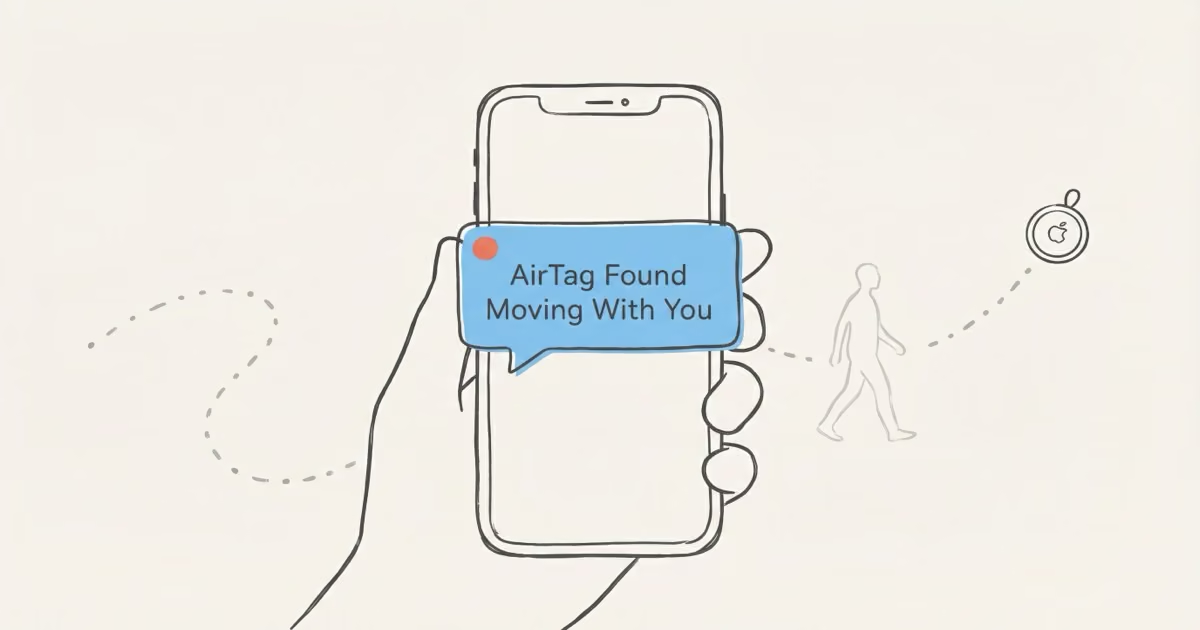
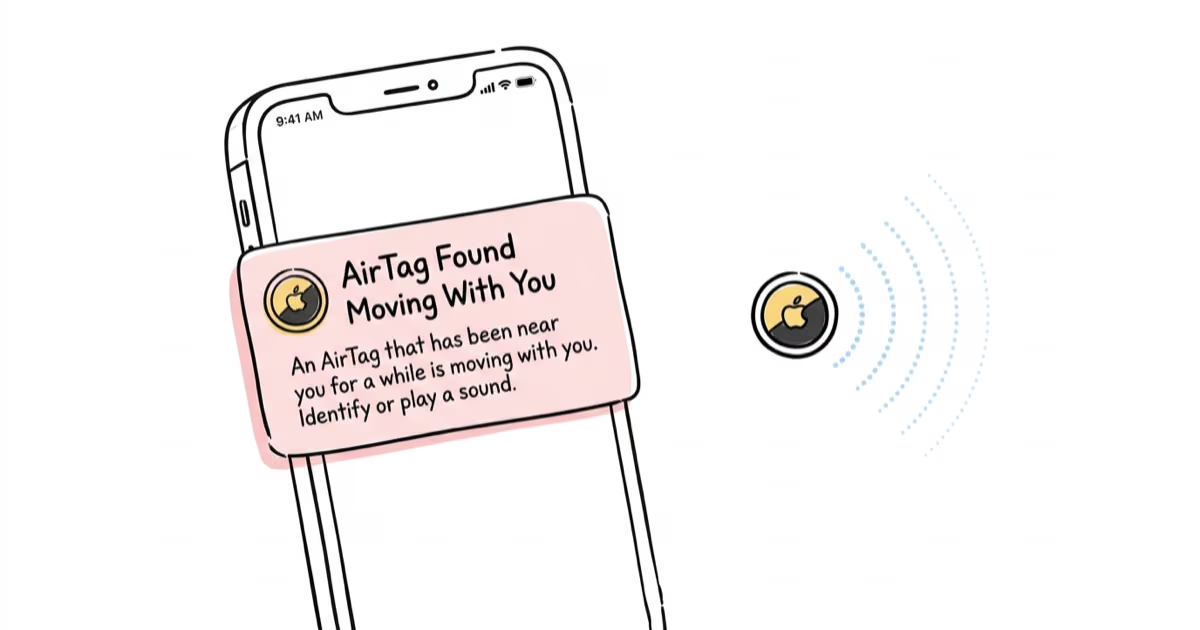
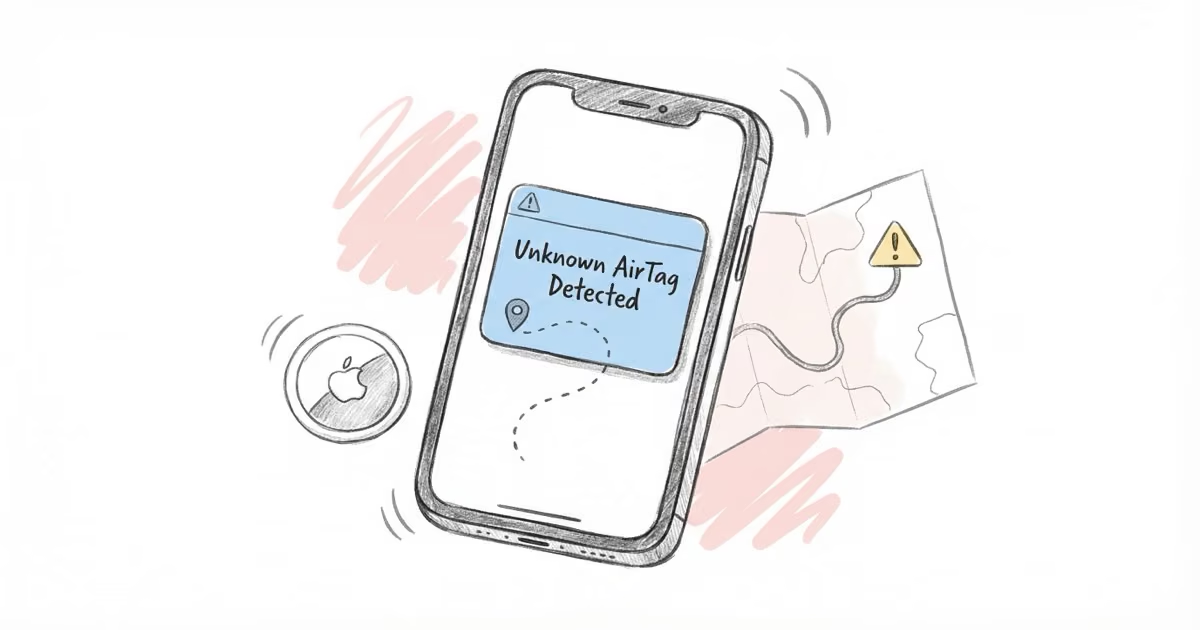
A tag not registered to you keeps appearing where you travel. iOS classifies it as moving with you and warns you; Android does the same through Find Hub. A separated tag also chirps on its own.
⚠ Guide · Anti-stalking & safety
If a tag you don't own is following you, modern phones do most of the detection for you. This is the calm, step-by-step map to noticing it, finding it, identifying it, and shutting it down.
A tag not registered to you keeps appearing where you travel. iOS classifies it as moving with you and warns you; Android does the same through Find Hub. A separated tag also chirps on its own.
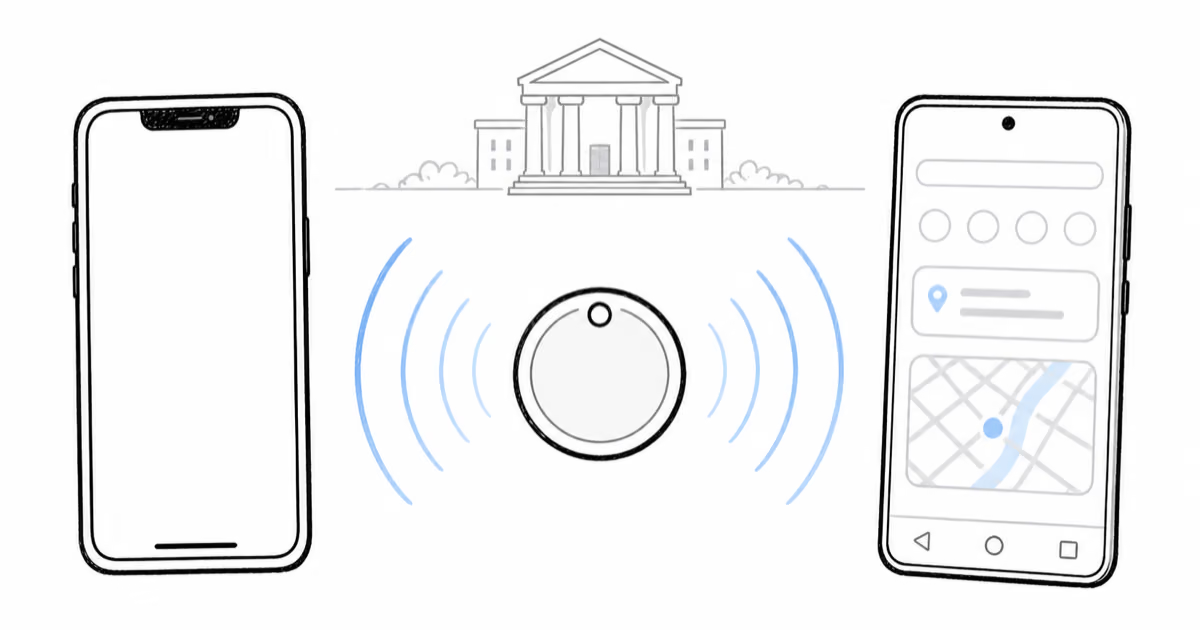
Every AirTag broadcasts a rotating Bluetooth ID relayed by nearby devices. Because the network does the relaying, a borrowed or older phone still gets the same warnings — a tracker can't dodge to the other platform.
Stay calm, get somewhere public and lit, play the sound, screenshot the map, read the NFC details, then remove the CR2032 cell. If the pattern repeats or the speaker is disabled, keep it powered and report it.
Reading map
Follow the sequence, or jump directly to the part of ownership you need.
Each AirTag broadcasts a rotating Bluetooth identifier relayed by the ~2 billion Apple devices on Find My. When a tag that isn't yours keeps appearing where you go, iOS classifies it as moving with you and raises a warning. Since May 2024 the same alerts reach Android 6.0+ under the joint Apple–Google standard, so a tracker can't simply target the other platform to stay hidden. Coverage scales with the crowd — minutes in a dense city, longer on a rural road.
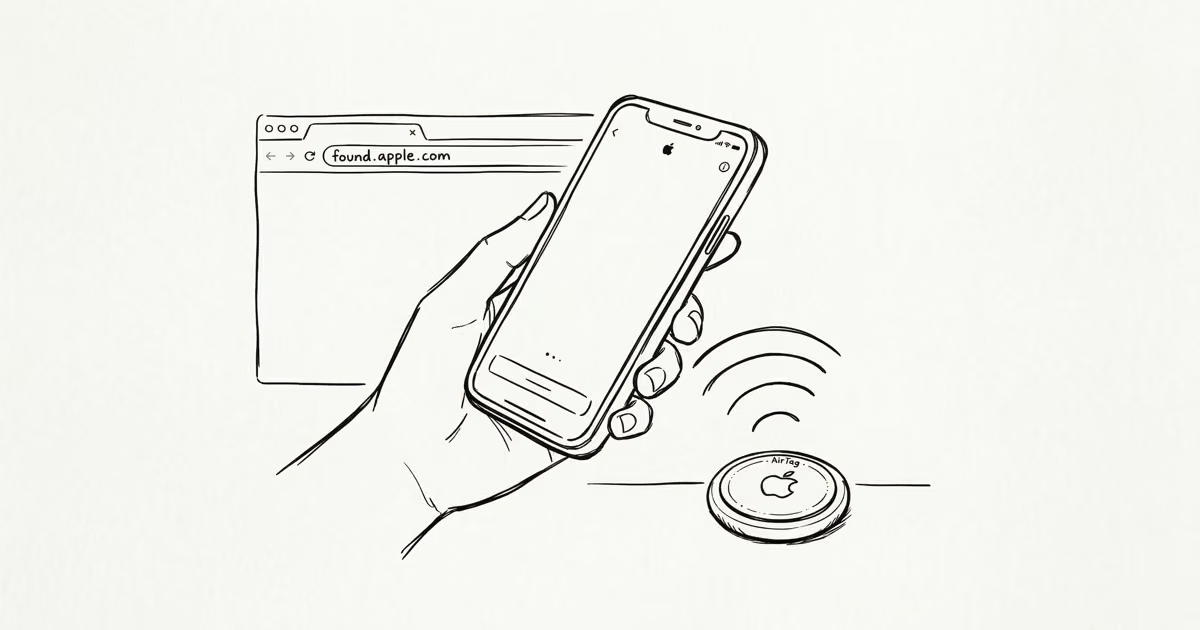
Start with the alert itself. Tap it, choose Play Sound to locate the tag by ear, and use the map to see where it first began following you. Once it's in hand, hold the top of your iPhone near it to read its NFC details — the last four digits of the owner's number, and any lost-mode note. Screenshot the alert, the map and the NFC page before you remove the battery, because pulling the cell also wipes the live trail investigators rely on.
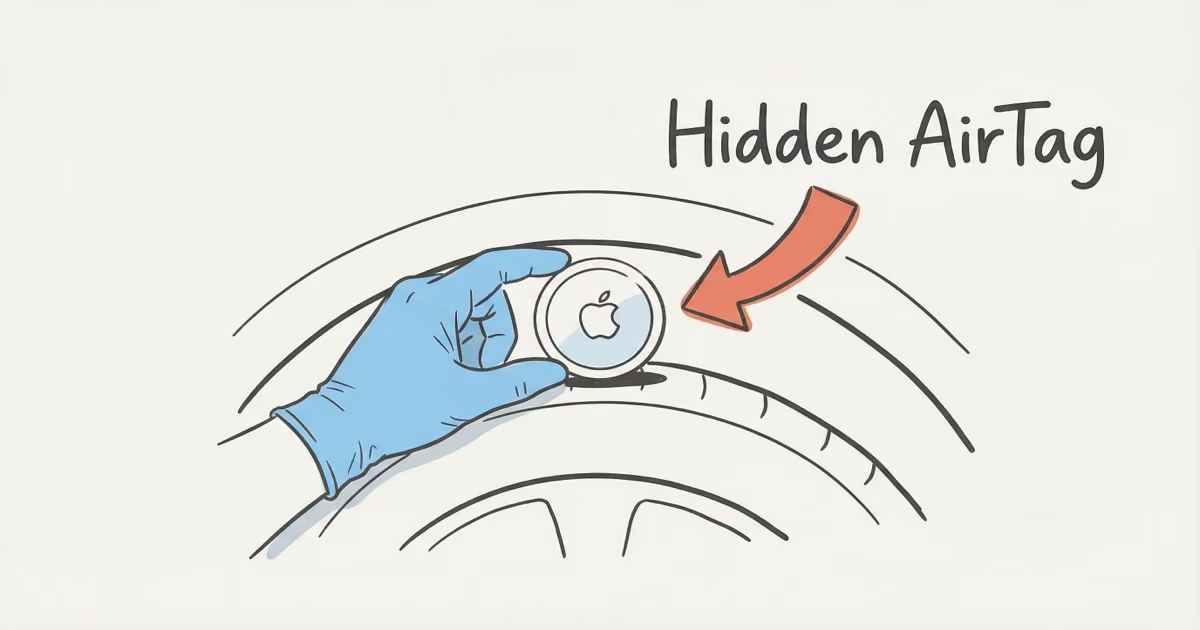
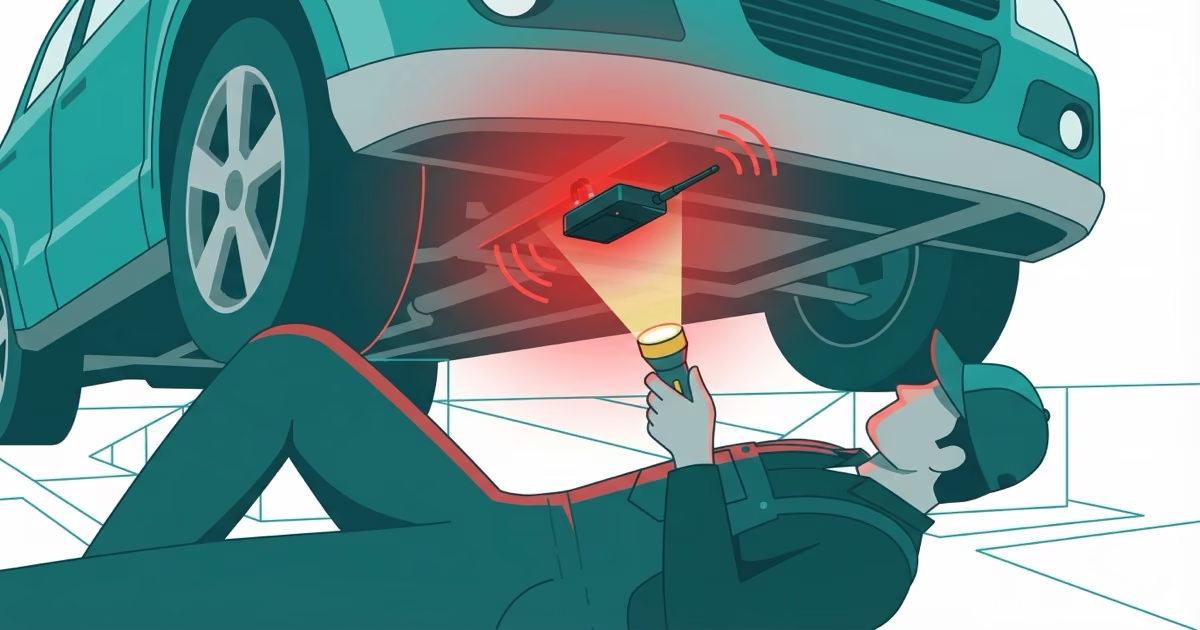
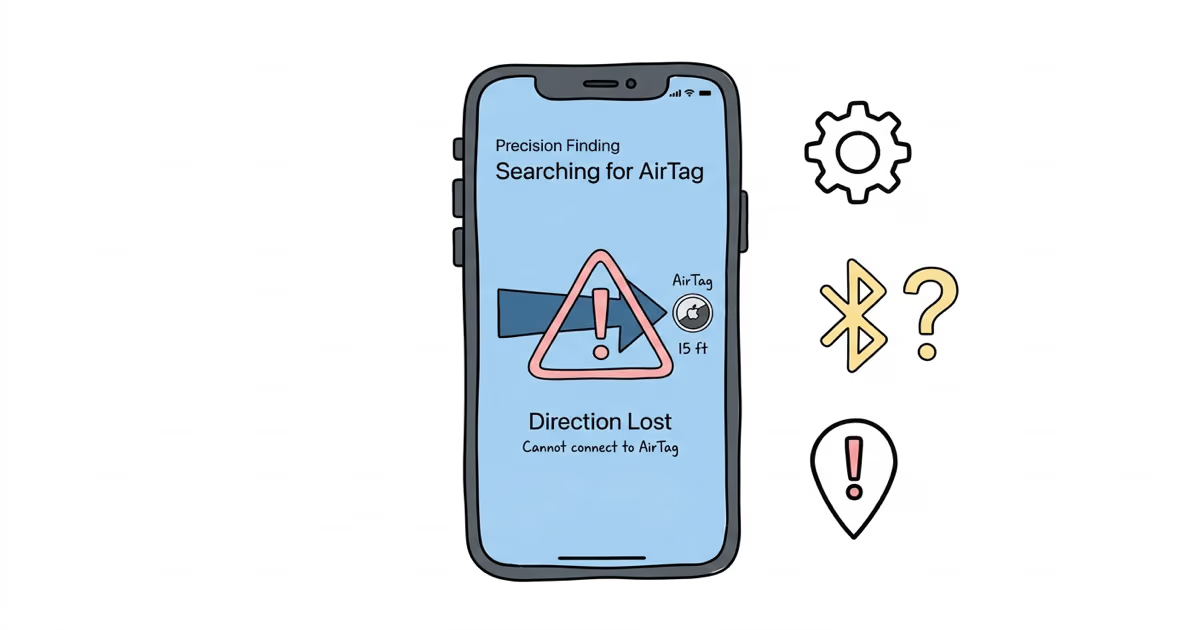
Hidden tags cluster in a short list of spots: in a vehicle, wheel wells, under seats, the trunk lining and behind the bumper; in a bag, a jacket pocket, a backpack seam or a purse lining. Apple's Precision Finding uses Ultra-Wideband to guide a recent iPhone to within inches — in our testing it led us to within ~18 inches of a tag in a wheel well. No recent iPhone? A Bluetooth scanner (AirGuard, nRF Connect, Tracker Detect) picked up the same tag from ~15 feet. If the device runs for months and reports over cellular, it may be a wired GPS unit instead.
Partly. Tapping any AirTag with an NFC phone shows its serial number and the last four digits of the registered owner's phone number — even outside Lost Mode. That rarely names a stranger on its own, but it's often enough to recognize someone you already suspect. The full identity sits with Apple, which keeps the registration record for about 25 days and releases owner details only through a legal process. The system is anonymous both ways: scanning a tag never exposes you to its owner.
The toolkit has tightened steadily. May 2024: Apple and Google shipped the shared Detecting Unwanted Location Trackers standard, bringing automatic alerts to Android 6.0+ for the first time. 2025: Google rebranded Find My Device to Find Hub and added its own cross-platform tracker alerts across ~3 billion devices. January 2026: AirTag 2 arrived with a louder speaker and tougher housing — and kept every anti-stalking measure intact. The practical upshot is redundancy: a tag now has to evade two large networks and two alert systems at once.
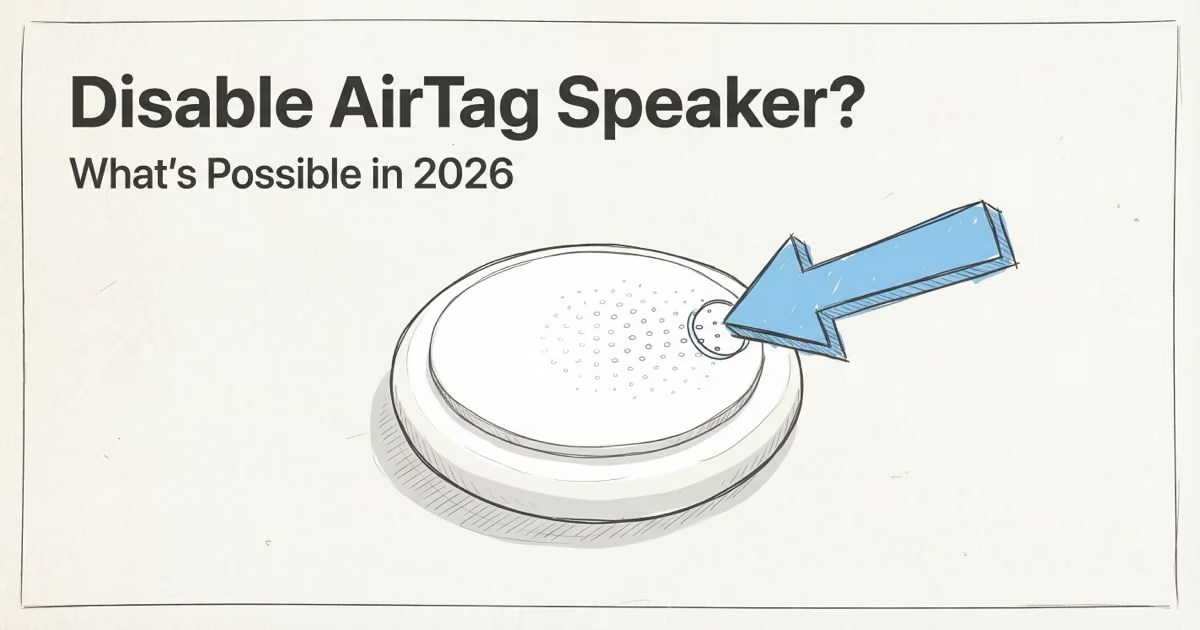
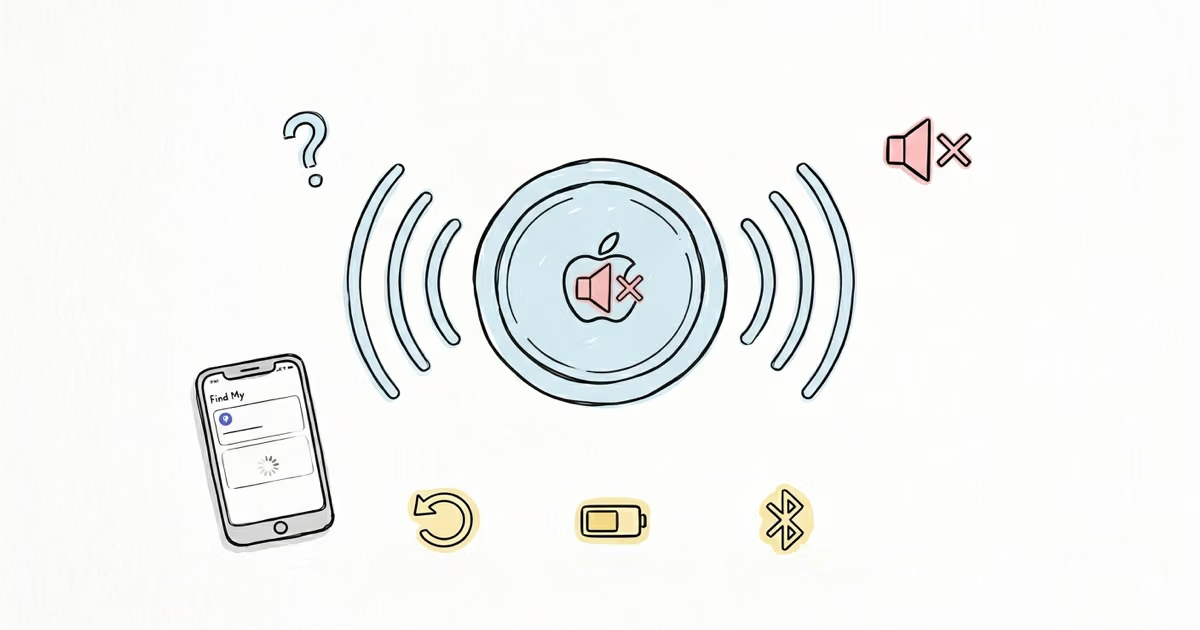
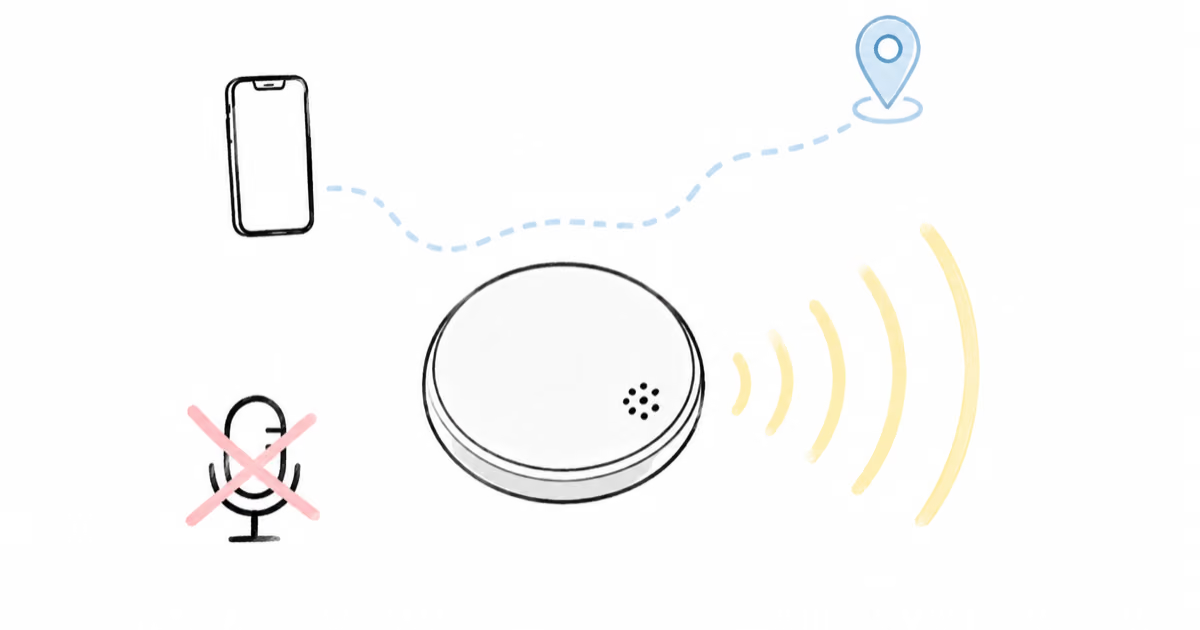
Disabling takes about a minute: press the polished steel back, twist counterclockwise, lift the cover and remove the CR2032 cell. The tag then stops broadcasting entirely — no firmware trick keeps it reporting once the battery is gone. To preserve evidence instead, silence the speaker but keep it powered. A silent tag is still detectable — the iPhone and Android alerts rely on the Bluetooth signal, not sound. A documented pattern of tracking is a matter for the police, who can pursue the owner's identity through Apple in a way a private NFC tap cannot. This guide is informational, not legal advice.
Full library
21 articles, with the curated path first.


AirTag Safety questions