AirTag can report the location of an object that travels with someone, but that capability doesn’t make it a people tracker. Apple says AirTag is designed for objects, not people or pets, and builds in cross-platform protections against unwanted tracking.
Use it only on belongings you own or may track.
When the subject is a person, start with consent and control.
- AirTag is an object finder. It’s not a real-time personal safety, caregiving, or emergency-response service.
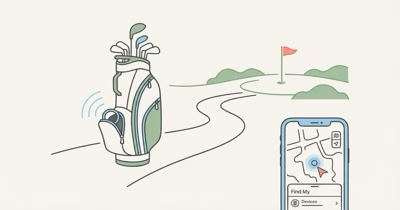
- The owner sees item updates, not a guaranteed live route. Find My relies on nearby Apple devices reporting an approximate item location.
- Consent changes the tool choice. Adults can share and stop sharing their iPhone location through Find My or Messages.
- A tracker in a bag tracks the bag. It can’t confirm who carries it, whether they’re safe, or whether help is needed.
- Unknown-tracker alerts require a safety response. Use Play Sound or Find Nearby, save the identifier information, and follow Instructions to Disable.
Should You Use AirTag to Track a Person?
No. Apple’s 2026 AirTag announcement describes the product as an object finder and explicitly says it’s not designed for tracking people or pets.
An AirTag locates tagged belongings.
It can’t verify the identity, wellbeing, or consent of whoever happens to carry them.
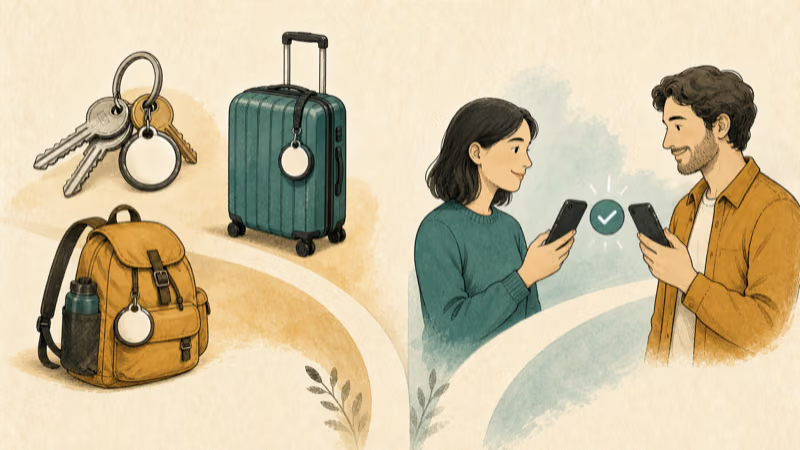
Secretly placing a tracker on a person or property you don’t own crosses the product’s safety boundary. Don’t use AirTag to follow a partner, employee, tenant, customer, or another adult without their clear knowledge and permission.
What an AirTag Owner Can See
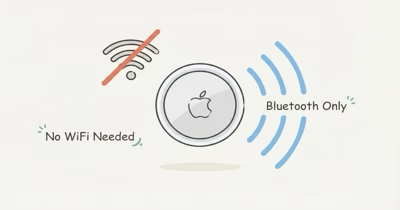
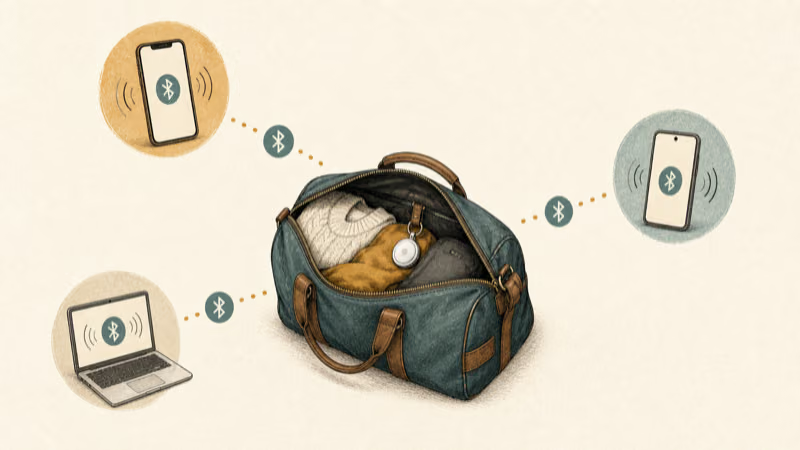
AirTag broadcasts into Apple’s crowdsourced Find My network.
Nearby Apple devices can report an approximate item location without revealing the relay device’s identity.
That’s an item update, not a continuous GPS stream.
Update timing depends on nearby compatible devices, the environment, movement, connectivity, and the AirTag’s state. A dense area may produce more updates than an isolated area, but there is no guaranteed refresh interval or universal accuracy radius.
Precision Finding is a short-range item-finding feature.
Apple’s claim that the current generation works from up to 50 percent farther away refers to an owner finding a lost item, not passive people tracking.
How Unwanted-Tracking Alerts Limit Covert Use
According to Apple’s current safety guidance, a supported iPhone or iPad can show AirTag Found Moving With You when an AirTag separated from its owner is seen moving with the device over time. The alert can offer Play Sound and, on supported Ultra Wideband iPhones, Find Nearby.
Android is part of the same safety layer.
Google says Android 6 and later can receive automatic alerts for unknown AirTags and supported compatible trackers. A manual scan can also find separated trackers nearby, although proximity alone doesn’t prove they traveled with the phone.
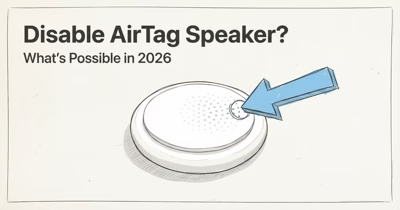
AirTag can emit a sound after separation and movement.
Apple doesn’t publish one guaranteed 8-to-24-hour countdown, and the current generation announcement doesn’t claim a faster separation-sound schedule.
Apple announced that the current AirTag is 50 percent louder and can be heard from up to twice as far away as the previous generation in its product update. The announcement doesn’t support claims about a tamper-proof speaker, hidden internal changes, or a fixed detection timer.
Consent-Based Choices for Families and Adults
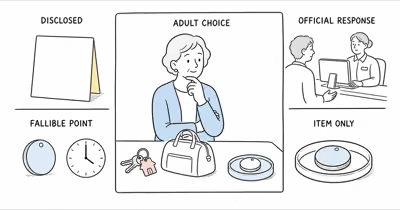
For adults who want to share their location, use a feature that makes the sharing visible and controllable. Apple confirms that people can choose a duration and stop sharing later in its location-sharing guide.
Consent should be understandable and reversible.
For a child, a tracker attached to a backpack still locates the backpack rather than the child. A caregiver should consider the child’s age and understanding, family rules, applicable law, who receives alerts, what happens when the item is separated, and how an emergency is escalated.
Care decisions need a human plan.
For an adult who may have impaired decision-making capacity, involve the person as far as possible and follow the care plan, legal authority, and professional guidance that applies. AirTag can’t replace a staffed safety plan, medical alert service, or device designed for a person’s risk level.

Match the service to the risk.
If you need live location, emergency calling, geofences, fall detection, or caregiver escalation, evaluate a purpose-built service on those requirements. Don’t choose based only on purchase price or the absence of a subscription.
What Should You Do if an Unknown AirTag Moves With You?
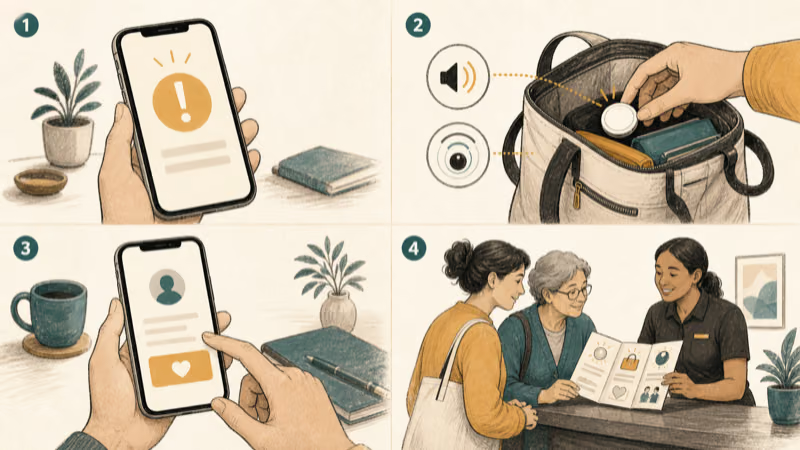
Open the alert and review where the item was detected with you. Use Play Sound or Find Nearby when available, and check only belongings and spaces you can inspect safely.
If you find an AirTag, hold an NFC-capable phone near its white side. Apple says the information page can show the serial number, the last four digits of the registrant’s phone number, and an optional Lost Mode message. Save the alert, map, and available identifier information.
The found-AirTag information guide explains what those limited fields can and can’t reveal.
Safety comes first.
Follow Instructions to Disable or the manufacturer-specific steps presented by the alert. Turning off Bluetooth, Location Services, or Airplane Mode on your phone doesn’t disable the AirTag.
If you can’t find it and feel unsafe, move to a safe public place and contact a trusted person or local law enforcement. Don’t confront someone you suspect or search an unsafe vehicle area. The moving-with-you alert guide provides the full protective sequence.
Consent and Safety Are the Boundary
Tracking laws, consent rules, parental authority, employment rules, and care obligations vary by jurisdiction and circumstance. Avoid universal claims such as “legal in every state” or “illegal in all 50 states.” Get local professional advice when the decision carries legal or safeguarding consequences.
The practical boundary is simple.
AirTag belongs on objects you own or may track. Locate people through transparent systems designed for people, with meaningful consent or the appropriate caregiving authority.
If someone uses a tracker without permission, focus on safety and documentation rather than predicting charges, penalties, or what a company must disclose. Law enforcement may request available information from Apple, but the article can’t promise what an investigation will obtain.
The product itself is being litigated. After a federal judge refused class treatment in March 2026, alleged stalking victims have filed dozens of individual suits against Apple. Those cases are unresolved. They don’t change the consent boundary above or what your own jurisdiction requires of you.
Bottom Line
Don’t use AirTag to track a person. Its Find My updates are object-location signals, not a live personal safety service, and unwanted-tracker protections are designed to expose misuse.
Use transparent Find My location sharing for consenting adults. For children or vulnerable adults, choose a documented care plan and a purpose-built service that fits the actual risk. If an unknown AirTag moves with you, use the official locate, record, safety, and disable flow.
FAQ
Can someone track you with an AirTag without you knowing?
An AirTag traveling with someone can report item locations through nearby Find My devices, but supported iPhone and Android devices can issue unwanted-tracker alerts. Don’t rely on a fixed alert timer.
Does AirTag show a person’s live location?
No. It shows crowdsourced location updates for the AirTag when nearby Find My network devices report it. Update timing and accuracy aren’t guaranteed, and the tag can’t confirm who carries it.
Can Android phones detect an unknown AirTag?
Yes. Google says Android 6 and later can receive automatic unknown-tracker alerts for AirTags and supported compatible trackers. Android also provides a manual nearby scan.
Should I put an AirTag in my child’s backpack?
Remember that it locates the backpack, not the child. Consider age-appropriate knowledge, family rules, local requirements, separation from the bag, alert handling, and whether a purpose-built safety service better matches the risk.
What is better for consent-based adult location sharing?
Use Find My, Messages, Maps, or another transparent sharing service that lets the person choose what to share and stop sharing later. AirTag is designed for objects.
What information can I get from a found AirTag?
Apple says an NFC scan can show the serial number, the last four digits of the registrant’s phone number, and an optional Lost Mode message. It does not provide a complete owner profile.
What should I do if I feel unsafe after an AirTag alert?
Move to a safe public place, contact a trusted person or local law enforcement, save the alert and identifier information, and follow the device-specific Instructions to Disable when appropriate.