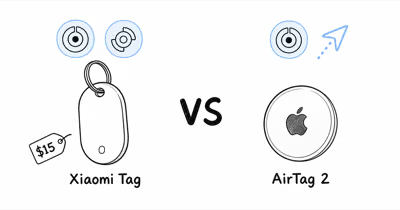
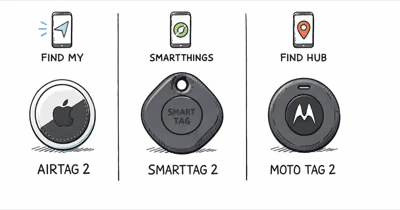
The Xiaomi Tag landed in late 2025 as Xiaomi’s first item tracker, and at $14.99 it’s roughly half the price of an Apple AirTag.
- Price: $14.99 single, $49.99 for a 4-pack, undercutting the AirTag by roughly 50 percent per unit
- Networks: Apple Find My OR Google Find Hub, one at a time, switched by a factory reset, not simultaneous
- Battery: User-replaceable CR2032, rated for about 1 year of normal use
- Hardware: Bluetooth LE 5.4, IP67 waterproof rating, 7.2mm thick at 10 grams, with NFC lost-mode tap
- Trade-offs: no ultra-wideband precision finding, modest piezo buzzer rather than a loud speaker, and US buyers import via Xiaomi’s global store
How Does the Xiaomi Tag Compete With the $29 AirTag?
GSMArena’s hands-on coverage confirms that the Tag is 7.2mm thick and weighs 10 grams, one of the thinnest CR2032-powered trackers on either Find My or Find Hub.
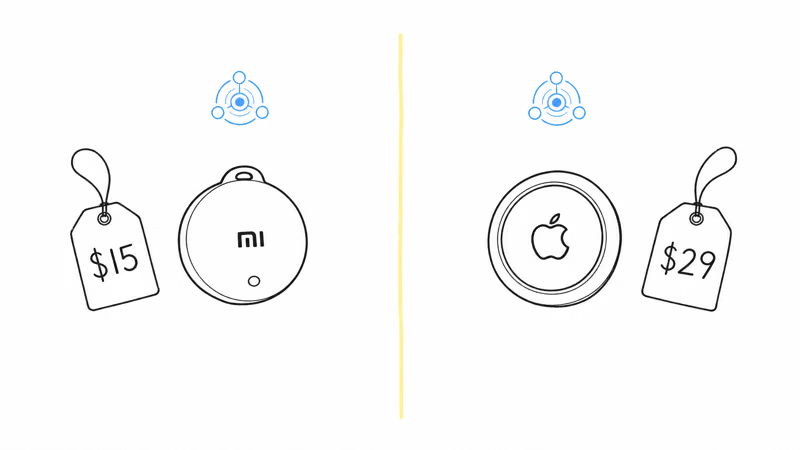
At $14.99, the Tag is among the cheapest trackers that ship with both Apple Find My and Google Find Hub support in one SKU. Android Central’s comparison found that the Tag matched the AirTag on Find My offline-finding time inside dense urban areas, with both reporting within 4 to 6 minutes during their tests.
Find Hub timing depends on nearby Android relay devices and Google’s current network thresholds, so treat it as a relay-network behavior rather than a fixed timing promise.
The hardware tells a similar value story. According to Xiaomi’s official spec sheet, the Tag uses Bluetooth LE 5.4 and a CR2032 cell rated for over 1 year, which matches the AirTag’s stated battery life on paper. Xiaomi also frames IP67 as a lab water-resistance rating for fresh water, not permission for pool, ocean, or pressure-water use.
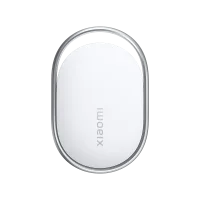 Best Value
The give-up versus an AirTag is the U1/U2 ultra-wideband chip. Apple’s Find My product page describes Precision Finding as the directional arrow that walks you to the tag from a few meters away. The Xiaomi Tag has no UWB radio, so last-mile guidance falls back to a ringer instead of a visual arrow. For a budget Android tag that does add UWB, our Xiaomi Tag vs Moto Tag 2 comparison weighs price against precision.
Setup: One Network at a Time, Switchable by Reset
Pairing follows a short in-app flow through the Mi Home app on iPhone or Google Find Hub on Android.
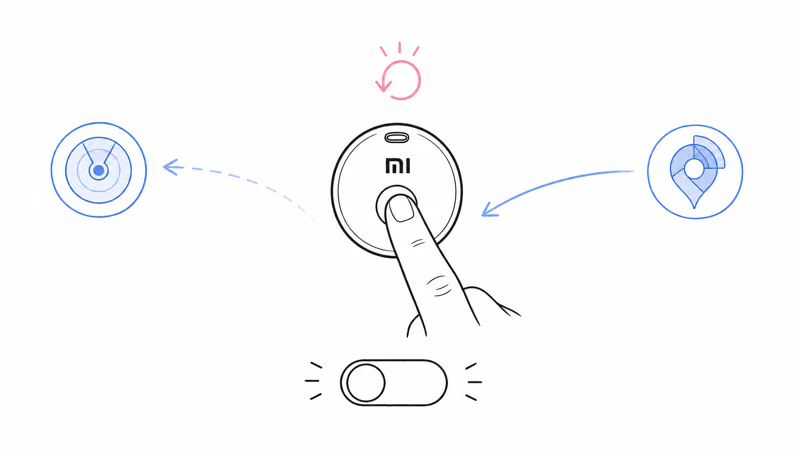
The app workflow is identical for both networks: pop the plastic tab to wake the CR2032 cell, hold the Tag near the phone, tap to confirm. You can’t run the Tag on both networks at the same time. To switch from Find My to Find Hub, you factory reset the Tag with the hardware button, then re-pair from scratch.
This is the same one-network-at-a-time limitation Chipolo’s dual-format trackers carry. Our Apple Find My vs Google Find Hub deep dive explains why the dual-platform design is a switch rather than a bridge: the two networks use different encryption handshakes and can’t share the same advertising payload.
Most households pick one network and stay. The switch exists for the case where you change phones, not for daily use.
Range, Buzzer, and Lost-Mode Findings
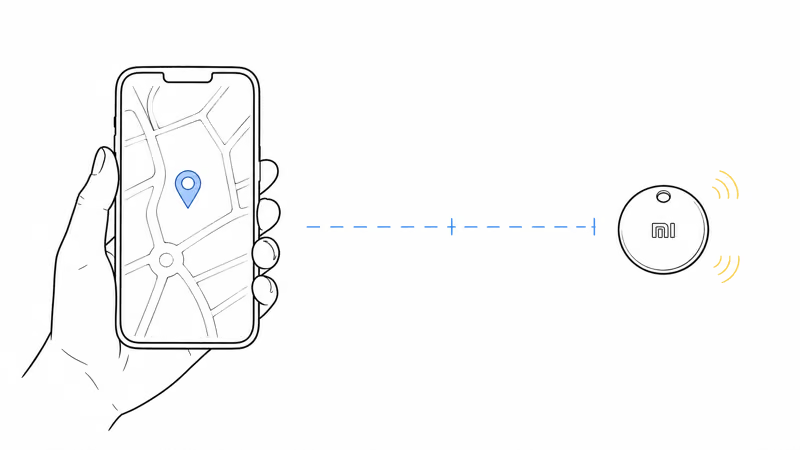
Xiaomi does not publish a lab-style Bluetooth range chart for the Tag. The practical rule is simpler: BLE proximity works best in open space, while walls, appliances, parked cars, and body-blocking can shrink the usable signal quickly.
| Spec area | What to expect |
|---|---|
| Bluetooth finding | Proximity ring only; no UWB direction arrow |
| Offline finding | Apple Find My or Google Find Hub, one network at a time |
| Buzzer | Published loudness not stated in decibels |
| Lost mode | NFC tap for owner contact details |
| Battery | User-replaceable CR2032, rated over 1 year |
The buzzer is the largest hardware compromise. Xiaomi does not publish a decibel rating, so treat the ringer as last-meter help rather than a loud-room guarantee.
If buzzer volume matters, compare published speaker claims in our tracker spec comparison guide.
The buzzer is audible across a quiet room but easily lost under a couch cushion or a pile of laundry. Plan to use the Find My or Find Hub directional map first, and treat the buzzer as a last-meter helper rather than the primary find tool.
Lost mode is where the Tag earns back some of that ground. The Tag carries an NFC chip on the back face, so any Android or iPhone user who finds your lost item can tap it and pull up a contact card you set during pairing, with no app install on their side.
Our airtag alternative roundup breaks down which competitors include the NFC tap feature. The Xiaomi Tag is one of only three under $20 that does.
What Are the Trade-Offs You Should Know About?
No tracker at this price is perfect. Four limitations are worth flagging before you buy.
No UWB precision finding. The Tag uses Bluetooth Low Energy 5.4 only, with no ultra-wideband radio. Per the Bluetooth LE technical overview, BLE 5.4 gives you a Received Signal Strength Indicator heat-map but not the centimeter-level direction arrow that UWB enables on AirTag and SmartTag 2.
Modest piezo buzzer. Xiaomi does not publish a loudness rating, so don’t buy it for noisy airports, packed cars, or buried-laundry searches. If you need a louder find sound, our AirTag vs Galaxy SmartTag comparison lists trackers that hit 95 dB and above.
One network at a time. Mixed-OS households that swap between an iPhone and a Pixel will need to factory reset and re-pair to switch the Tag’s network.
US distribution. The Tag isn’t on Amazon US through any official channel. Listings labeled “New for Xiaomi Air Tag” on Amazon are third-party rebrands of a different product entirely, and we don’t recommend them. US buyers currently import via the Xiaomi global store or AliExpress.
Where to Buy the Xiaomi Tag in the US
The Tag is sold through Xiaomi’s global store and AliExpress, not Amazon US. Per the IP rating standard reference, the Tag’s IP67 grade certifies dust-tight construction and survival in 1 meter of water for 30 minutes, which makes the import shipping risk minimal.
A single unit runs $14.99 plus about $5.99 international shipping, with delivery to the US typically in one to two weeks.
The 4-pack at $49.99 ships at the same flat rate, which works out to roughly $14 per tracker including freight. If import shipping is a deal-breaker, our best cheap Bluetooth tracker roundup ranks Amazon-stocked options under $20 that ship Prime. The Chipolo Pop and the Pebblebee Tag both list there, though neither matches the Tag’s price-to-feature ratio.
Buyer Recommendations for Mixed-OS Households
The Tag is the right pick for households that mix iPhone and Android, want to spend under $20 per tracker, and don’t need ultra-wideband precision finding.
Keys, backpacks, and luggage are the sweet spot. Bikes and cars where you might need to track from several meters away are not.
If you’re locked into iPhones, the AirTag remains the safer pick for the louder ringer and UWB. If you’re locked into Android, the Pebblebee Tag for Find Hub gives you a louder buzzer at a similar price. Our best dual-network trackers roundup compares the Xiaomi Tag against Chipolo Pop and Pebblebee Tag for switchable households.
For luggage that crosses borders, plan on packing the Tag inside a checked bag rather than relying on it for active range. Bluetooth-only trackers depend on a passing phone to relay position, and dense airports are full of passing phones.
Bottom Line
The Xiaomi Tag at $14.99 is the cheapest credible item tracker that works on either Apple Find My or Google Find Hub. The hardware basics, Bluetooth LE 5.4, IP67 waterproofing, and a user-replaceable CR2032, all match trackers that cost twice as much.
The honest caveats are real: no UWB precision finding, no published buzzer loudness rating, one network at a time, and US distribution through Xiaomi’s global store rather than Amazon. If those trade-offs don’t break the use case, the Tag is the best value in the category right now. For owners who want UWB or a loud speaker, an AirTag or a Samsung SmartTag 2 remains the right purchase.
FAQ
Does the Xiaomi Tag work on iPhone?
Yes. The Xiaomi Tag pairs with Apple Find My through the Mi Home app on iOS and then appears in the Items tab of the standard Find My app. Offline finding through the Find My network works the same way as an AirTag, although the Tag lacks the U2 ultra-wideband chip that powers Precision Finding.
Can the Xiaomi Tag use Apple Find My and Google Find Hub at the same time?
No. The Tag supports either Apple Find My or Google Find Hub but only one network at a time. To switch you factory reset the Tag with the hardware button, then re-pair through the other network’s setup flow.
How long does the Xiaomi Tag battery last?
Xiaomi rates the CR2032 cell for about 1 year of normal use, which matches the AirTag’s stated battery life. Heavy use of the Find Sound function or Precision Finding equivalents on Find Hub will drain faster. The battery is user-replaceable, unlike Chipolo’s older sealed cards.
Is the Xiaomi Tag waterproof?
The Tag carries an IP67 rating, which certifies dust-tight construction and lab-tested fresh-water immersion under controlled conditions. Pool chlorine and salt water sit outside the IP67 spec, so don’t plan on either.
Where can you buy the Xiaomi Tag in the United States?
The Tag is sold through Xiaomi’s global store and AliExpress with international shipping to the US. It isn’t stocked on Amazon US through any official channel. Listings labeled “New for Xiaomi Air Tag” on Amazon are third-party rebrands of a different product and we don’t recommend them.
How loud is the Xiaomi Tag buzzer?
Xiaomi doesn’t publish a decibel rating for the Tag’s piezo buzzer. Use the Find My or Find Hub proximity map first and treat the buzzer as a last-meter helper, not the main reason to buy this tracker.
Does the Xiaomi Tag support NFC lost mode?
Yes. The Tag has an NFC chip on its back face. Any iPhone or Android phone that finds the lost item can tap it and pull up a contact card you set during pairing. The finder does not need to install the Mi Home app to read the contact card.