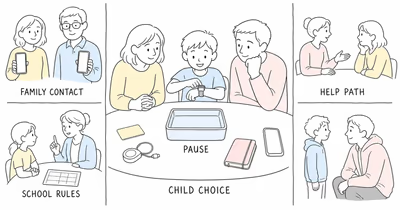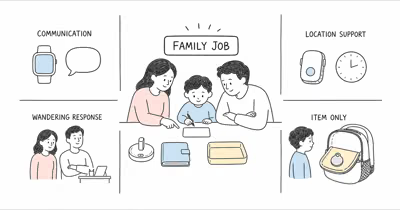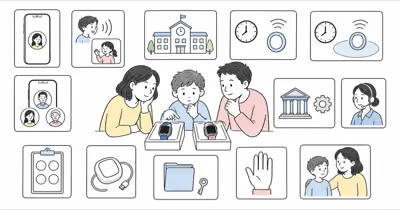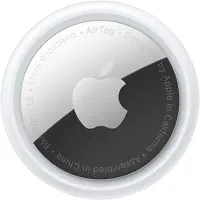
The phrase “GPS tracker for kids with no monthly fee” hides two different needs. Finding a backpack is an item-tracking job. Monitoring a child’s location or receiving an SOS is a safety-service job.
Start with the need, not the cheapest device. A no-fee item tracker may be enough for belongings, while a child-safety plan may require cellular service, communication, school coordination, or direct supervision.
Use a tracker only for belongings you own or are authorized to manage for a child in your care. Explain the purpose to the child and relevant caregivers instead of designing the setup around secrecy.
- No-fee Bluetooth trackers find belongings through nearby network devices; they aren’t continuous GPS.
- A cellular child-safety device needs service but may add frequent updates, geofences, SOS, or calling.
- Use trackers only for your own child’s belongings, with age-appropriate notice and caregiver consent.
- Review app permissions, retention, sharing, school rules, and account access before use.
- If a child is missing, contact law enforcement immediately. Don’t wait for a tracker to update.
What Does “No Monthly Fee” Mean?
A Bluetooth item tracker usually has no required data plan. It broadcasts a short-range signal, and compatible nearby phones can relay a detection to the owner’s account.
A cellular GPS device estimates location and sends data through a mobile network. The subscription pays for connectivity, account services, alerts, history, and sometimes calling.
The FTC states that covered apps need approval before collecting data from children under 13.
No fee doesn’t mean real-time. A Bluetooth tracker may show a current or last detected location, but the update depends on compatible devices, radio conditions, battery state, and network participation.
A subscription doesn’t guarantee safety. Cellular coverage, device power, app delivery, fit, removal, account settings, and response time can still interrupt a location or alert.
The AirTag versus GPS guide explains the network difference in more detail.
Choose the Job Before the Tracker
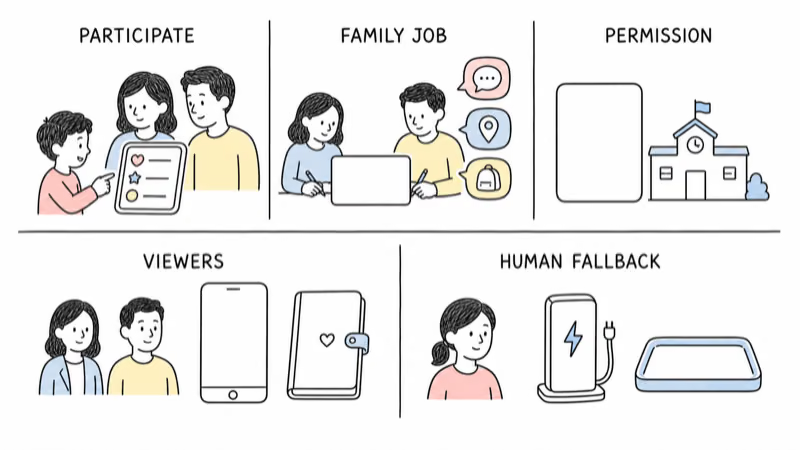
| Need | Better starting point | Important limit |
|---|---|---|
| Find a backpack, jacket, or lunchbox | Bluetooth item tracker | Update depends on the chosen network |
| Check location during a routine trip | Caregiver-managed cellular GPS device | Needs coverage, power, and a service plan |
| Receive an SOS or make a call | Purpose-built watch or safety device | Child must be able and willing to use it |
| Respond to a missing child | Emergency plan and law enforcement | A tracker is supporting information only |
For elopement risk, disability support, custody questions, or a recurring safety concern, involve the child’s care team and school. Product selection should follow the individualized plan.
Compare Four No-Fee Item Trackers
These are item trackers for belongings, not child-safety devices. Their order isn’t a completed hands-on ranking, and volatile prices are omitted.
⇄ Head-to-head
No-fee trackers for backpacks and belongings
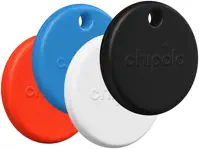
- +Uses Apple's Find My network
- +Replaceable coin-cell battery
- +Precision Finding on supported Apple devices
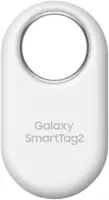
- +Uses Samsung SmartThings Find
- +Replaceable coin-cell battery
- +Compass-style finding on supported Galaxy devices
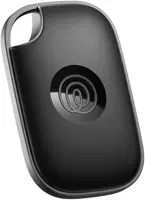
- +Supports iOS and Android apps
- +Replaceable coin-cell battery
- +Loud ring for finding an item nearby
- +Can be configured for one supported finder network
- +Replaceable coin-cell battery
- +Loud ring for finding an item nearby
- −Requires an Apple account and compatible setup device
- −No SOS, calling, or independent cellular connection
- −Unwanted-tracking protections can reveal a separated tag
- −Best features depend on a compatible Samsung Galaxy device
- −No SOS, calling, or independent cellular connection
- −Location refresh depends on participating network devices
- −Community finding uses a different network from Apple or Samsung
- −Some app features may be optional paid services
- −No SOS, calling, or independent cellular connection
- −One unit can't participate in both finder networks at once
- −Switching ecosystems requires setup changes
- −No SOS, calling, or independent cellular connection
Choose it for an item in an Apple household, not as a real-time child-location device.
Choose it for a child's belongings when the caregiver household already uses compatible Samsung Galaxy devices.
Choose it when cross-platform item finding matters more than integration with Apple or Samsung's finder network.
Choose it for belongings when you want one hardware family that can be configured for the caregiver's chosen ecosystem.
Verify the current app, account, device compatibility, water resistance, battery claim, optional service, and seller before purchase. Those details can change.
When Is Subscription GPS Necessary?
A dedicated cellular tracker becomes relevant when the family needs updates without waiting for nearby phones, a boundary alert, caregiver sharing, an SOS button, or two-way calling.
Those features still need a response plan. Decide who receives alerts, who can see history, when the child carries the device, how it charges, and what happens when it loses coverage.
Use the least intrusive system. More location history creates more sensitive data and access risk.
The child tracker decision guide compares item finding, cellular GPS, watches, and caregiver workflows by job.
Privacy, Consent, and School Rules
Tell the child in an age-appropriate way what the device does, who can see it, and when it’s used. Include the other parent or guardian when custody or shared-care arrangements apply.
Apple states that AirTag and Find My accessories are for belongings, not people, and include unwanted-tracking protections.
Review what the chosen app collects, how long it stores location history, which caregivers have access, how accounts are protected, and how data can be deleted.
Check the school’s policy first. A school may restrict electronics, location devices, watches, or recording features. Get written clarification instead of assuming that an inner backpack pocket makes the device acceptable.
Use a Transparent, Reversible Family Trial
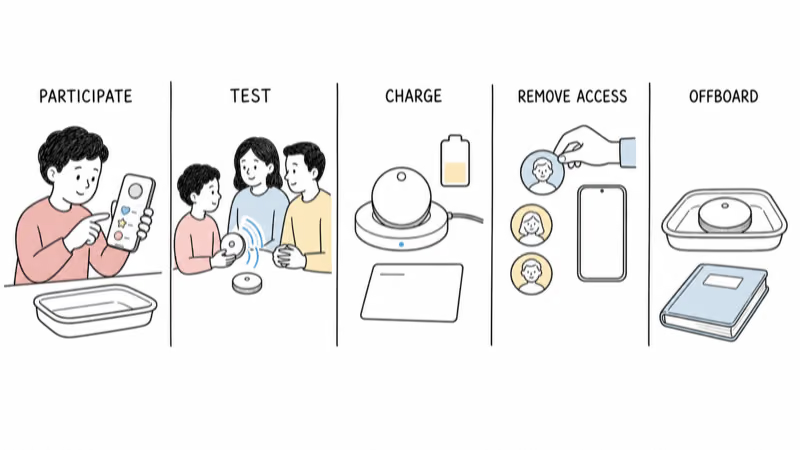
- Define the job. Write down whether the device is for an item, a routine check-in, communication, or an emergency plan.
- Set access. Limit viewing to the caregivers who need it and enable account security features.
- Explain the setup. Tell the child and relevant caregivers what is tracked and what is not.
- Test failure modes. Check delayed updates, low battery, lost signal, removed devices, missed alerts, and unavailable caregivers.
- Review and stop. Set a date to decide whether the benefit still outweighs the privacy and maintenance cost.
Don’t name the tracker with a child’s full name or expose live location in public screenshots. Keep recovery contacts and account credentials separate from the child’s belongings.
Limits and the Emergency Boundary
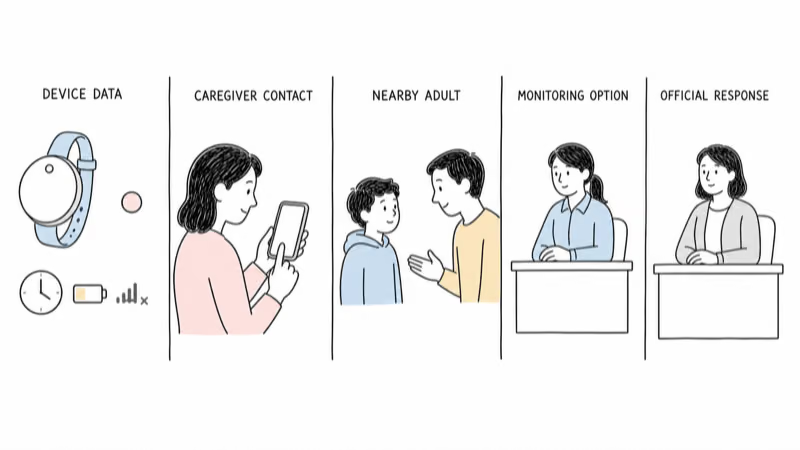
A last-seen point can be old, imprecise, or attached to a backpack that is no longer with the child. It doesn’t prove who has the item or where the child is now.
A Bluetooth item tracker can’t call for help, confirm safety, replace a trusted adult, or tell you why an item moved. A cellular device can also fail or be removed.
If a child is missing, act immediately. The U.S. Department of Justice recommends calling local law enforcement first, then NCMEC at 800-THE-LOST. Don’t wait for a tracker to update.
The DOJ’s missing-child guidance also lists the identifying information families should provide.
Bottom Line
No-fee Bluetooth trackers can help find a child’s backpack or jacket. They aren’t a substitute for a cellular safety device when a family needs frequent location, geofencing, SOS, or calling.
Choose the job first, use the least intrusive system that meets it, involve the child and caregivers, follow school rules, and keep an emergency plan that doesn’t depend on any tracker.
FAQ
Can a no-fee tracker show a child’s location in real time?
Not reliably. Bluetooth item trackers report detections through nearby network devices and can show a current or last-seen location. They don’t provide the independent cellular connection used for frequent GPS updates.
Is an AirTag a child GPS tracker?
No. AirTag is an item tracker for belongings. It has no independent cellular connection, SOS button, or calling. Apple also includes unwanted-tracking protections designed to discourage using it to track people.
Do all cellular child trackers require a monthly fee?
Most need a service plan or compatible cellular account because they transmit data through a mobile network. Verify the current contract, coverage, cancellation terms, and features before choosing a device.
Which no-fee tracker works with my phone?
AirTag uses Apple’s ecosystem, SmartTag 2 is designed around compatible Samsung Galaxy devices, Tile supports iOS and Android, and Chipolo Pop can be configured for one supported finder network. Check current compatibility first.
Should a child know about the tracker?
Yes. Explain the purpose and access in an age-appropriate way, include relevant caregivers, and avoid designing the setup around secrecy. Privacy, custody arrangements, school rules, and local law still apply.
Can a school prohibit trackers or smartwatches?
Yes. Schools can set rules for electronics, location devices, watches, and recording features. Review the written policy and ask the school before sending a device in a backpack or on the child’s body.
What should I do if my child is missing?
Act immediately and call local law enforcement. In the United States, contact NCMEC at 800-THE-LOST after reporting to police. Preserve tracker information, but don’t delay the emergency response while waiting for an update.