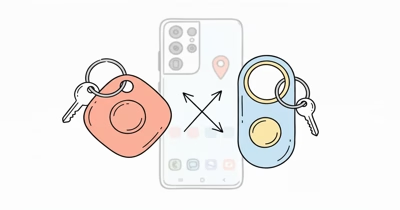
Samsung’s original Galaxy SmartTag made sense in 2021. It attached to keys, rang through SmartThings Find, used nearby Galaxy devices for out-of-range updates, and doubled as a button for SmartThings routines.
The product decision has since changed. Samsung now sells Galaxy SmartTag2, while original EI-T5300 pages survive mainly as regional product archives and old stock can appear through third-party sellers.
A useful historical review answers whether to keep one and what to buy now.
- The original SmartTag is a legacy model. Its listed strengths remain Bluetooth finding, a replaceable CR2032, and a programmable SmartThings button.
- It’s Galaxy-only. Supported Samsung devices and a Samsung account are central to setup and ownership.
- The base original tag has no UWB. Samsung sold SmartTag+ separately for directional finding.
- SmartTag2 is the current replacement. It adds UWB support, IP67, NFC Lost Mode, and up to 500 days in Normal Mode.
- Avoid price-based nostalgia. Old stock is worthwhile only when identity, account state, seller, return terms, and price are clear.
Original Galaxy SmartTag in 2026
The original SmartTag carries model number EI-T5300. According to Samsung’s archived product specification, it uses BLE, a replaceable CR2032, a buzzer, one button, and Galaxy compatibility from Android 8.
Samsung states that the tag reaches up to 120 m unobstructed and lasts up to 300 days. Walls, furniture, interference, search frequency, sound use, battery quality, and firmware can reduce those limits.
The 13 g original measures 39.1 × 39.1 × 10.4 mm.
Its protection was described as similar to IP53, not as submersion-rated. The separate SmartTag+ added UWB and AR guidance, so don’t assume a base SmartTag includes that hardware because a marketplace title uses “SmartTag” loosely.
Current Replacement: Galaxy SmartTag2
§ Review summary
Current replacement: SmartTag 2
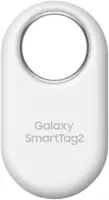
≡ Specs
- Network
- Samsung SmartThings Find
- Compatibility
- Supported Galaxy devices with Android 9 or later
- Nearby finding
- Bluetooth; UWB Compass View on compatible phones
- Listed range
- Up to 120 m unobstructed
- Battery
- Replaceable CR2032; up to 500 days Normal Mode
- Power Saving
- Up to 700 days listed
- Dimensions
- 28.8 × 52.44 × 8.0 mm
- Weight
- 13.75 g
- Water rating
- IP67
- Recovery
- Sound, Compass View, NFC Lost Mode
- Subscription
- None
✓ Pros
- +SmartThings Find crowd network for Galaxy users
- +UWB Compass View on compatible Galaxy phones
- +Up to 500 days in Normal Mode and 700 in Power Saving Mode
- +IP67 dust and water resistance
- +NFC Lost Mode and replaceable CR2032 battery
✗ Cons
- −Setup and ownership remain tied to supported Galaxy devices
- −UWB guidance requires a UWB-equipped Galaxy phone
- −Power Saving Mode trades capability for the 700-day claim
- −Crowd-network updates depend on participating Galaxy devices
- −HotAirTag has not independently tested current range or battery life
§ Buy if
- ·Buy if you use a compatible Galaxy phone and want Samsung's current item tracker
- ·Buy if Compass View, NFC Lost Mode, and IP67 matter more than cross-platform setup
- ·Skip if your household may move to iPhone or a non-Galaxy Android phone
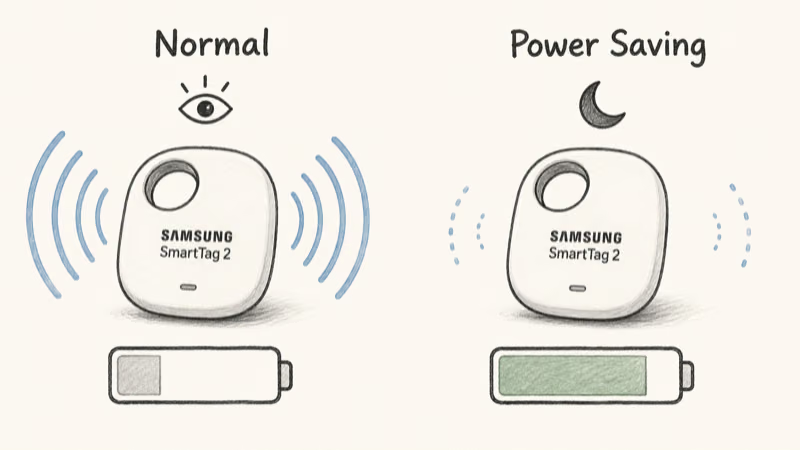
Samsung announced that SmartTag2 lasts up to 500 days in Normal Mode, 50% longer than previous models, and lists IP67 protection.
Power Saving Mode raises the listed maximum to 700 days.
Why Does Galaxy Compatibility Decide the Purchase?
Both generations are designed around Samsung’s ecosystem. An iPhone, Pixel, or other non-Galaxy Android phone can’t become the owning setup device just because it has Bluetooth.
The restriction reaches beyond pairing. Registration, ownership, sharing, controls, and UWB guidance all depend on Samsung’s supported setup path.
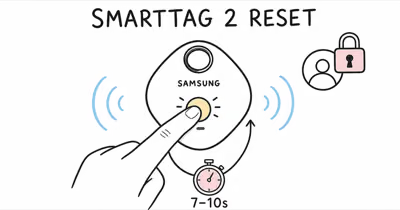
For used tags, confirm reset and account release before the return window closes.
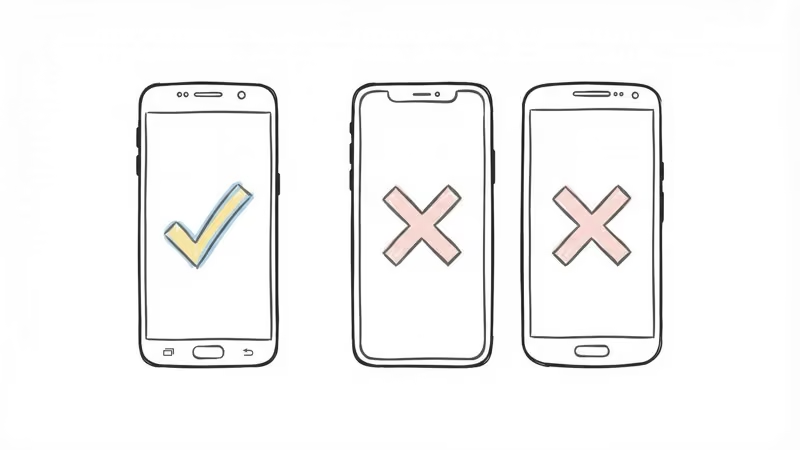
Read whether SmartTag2 works with iPhone before buying for a mixed-device household.
Bluetooth Finding and the Galaxy Find Network
Nearby, the tracker uses Bluetooth so the app can connect and play a sound. Samsung’s current product specifications confirm that SmartTag2 also lists a 120 m unobstructed maximum, not a room-to-room guarantee.
Farther away, a participating Galaxy device can relay the tag’s location. This is crowd-assisted finding, not GPS inside the tag.
Update timing depends on passing Galaxy devices, their settings, connectivity, and service delivery.
Neither generation provides continuous cellular GPS. Choose a powered GPS tracker when the use case requires regular remote updates without waiting for a passing phone.
SmartThings Button and Home Routines
Samsung announced the original SmartTag’s physical button as a way to trigger configured SmartThings routines while connected to the owner’s phone.
It also acted as a scene button, subject to current SmartThings support.
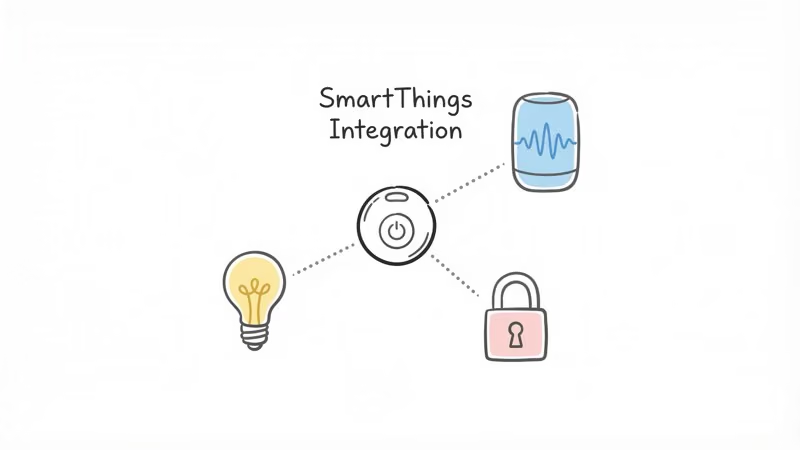
Don’t buy old stock solely for this feature. Confirm the model, current app support, and required routine during setup.
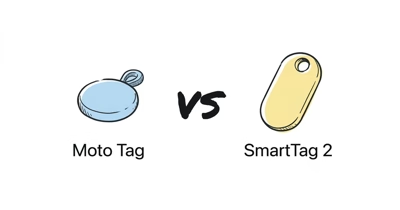
Original SmartTag vs SmartTag2
The original is a square BLE finder with a button and no UWB.
SmartTag2 is a loop-shaped 13.75 g tracker. It combines Bluetooth with UWB support, IP67, NFC Lost Mode, and up to 500 days in Normal Mode.
The newer model is the better purchase for most Galaxy owners. The original remains reasonable only as equipment you already own or as inexpensive old stock with a verified account reset.
For ecosystem and network differences, see AirTag vs SmartTag.
What Should Existing Owners Do?
Keep using a working original tag on low-risk belongings if pairing, ringing, network updates, and battery reporting still behave normally.
Replace the CR2032 when the app reports low battery. After replacement, verify the cover is seated, the tag reconnects, and the ring command works before returning it to a bag.
For second-hand units, verify that the previous account association is gone.
Retire the tag if the enclosure is damaged, the battery contact is unreliable, or updates repeatedly fail after a clean battery, reset, and re-registration.
Best Fit for SmartTag2
Choose SmartTag2 when you own a compatible Galaxy phone, expect to stay in Samsung’s ecosystem, and value Compass View, IP67, NFC Lost Mode, and a replaceable battery.
Skip it when cross-platform setup matters.
Need recurring remote coordinates? Compare a Bluetooth tracker with a GPS tracker.
Bottom Line
The original Samsung Galaxy SmartTag was a practical Galaxy-only finder and SmartThings button. Its official 120 m, 300-day, and IP53-class claims describe a 2021 accessory, not Samsung’s current best option.
Keep one that works. Don’t pay current-model money for old stock or assume it includes UWB.
For a new purchase, SmartTag2 is the clearer choice. It retains Samsung’s ecosystem lock-in but adds the hardware and durability improvements that now define the line.
FAQ
Is the original Samsung SmartTag still worth buying?
Keep one that already works, but buy old stock only when the model, account state, seller, return terms, and price are clear. SmartTag2 is Samsung’s current and more capable replacement.
Does the original Galaxy SmartTag have UWB?
No. The base EI-T5300 uses Bluetooth. Samsung sold SmartTag+ as the separate UWB model, while current SmartTag2 supports UWB features with a compatible Galaxy phone.
Does Samsung SmartTag work with iPhone?
No. SmartTag setup and ownership require supported Samsung Galaxy devices and a Samsung account. An iPhone or non-Galaxy Android phone can’t serve as the owning setup device.
How long does the original SmartTag battery last?
Samsung lists a maximum of 300 days for the original SmartTag on a replaceable CR2032. Sound use, search activity, battery quality, environment, and firmware can shorten that figure.
Is the original Samsung SmartTag waterproof?
Samsung described the original model’s protection as similar to IP53. That is splash resistance, not a submersion rating. SmartTag2 moves to IP67 protection.
Can SmartTag track an item in real time?
No. SmartTag uses nearby Bluetooth and crowd-assisted Galaxy network observations. It has no cellular GPS connection and can’t provide continuous remote coordinates like a powered GPS tracker.
Should Galaxy owners buy SmartTag2?
Consider SmartTag2 when a compatible Galaxy phone, Compass View, IP67, NFC Lost Mode, and a replaceable battery fit the job. Choose another ecosystem when cross-platform setup matters more.