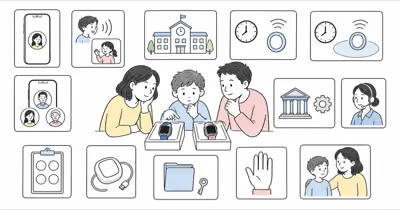
TickTalk’s current U.S. product page documents TickTalk 4 but shows it as sold out. The useful question is now whether one particular older watch can still do an agreed family job.
This is a source-audited ownership guide, not a hands-on review, location test, battery test, emergency guarantee, or recommendation to buy used.
- Existing owners should retest, not assume. Software, service, coverage, battery condition, charger condition, contacts, permissions, location behavior, and school rules can all change.
- A used watch depends on the previous owner. TickTalk says it can’t unbind the device without the original owner’s permission.
- The official TickTalk 4 listing is sold out. Don’t turn an old list price, marketplace listing, or affiliate offer into a current value conclusion.
- Location and SOS remain conditional. The watch needs power, connectivity, correct settings, an attached wearer, and a human response chain.
- A current model is not automatically a safety upgrade. Compare the exact family job, controls, privacy, service, charging, support, and fallback.
Start With Ownership Status
The correct path depends on whether the watch is already yours.
If your family already owns the device, preserve the current working setup until you have documented accounts, service, contacts, data, and an offboarding path. Update the app and watch through current instructions, then test normal routines.
For a watch owned by another family, don’t treat a powered-on screen as proof that you can use it. TickTalk’s previous-owner guidance says the original owner must unbind the watch before a new family can pair it. TickTalk says it can’t do that without the original owner’s permission.
New-device shoppers should note that the official TickTalk 4 page currently shows the model as sold out. Marketplace availability, condition, return rights, warranty, account state, and battery health need separate verification.
Can a Used Watch Transfer Safely?
Complete the transfer before money or reliance changes hands.
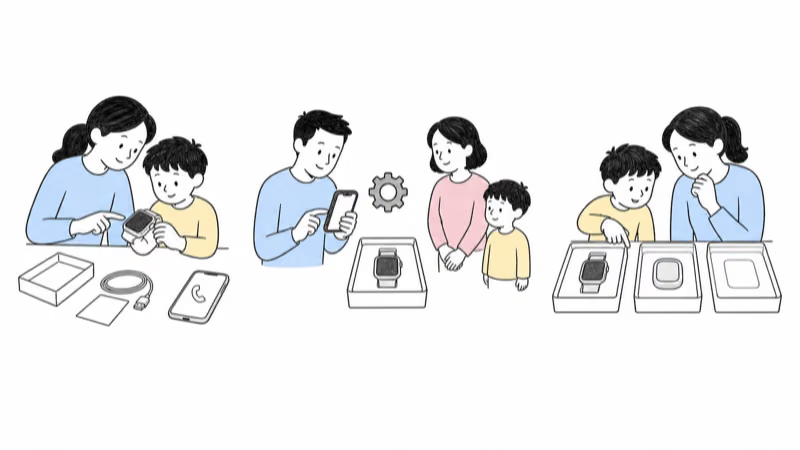
Ask the seller to show the exact model, physical condition, charger, charging behavior, account status, current connectivity, and the watch in their TickTalk app. The seller, not the buyer, should remove approved users, unbind the device, and follow current reset instructions.
TickTalk’s reset guide says a reset deletes watch data and restores factory defaults. Confirm new-account pairing before finalizing the handoff.
Don’t ask for or reuse the seller’s password, child profile, messages, photos, location history, SIM credentials, or other personal data. If unbinding, reset, pairing, support eligibility, or service activation fails, walk away.
Retest the Whole Family System
A working watch face is only one component.
TickTalk states that the watch measures 47 × 45 × 16 mm and weighs 55 g on its current TickTalk 4 product page. The page also lists cellular, GPS, Wi-Fi, and IP67 hardware, but provider specifications aren’t independent evidence that your unit, building, route, network, or family setup will work.
Run a reversible trial that checks:
- The exact watch and app can update and stay signed in.
- The chosen current plan activates on a supported network where the child actually goes.
- Only intended adults and contacts remain approved, with the minimum permissions they need.
- Ordinary voice, messaging, and any enabled video path work in both directions.
- Location timestamps and history are interpreted as device data, not proof of the child’s exact position.
- School or focus controls match current school policy and leave an agreed help path.
- The child understands the device, agrees to the plan at an age-appropriate level, and can report discomfort or failure.
The FTC recommends reviewing contacts, location sharing, cameras, privacy settings, and family rules before giving a connected device to a child.
Separate SOS, 911, and Human Response
A control is not the completed response.
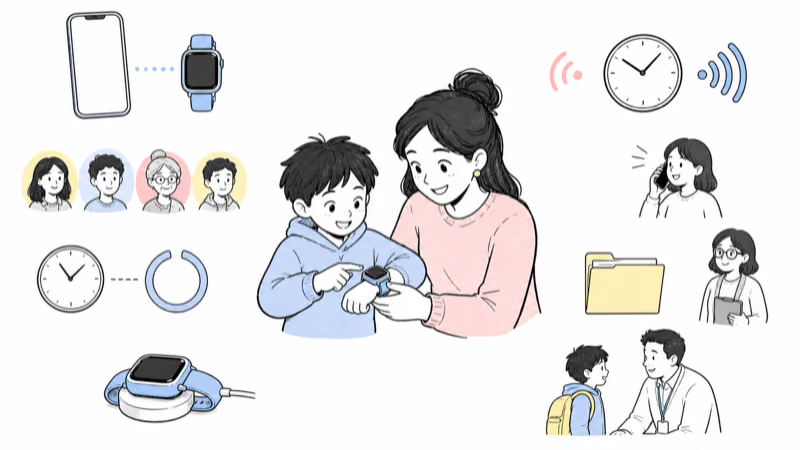
TickTalk’s current privacy policy describes a configured emergency SOS contact and a separate U.S. 911 function that a parent can enable. Those are different paths. Their availability and behavior depend on the exact model, software, account, settings, service, coverage, battery, and current instructions.
Name the SOS recipient, backup, first response, escalation point, and takeover owner. Rehearse the flow without placing a false emergency call.
Never tell a child that the watch guarantees rescue. If someone is missing, injured, unwell, or in immediate danger, use the applicable official local process rather than waiting for an app refresh or private map point.
Check Battery, Charging, Fit, and Water Guidance
The condition of an older unit matters more than a historic headline.
The current TickTalk 4 page lists 770 mAh; older TickTalk material describes a different 1,000 mAh configuration.
That conflict means you need to verify the exact unit and current support. It doesn’t support publishing a universal runtime.
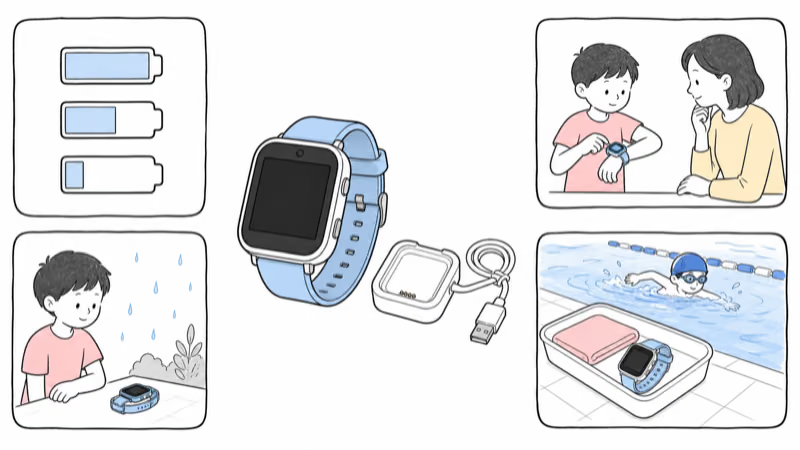
Observe a full ordinary day with the actual signal, location settings, calls, messages, and screen use. Record when the watch leaves the charger, low-battery alerts, unexpected shutdowns, charging time, heat, cable or base damage, and whether the child can wear it comfortably.
TickTalk’s water guidance says IP67 covers minor splashes and rain but recommends removing the watch for hand washing, bathing, swimming, and other water activities. Age, wear, seal condition, and previous opening can reduce resistance. Don’t translate IP67 into permission to swim.
Review Privacy and Offboarding
Remove access that no longer serves the agreed job.
Review admin and limited-access users, phone-book contacts, location viewers, messaging, photos, video, call logs, dial pad, friend-adding, remote controls, SOS, 911, backups, and any cloud data. Provider certification does not replace a family review of current settings and actual access.
When the trial or ownership ends, remove approved users, unbind, reset, cancel or transfer service through current instructions, and confirm what happens to backups and personal data. Don’t leave the next family with access to the previous child’s information, or the previous family with access to the next child.
When Does an Upgrade Make Sense?
Upgrade for a failed requirement, not because a version number is larger.
Consider a current system when the TickTalk 4 can’t be transferred, updated, supported, activated, charged reliably, worn comfortably, configured privately, or tested on the required route. Also reconsider it when school policy, the child’s participation, family contacts, or the agreed communication job changes.
TickTalk currently positions TickTalk 5 as its current product. The TickTalk 5 review examines that model on its own. Compare its present documentation with other current options, then trial the chosen system in your real setting. Don’t carry the old article’s fixed price, carrier, battery, accuracy, camera, or “best” claims into a new-model decision.
The current kids smartwatch guide and current child location-options guide help define the category before choosing a device.
Bottom Line
TickTalk 4 is no longer a sensible universal budget recommendation. It may still fit an existing family when the exact unit and complete setup pass a current, transparent, reversible trial.
A used device is acceptable only after seller-led unbinding, reset, new-account pairing, condition inspection, service confirmation, privacy cleanup, and real-world testing. Otherwise, compare current systems without assuming any watch guarantees location, safety, or emergency response.
FAQ
Is TickTalk 4 still sold new by TickTalk?
The official TickTalk 4 product page currently shows the model as sold out. Availability can change, but marketplace listings should be evaluated separately for seller, condition, account state, return rights, warranty, battery, charger, and service compatibility.
Can I use a secondhand TickTalk 4?
Only after the original owner unbinds it, the watch is reset, and you confirm that it pairs to your account. TickTalk says it can't unbind a previous owner's device without that owner's permission.
Does TickTalk 4 require a cellular plan?
Full use away from Wi-Fi depends on compatible cellular service. Confirm the exact current plan, network, taxes, activation, coverage, and terms for your unit and location; don't rely on an old fixed monthly-price claim.
How long should a used TickTalk 4 battery last?
There is no safe universal answer for an older unit. Battery age, condition, signal, location requests, calls, messages, display use, temperature, settings, and software all matter. Test the exact watch through an ordinary day and keep a charging fallback.
Is TickTalk 4 waterproof?
No. TickTalk describes IP67 resistance to minor splashes and rain but advises removing the watch for hand washing, bathing, swimming, and other water activities. Wear, damage, seals, and previous opening can reduce resistance.
Does TickTalk 4 guarantee accurate location or emergency help?
No. Location and help controls depend on the device staying with the child, power, connectivity, software, settings, accounts, coverage, and human response. Use the applicable official emergency or missing-person process when someone is in danger.
Should I upgrade from TickTalk 4 to TickTalk 5?
Upgrade when the current watch fails an agreed requirement such as transfer, support, service, battery, charging, comfort, controls, privacy, or school fit. Compare and trial current systems; a newer model is not automatically necessary or safer.