The previous Gabb Watch 3 review no longer matched the current product or software. Gabb now identifies Watch 3e as its current watch, and Gabb OS2 adds behavior that an older no-games, preset-only summary misses.
This is a current-source editorial review, not hands-on evidence, an emergency guarantee, or a recommendation to buy.
- Watch 3e is the current model. A retired Watch 3 price, contract, or feature scorecard doesn’t establish today’s total cost or support.
- The communication system has changed. Current materials document up to 100 approved contacts, up to nine guardian contacts, customizable presets, calls, and OS2 group messaging.
- Focus Mode narrows access rather than making the watch disappear. Primary and guardian communication plus SOS remain available under Gabb’s current description.
- Location stays conditional. Automatic updates, manual refresh, and Safe Zone notifications depend on power, cellular service, settings, app delivery, the watch staying with the child, and human interpretation.
- SOS calls the primary contact, not Emergency Services. Keep a separate official emergency and missing-child response plan.
What Is the Current Gabb Watch Model?
Start with the exact hardware and software.
According to Gabb’s current upgrade guidance, Watch 3e is its one watch model currently offered. The current product page describes Gabb OS2, Focus Mode, group messaging, parent-approved communication, and restricted access to browsers, social media, and open app downloads.
That narrower design can match a family job, but it isn’t a universal safety grade. Confirm the exact device, OS version, service terms, coverage, return policy, charger, band, and supported features before activation.
Define the Family Job Before Setup
Name what the watch must do and what it must not do.
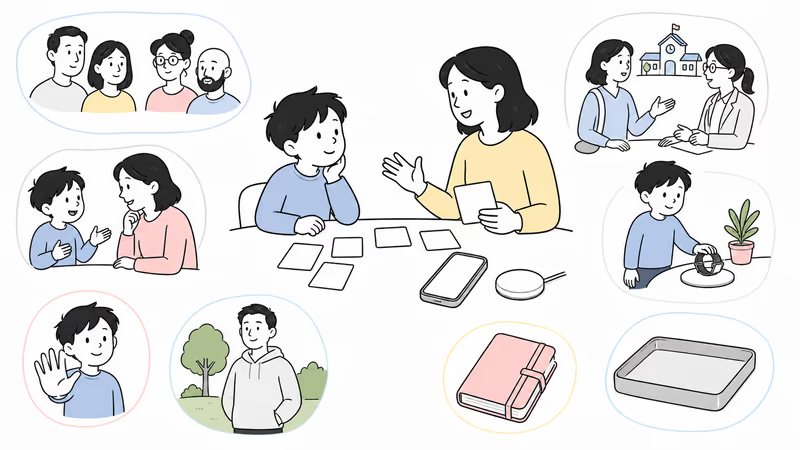
A parent or guardian should use a Watch 3e only for their own child, with the child’s informed participation and consent when applicable. Agree on approved contacts, guardians, message review, location purpose, Safe Zones, Focus Mode, SOS recipient, charging, school rules, and stop conditions.
If the need is public emergency calling, monitored response, clinical fall detection, open apps, video calling, or another accessibility path, don’t assume a narrow kids watch supplies it. Choose a system designed for that job and keep human fallback explicit.
Current Setup Requirements
The watch, service, app, roles, and signal form one system.
The current setup guide requires activation, a Watch 3e service plan, MyGabb pairing, a child profile, contacts, Safe Zones, and parental controls. Quote the current device, activation, service, cancellation, replacement, and warranty terms instead of reusing the old fixed two-year total.
Watch 3e is Wi-Fi compatible. Gabb’s current guide says Wi-Fi isn’t required for a call, while connecting it can support updates and improve battery behavior. Calling and location still need the applicable active service, power, settings, and usable connectivity.
How Do Contacts and Messages Work?
Approved access still needs role discipline.
According to Gabb’s current parental-control guide, Watch 3e supports up to 100 approved contacts and up to 9 guardian contacts. Guardians can view location, but the guide says they don’t receive the primary account’s other parental controls.
Current OS2 materials also advertise group messaging among approved contacts. Test ordinary calls, individual and group messages, presets, blocked contacts, an unavailable primary contact, and the child’s ability to identify and report unwanted communication. A larger contact list isn’t a safety score.
Focus Mode and School Boundaries
Confirm what stays available during the schedule.
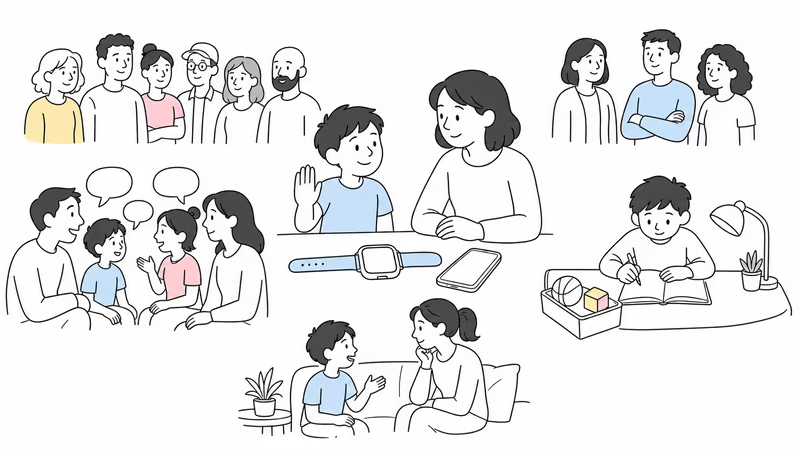
Gabb states that Focus Mode can use up to 10 schedules, restrict calling and texting to the primary and guardian contacts, and disable apps during those periods. Its current guide also says the child can still make an SOS call.
That behavior doesn’t prove a school or care setting permits the watch, location, messages, or contact access. Agree on classroom use, staff expectations, pickup changes, privacy, and what the child should do when the watch, caregiver, or cellular service is unavailable.
Interpret Location and Safe Zone Alerts Carefully
A watch point describes a device observation, not verified context.
Gabb’s troubleshooting guide states that Watch 3e location updates automatically every 15 minutes and can be refreshed manually. Its parental-control guide says a Safe Zone notification may arrive between 1 second and 15 minutes after entry or exit, depending on the prior location update.
Those provider figures aren’t independent tests or guarantees. Power, signal, settings, delivery, or a forgotten watch can change results.
Don’t use location, messages, contact access, or Focus Mode for covert monitoring, discipline, school surveillance, or constant reassurance. Limit viewers, places, purpose, retention, and review frequency, then confirm context with the child or another responsible adult.
SOS and Emergency Response
The control calls a configured person, not public emergency services.
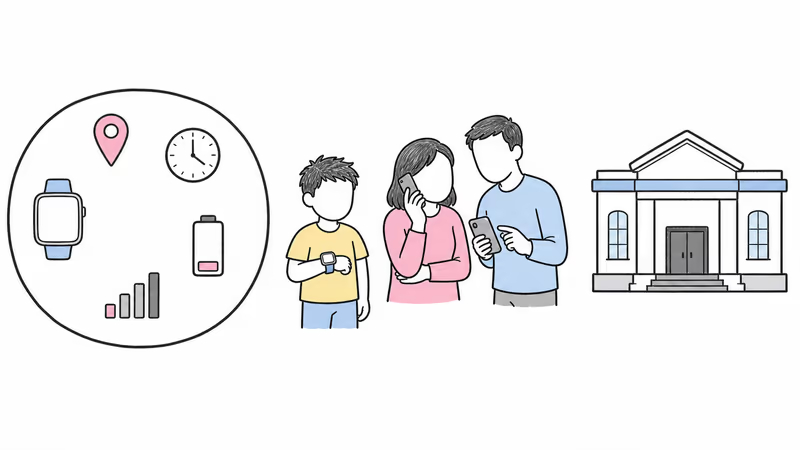
Gabb’s Focus Mode guide states that Watch 3e SOS calls go to the primary contact, not Emergency Services. Name that person, a backup, the first action, an escalation point, and who takes over if the primary contact can’t answer.
Test the caregiver call without placing a false emergency call. If a child is missing, injured, unwell, or in immediate danger, use the applicable official local response rather than waiting for a point, Safe Zone alert, SOS call, callback, dispatch, or arrival.
Battery, Charging, Wi-Fi, Fit, and Water
Provider specifications don’t predict one family’s day.
Gabb’s current troubleshooting guide describes 14–18 hours of normal use when the watch has at least three cellular-signal bars and warns that low signal can drain it faster. The quick guide lists a 500 mAh battery, wireless charging, and a required Watch 3e charger.
Observe a normal day with the actual signal, calls, group messages, location, Safe Zones, Focus Mode, and apps. Record low-battery warnings, heat, charging time, charger placement, wrist comfort, skin response, and whether the child can remove or report a problem.
The current quick guide lists IP68 but recommends no submersion. Follow current care, cleaning, charger, water, and warranty instructions.
Review Privacy, OS2 Apps, and Offboarding
Restricted internet access doesn’t remove every data decision.
Review primary and guardian roles, approved contacts, individual and group messages, presets, call history, location, Safe Zones, Focus schedules, app use, account access, device identifiers, and retained family data. Current materials also describe Gabb Go and Mimic games, so the old zero-games statement no longer applies.
When use ends, save only permitted data, remove guardians and contacts, cancel or transfer service through the current process, reset the exact device, and verify what happens to messages, profiles, location, and backups. Don’t pass an activated family account to another child or buyer.
Run a Reversible Family Trial
Test ordinary routines before relying on the system.
Write the family job, child participation, school permission, viewers, contacts, location and Safe Zone purpose, SOS recipient, official fallback, charging owner, review date, and stop conditions. Test a call, individual and group message, Focus schedule, location refresh, delayed boundary alert, low signal, flat battery, unavailable caregiver, and lost companion phone.
Pause for objection, distress, poor fit, repeated false alerts, unacceptable location gaps, privacy conflict, school refusal, charging failure, or an emergency job the watch can’t meet.
Bottom Line
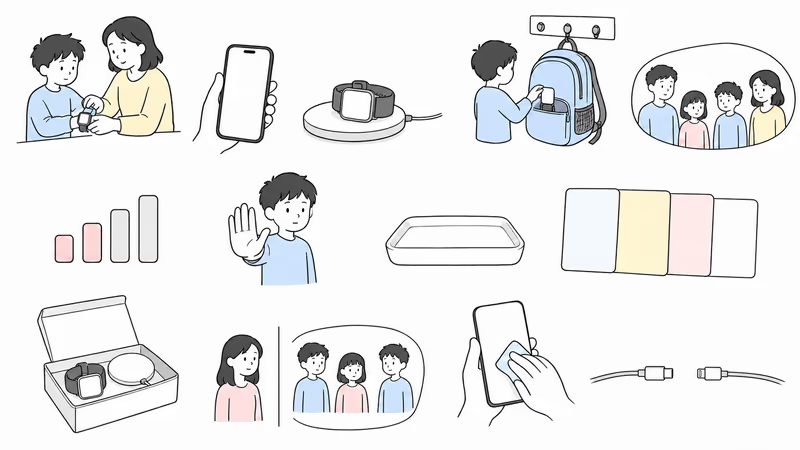
Gabb Watch 3e may fit a family that wants approved communication, OS2 group messaging, Focus Mode, conditional location, Safe Zones, and a caregiver SOS path. It doesn’t become the safest kids watch merely because its app and internet access are narrower.
For adjacent choices, compare Gabb Watch 3e and Gizmo Watch 4 or Gabb Watch 3e and Apple Watch SE 3.
The kids GPS smartwatch guide separates other family-system categories.
Choose only after the actual service, contacts, school controls, location limits, SOS recipient, charging, privacy, child participation, and fallback pass a reversible trial.
FAQ
What is the current Gabb Watch model?
Gabb currently identifies Watch 3e as its watch model for sale. Confirm the exact hardware, OS2 version, service, supported features, charger, return terms, and warranty before activation.
Does Gabb Watch 3e require a service plan?
Yes. Current setup guidance requires Watch 3e activation and a Gabb service plan. Quote the current device, activation, monthly service, contract, cancellation, replacement, and warranty terms rather than relying on an old total.
How many contacts can Gabb Watch 3e have?
Gabb currently documents up to 100 approved contacts and up to nine guardian contacts. Guardians can view location, but Gabb says they don't receive all primary parental controls.
Are Gabb Safe Zone alerts instant?
No. Gabb says a Safe Zone notification can arrive between one second and 15 minutes after entry or exit, depending on the previous location update. Power, signal, settings, app delivery, and the watch staying with the child still matter.
What stays available in Gabb Focus Mode?
Gabb says Focus Mode limits calling and texting to primary and guardian contacts, disables apps, and still allows an SOS call. Confirm the exact current behavior and school permission before relying on it.
Can Gabb Watch 3e call 911?
No. Gabb says the SOS control calls the primary contact, not Emergency Services. Families still need a separate official emergency and missing-child response plan.
How long does the Gabb Watch 3e battery last?
Gabb describes 14–18 hours of normal use with at least three cellular-signal bars and warns that weak signal can drain it faster. Test the real routine, charge with the correct wireless charger, and follow Gabb's no-submersion guidance.