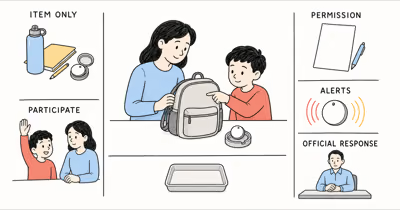
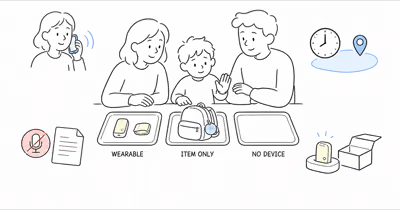
A child without a phone may still need a way to check in, contact a caregiver, carry an item finder, or follow an agreed safety plan. Those are different jobs, and no single location device performs all of them reliably.
This guide removes covert placement, age-based product rankings, fixed prices and accuracy, emergency guarantees, listen-in promotion, blanket legal claims, and affiliate sales language.
- Name the actual need. Routine check-ins, item finding, two-way communication, wandering support, and a missing-child emergency require different responses.
- Plan for device failure. Battery, coverage, account access, school rules, damage, removal, and network conditions can interrupt any location service.
- Keep the child informed. Use age-appropriate explanation, identify every viewer, respect other caregivers, and revisit the arrangement as independence changes.
- Treat AirTag as an item finder. It may help locate a backpack under some conditions; it’s not a reliable live child-location or emergency device.
- Act immediately in an emergency. Contact local emergency or law-enforcement services and follow the official missing-child process; don’t wait for a tracker update.
What Problem Are You Solving?
Write the need before choosing hardware. Ready.gov recommends a family emergency communication plan with contacts and familiar meeting places; those basics matter before any device choice.
Then define what success means without promising certainty. A routine plan might require an agreed message and a trusted pickup adult. A communication wearable might need calling, approved contacts, current service, and usable battery. An item finder only needs to help locate the authorized item, not the person carrying it.
If the concern involves disability, medical risk, elopement, custody, abuse, or a repeated emergency, work with the child’s qualified care team, school, guardians, and local public-safety resources. A consumer tracker shouldn’t silently become the entire care plan.
AirTag Tracks an Item, Not a Child
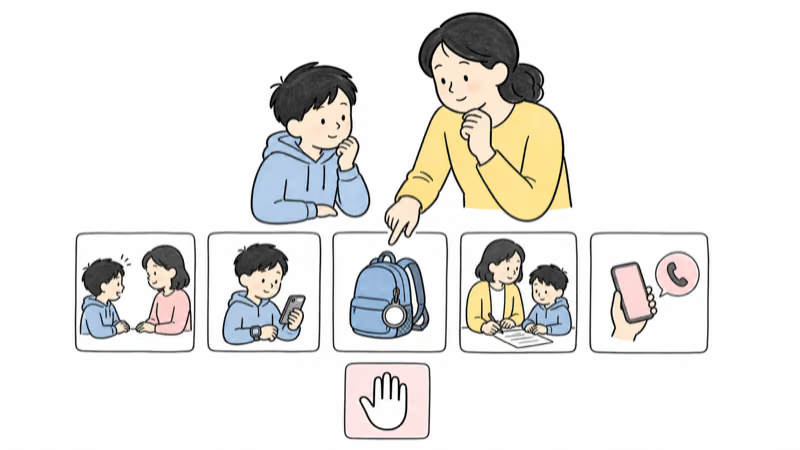
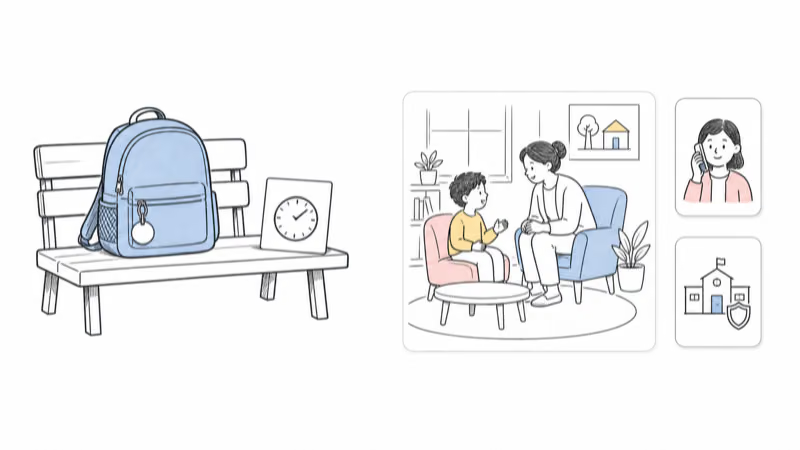
AirTag belongs in the item-finding category. Apple describes it as a way to keep track of personal items such as keys and backpacks.
That distinction matters. A backpack observation may be delayed, approximate, unavailable, or the last place the tag connected to the Find My network. The backpack can also be separated from the child, carried by someone else, left in a classroom, or moved by an authorized adult.
AirTag doesn’t provide two-way calling, an SOS conversation, continuous cellular GPS, medical monitoring, adult supervision, or emergency dispatch. Don’t describe a building-level item observation as a child’s current room or a complete journey.
Apple states that AirTag and compatible Find My accessories include protections against unwanted tracking and should not be used to track people. Google states that Android 6 and later supports unknown-tracker alerts for compatible tags.
If an AirTag is attached to a child’s authorized backpack, tell the child and regular carriers, identify viewers, preserve alerts and sound, use supported sharing where appropriate, and remove the tag when the item-tracking purpose ends. The AirTag item-boundary guide covers the distinction in more detail.
Build a Family Safety Plan First
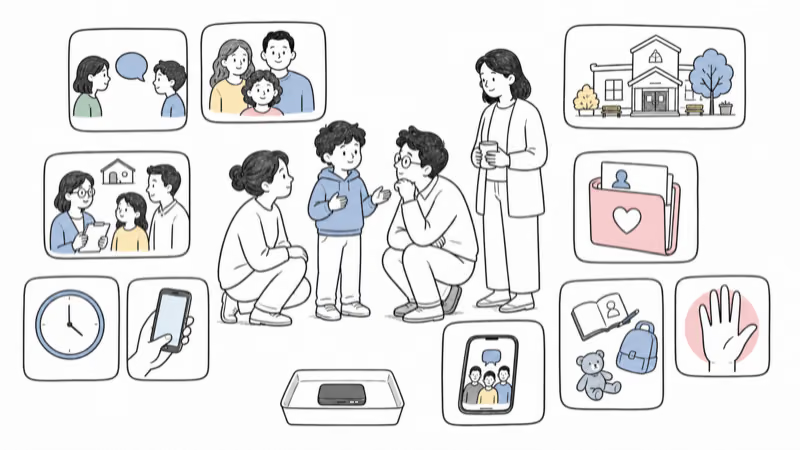
A device is easier to replace than a missing plan. Agree on contacts, check-ins, pickup adults, transport changes, meeting places, and help.
Adapt that communication-plan structure to the child’s age, communication style, disability access, school, activities, and local hazards.
Keep a current private record with a recent photo, identifying and medical information needed by responders, emergency contacts, school and transport details, device account owner, and the phone numbers required to suspend or replace service. Store it where another authorized caregiver can reach it.
Practice calmly. A failed check-in or dead battery should cue the child to contact a trusted adult or reach the agreed place.
Evaluate a Dedicated Wearable Carefully
A communication or location wearable may fit when the child needs approved calling, an SOS control, caregiver-managed contacts, or a service designed around an existing care plan. Those features vary by exact model, account, carrier, region, software version, and subscription.
Before purchase or activation, verify:
- what the map status means and how the service displays a stale or unavailable point;
- whether calling and SOS work without the caregiver app open, and who receives them;
- current carrier coverage at home, school, transport, activities, and travel destinations;
- typical battery behavior in the planned mode and what happens when power is low;
- fit, removal, charging, water, heat, choking, sensory, and skin-contact guidance;
- approved contacts, guardian roles, location-history retention, export, deletion, breach notice, and account recovery;
- school, camp, sport, transport, workplace, and co-caregiver permission; and
- cancellation, transfer, recycling, and end-of-use removal.
Test only in ordinary authorized scenarios. Confirm the child can use the communication and emergency controls, that caregivers interpret map states correctly, and that everyone knows the device can fail.
Don’t enable listening or recording from marketing alone. Review consent, applicable law, school policy, third-party privacy, and the child’s dignity first.
Protect Privacy, Consent, and Access
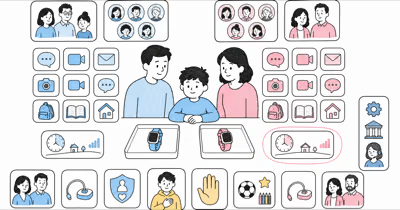
Location history can reveal a child’s home, school, routine, care appointments, religious activity, and trusted adults. Collect less, share less, retain it for less time, and give access only to people who currently need it.
The FTC explains that precise geolocation can be personal information under children’s privacy rules for covered services. That guidance is directed to app providers, but it gives families a useful review question: who collects the location, why, where it goes, and how a parent can access or delete it?
Use age-appropriate transparency even when a parent or guardian manages the account. Discuss the purpose, viewers, check-in expectations, school rules, alerts, what happens if the device is removed, and when the arrangement will be reviewed.
Custody orders, other guardians, court-directed or institutional care, school policy, and local law can change who may authorize location collection. Don’t rely on a blanket claim that child tracking is always lawful; obtain qualified advice when authority is disputed.
The consent and person-tracking boundary explains why ownership of a device doesn’t create unlimited permission to monitor another person.
What If a Child Is Missing?
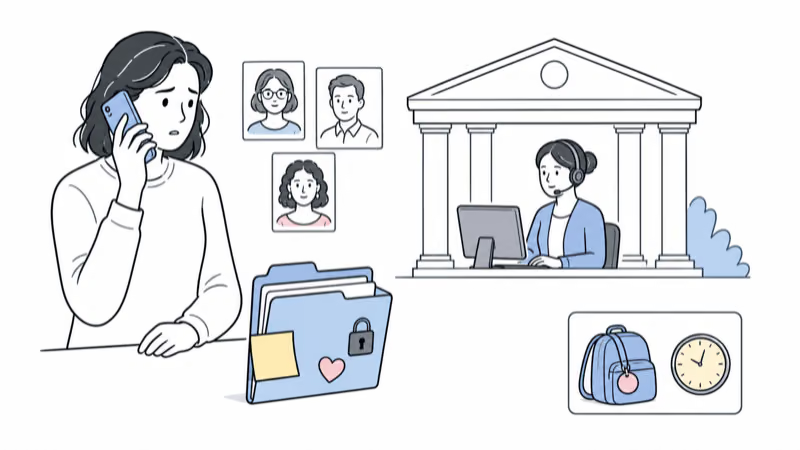
Act immediately. Don’t wait for an item tag, wearable, geofence, or app to update before contacting the appropriate local emergency or law-enforcement service.
In the United States, NCMEC states that families should immediately call local law enforcement and, after reporting, contact NCMEC at 1-800-843-5678. Outside the United States, use the official emergency and missing-child resources for the country or region.
Give responders the child’s current description, recent photo, clothing, medical or accessibility information relevant to the response, last confirmed time and place, likely destinations, transport details, and other facts they request.
Share device information as supplementary evidence. Preserve a private screenshot with its timestamp and exact state, explain whether it appears current, delayed, unavailable, or last observed, and follow responder instructions. Don’t publish a child’s live location or sensitive record widely unless qualified responders direct the release.
Never confront anyone, enter property, or follow a map point. An observation may be wrong or stale.
Maintain and Offboard the Arrangement
Review the plan after material changes. Confirm the child still understands the arrangement and can reach help without the device.
Check battery status, service, attachment safety, emergency contacts, approved viewers, school permission, data retention, and account recovery. Remove people who no longer need access rather than leaving a permanent audience around the child’s routine.
When the purpose ends, remove the item tag or wearable, revoke viewers, cancel service, export only records that must be retained, delete location history where supported, update care and school documents, and use the supported transfer, reset, recycling, or disposal path.
Bottom Line
The safest phone-free location plan starts with communication, trusted adults, meeting places, privacy, and emergency response. A device is optional support with known failure modes.
Use an AirTag only for an authorized item such as a backpack, not as a live child tracker. Evaluate dedicated wearables by their exact communication, coverage, battery, data, school, consent, and emergency behavior, then keep reviewing whether the arrangement still fits.
FAQ
Can AirTag show my child's live location?
No. AirTag is an item finder. A backpack observation may be delayed, approximate, unavailable, or last observed, and the backpack can be separated from the child. It doesn't provide continuous cellular GPS, calling, SOS, supervision, or rescue.
Should a child know about a location device?
Use age-appropriate transparency. Explain the purpose, viewers, check-in expectations, alerts, school rules, what happens if the device is removed, and when the family will review the arrangement.
What should I check before choosing a wearable?
Check current carrier coverage, map-state meaning, calling and SOS behavior, battery, fit, charging, approved contacts, guardian access, data retention and deletion, school permission, account recovery, cancellation, and end-of-use removal.
Can a location device replace adult supervision?
No. Devices can be forgotten, removed, discharged, damaged, offline, prohibited, delayed, or inaccurate. Keep responsible adult supervision, a family communication plan, trusted contacts, and the appropriate care or emergency plan.
What should I do if a child is missing?
Act immediately through the local emergency or law-enforcement service and follow the official missing-child process. Don't wait for a device update. Share any timestamped device observation as supplementary, possibly stale evidence.
Is child location tracking always legal for a parent?
No blanket answer fits every custody order, guardian relationship, school, institution, recording feature, or jurisdiction. Use qualified legal or policy guidance when authority, consent, recording, or data sharing is disputed.
How should a family stop using a child-location device?
Remove the device, revoke viewers, cancel service, delete location history where supported, update school or care records, and follow the supported transfer, reset, recycling, or disposal path.