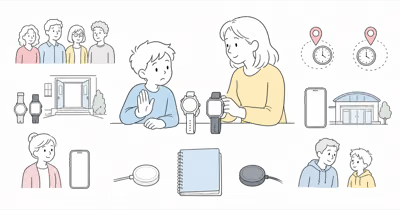
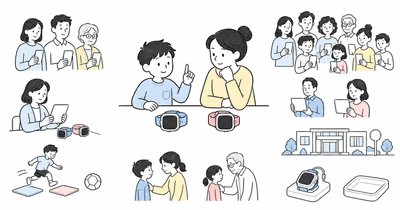
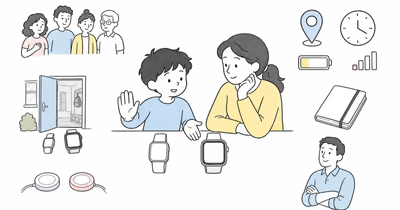
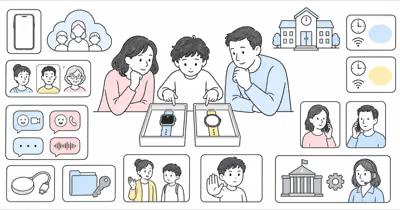
Gabb Watch 3e and Gizmo Watch 4 aren’t age brackets or safety grades. They’re current family communication systems with different controls, media, service paths, and data responsibilities.
This comparison reconciles current documents. It isn’t hands-on evidence, a child-safety guarantee, legal advice, or a recommendation to buy.
Use either watch openly, involve the child at an age-appropriate level, and follow school and care-setting rules.
- The legacy Gabb 911 claim was false. Gabb now states that its SOS button calls the selected SOS contact and can’t call 911.
- Gizmo Watch 4 is the current Verizon model. It raises the trusted-contact limit and adds current camera, video, school, and removal-detection behavior that the old Watch 3 comparison didn’t cover.
- Neither contact count is a safety score. Gabb documents up to 100 approved contacts; Verizon documents up to 40 trusted contacts for Watch 4.
- School controls differ. Gabb Focus Mode narrows contacts and disables apps; Verizon says Watch 4 School Mode locks games and interactive elements while leaving preset emergency-contact access.
- Location and SOS remain conditional. Neither watch proves a child’s route or replaces human confirmation, an official missing-child process, or an emergency plan.
⇄ Head-to-head
Gabb Watch 3e vs Gizmo Watch 4
GABB
Gabb Watch 3e
VERIZON
Gizmo Watch 4
- +Up to 100 parent-added approved contacts are documented
- +Focus Mode and customizable preset messages are documented
- +No open app store, social media, or web browser
- +Month-to-month and contract service choices are documented
- +Up to 40 trusted contacts are documented
- +Typed, preset, voice, picture, video, and speak-to-text messaging are documented
- +School Mode, video calling, and removal detection are documented
- +Current Verizon Family controls manage contacts and watch features
- −No camera or video-call path in the current watch guide
- −Calling and texting require cellular service rather than Wi-Fi
- −SOS calls the selected contact and can't call 911
- −IP68 guidance still says not to submerge the watch
- −Requires current Verizon activation, service, coverage, and app setup
- −Camera, video, voice assistant, and removal alerts expand the data review
- −SOS calls a preset contact and Gizmo watches can't call 911
- −Location and removal alerts remain conditional observations
- ·Consider when the narrower approved-contact system matches the agreed job
- ·Confirm exact service, contacts, Focus Mode, location, SOS recipient, charging, and privacy
- ·Keep a separate communication and emergency fallback
- ·Consider when current Verizon service and video communication match the agreed job
- ·Confirm contacts, media, School Mode, location, SOS recipient, charging, coverage, and privacy
- ·Keep a separate communication and emergency fallback
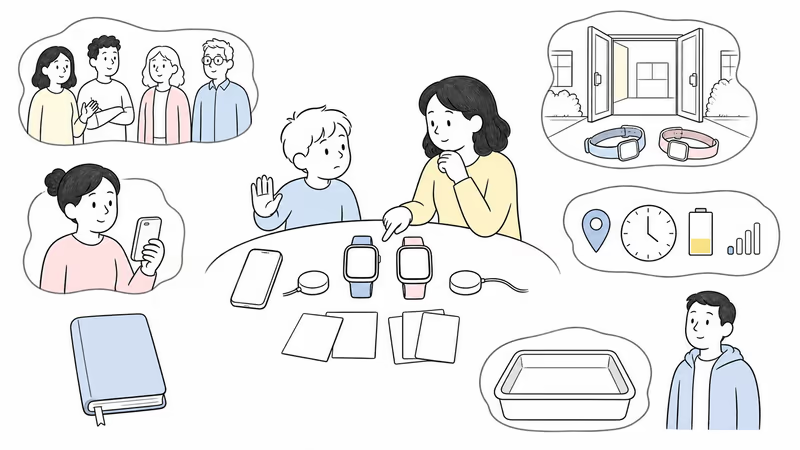
Define the Family Job Before Comparing Features
Write the smallest agreed task.
List the child, parent or guardian, other approved contacts, school permission, normal check-in expectations, location viewers, intended SOS recipient, charging owner, privacy limits, fallback, and stop conditions. A large feature list doesn’t replace a clear job.
According to Gabb, the current Watch 3e setup guide supports 100 approved contacts; Verizon Family documents 40 for Watch 4. Those ceilings don’t define who needs access.
Use the family location and communication guide to separate normal coordination from emergency response.
Which Models Are Current?
The old article compared Gabb Watch 3 with Gizmo Watch 3 and treated those specifications as permanent.
Gabb’s current materials identify Gabb Watch 3e. Its quick user guide documents a 1.4-inch display, wireless charging, IP68 water resistance with a no-submersion warning, GPS monitoring, LTE, Wi-Fi and Bluetooth support, approved contacts, and preset messages.
Verizon’s current Gizmo Watch 4 page documents the Verizon Family app, cellular calling and messaging, GPS location, video communication, School Mode, removal detection, a 1.6-inch display, wireless charging, and 5ATM water resistance under stated conditions.
Save the model, software, charger, band, service, warranty, return terms, and promised features at setup.
Use the current Gabb review and current Gizmo review to record the exact configuration.
How Do Contacts and Messages Differ?
Counts describe capacity, not who should have access.
According to Gabb, the current Watch 3e setup guide supports up to 100 approved contacts. The quick guide also documents up to 20 customizable preset messages. Confirm current typed, voice, media, group, blocked-call, and account-recovery behavior rather than importing claims from a different Gabb device or software release.
Verizon’s Watch 4 messaging guide documents typed, preset, voice, picture, video, and speak-to-text messages to caregiver-configured contacts. Verizon Family documentation sets the Watch 4 ceiling at 40 trusted contacts.
Test every intended contact, a missed message, weak signal, account recovery, and media permissions. Keep phone numbers, messages, photos, video, voice interactions, and location history private.
What Do Focus Mode and School Mode Change?
Neither marketing name overrides school policy.
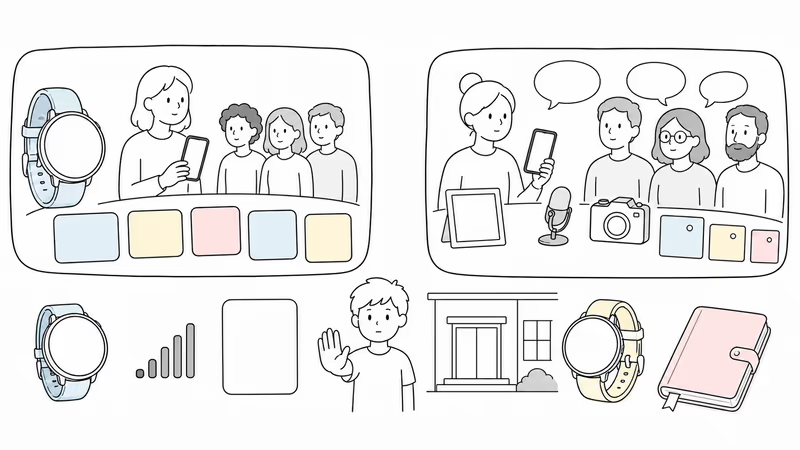
Gabb’s current Focus Mode guide says the mode restricts calls and texts to primary and guardian contacts, disables apps, and still allows an SOS call to the primary contact. It doesn’t turn that contact into emergency services.
Verizon says Watch 4 School Mode locks games and interactive elements and leaves the preset emergency-contact path available. Confirm the current watch face, calls, messages, camera, location, removal alert, and emergency control on the exact software.
Ask the school what may be worn, used, silenced, stored, photographed, recorded, or location-shared. Test the schedule and remaining functions before relying on either mode.
Treat Every Location or Removal Alert as Conditional
A point or alert is a device observation, not proof of the child’s route, intent, attendance, or safety.
Gabb documents MyGabb location, refresh, and Safe Zone alerts. Verizon documents Watch 4 GPS location and removal detection through Verizon Family. Each path depends on wear, power, signal, indoor conditions, service, permissions, software, app state, and the displayed time.
The old multi-carrier accuracy advantage is removed. Gabb currently describes nationwide coverage but doesn’t support the legacy claim that the watch automatically switches among three named carriers to beat Verizon accuracy.
Confirm with the child or another responsible person. For immediate danger, contact local responders and follow the official process.
Both SOS Controls Call a Chosen Person, Not 911
This reverses the most serious false claim in the old article.
Gabb’s current parental-control guide says the SOS button calls the selected SOS contact and that Gabb watches can’t call 911. Its Focus Mode guide describes the primary contact as the recipient during that mode.
Verizon’s current Family FAQs say Gizmo watches can’t call 911 or similar emergency numbers. Watch 4 uses a preset emergency contact.
Teach the child the intended control, accidental-activation response, and no-connection fallback. Never stage an emergency call, and never wait for a watch when official response is needed.
Review Camera, Apps, and Child Data Together
Fewer features and more features create different privacy work.
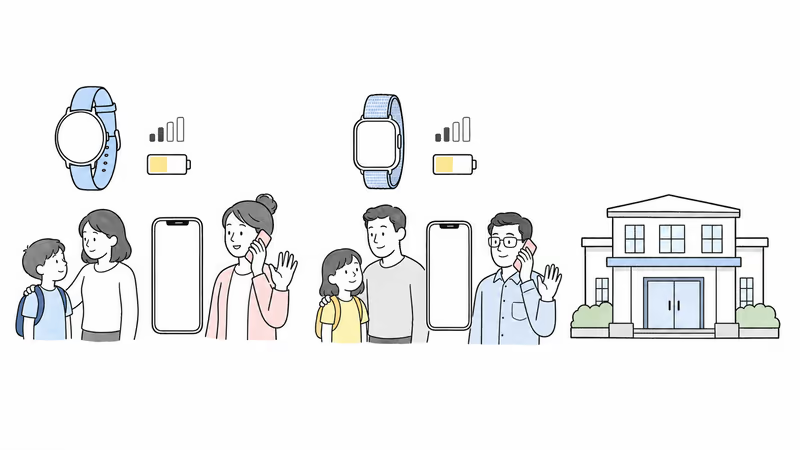
Gabb documents no open app store, web browser, or social media on Watch 3e, while its included functions, location, contacts, messages, and account administration still involve child data. Gizmo Watch 4 adds camera, picture and video messages, video calling, removal detection, and optional voice-assistant interactions.
The FTC’s kids and cell phones guidance recommends reviewing location sharing, media and camera access, limited contacts, privacy settings, and parental controls. Apply those checks to every caregiver, app, backup, account, and school context.
Choose the minimum data and feature set that completes the agreed family job.
Test Coverage, Fit, Charging, and Water Guidance
A watch that is uncomfortable, offline, or uncharged can’t complete a communication job.
Gabb says Watch 3e calling and texting use cellular service rather than Wi-Fi, and weak cellular service can cause failure. Verizon Watch 4 depends on Verizon activation, coverage, the Family app, and current permissions. Test both at the actual home, school, care, transit, and activity locations where use is permitted.
Check band fit, safe removal, controls, display, speaker, microphone, sensory load, charger, battery routine, and the no-watch fallback. Gabb lists IP68 but says not to submerge; Verizon lists 5ATM under stated conditions. Neither rating is a blanket waterproof promise.
Let the child stop for discomfort, unwanted monitoring, school conflict, or repeated failure.
Verify the Full Current Setup and Terms
The fixed prices, fees, contracts, and two-year totals are removed.
For Gabb, get a dated quote for the exact watch, service option, activation, taxes, shipping, accessories, protection, replacement, warranty, return, cancellation, renewal, promotion end, and account requirements.
For Gizmo Watch 4, get the same details for the exact device and Verizon service. Don’t assume an installment term, connected-device plan, fee, or promotion from the legacy Watch 3 checkout.
Keep the quote only after coverage, contacts, school, charging, privacy, and fallback checks pass.
Run a Reversible Family Trial
Use the same acceptance checklist for both platforms.
Record the model, software, service, account owner, administrators, contacts, message and media types, school controls, location expectations, SOS recipient, coverage, charging owner, privacy permissions, fallback, review date, and stop conditions.
Test normal communication, one location refresh, weak signal, charging, school controls, lost-watch handling, and account recovery.
Ask the child what helped, what felt intrusive, and what failed. If the setup should stop, remove viewers, export or delete data where supported, erase or return the watch, cancel service where applicable, and confirm billing.
Bottom Line
Gabb Watch 3e is narrower. Gizmo Watch 4 adds video and Verizon controls. Neither is safer by default.
Choose only after the exact current setup completes the agreed family job and passes child participation, contacts, messages, school policy, location limits, SOS-recipient understanding, coverage, fit, charging, privacy, total-cost, fallback, and offboarding checks.
For a broader managed-smartwatch comparison, see Gabb Watch 3e vs Apple Watch SE 3.
FAQ
Is Gabb Watch 3e or Gizmo Watch 4 safer for a child?
Neither is safer by default or by age. Gabb offers a narrower approved-contact system; Gizmo adds video and Verizon-managed features. Compare the exact setup by child participation, contacts, school rules, location limits, SOS recipient, coverage, charging, privacy, fallback, and a reversible trial.
Can Gabb Watch 3e call 911?
No. Gabb’s current parental-control guidance says the SOS button calls the selected SOS contact and Gabb watches can’t call 911. Confirm the current recipient, service, connection, cancellation behavior, and separate official emergency plan.
Can Gizmo Watch 4 call 911?
No. Verizon’s current Family FAQs say Gizmo watches can’t call 911 or similar emergency telephone systems. Watch 4 uses a preset emergency contact. Confirm that person’s availability, the connection path, and the no-watch fallback.
How many contacts can each current watch use?
Gabb currently documents up to 100 parent-added approved contacts for Watch 3e. Verizon documents up to 40 trusted contacts for Gizmo Watch 4. A higher limit isn’t automatically safer; grant only the access the agreed family job requires.
Which watch gives more accurate child location?
The current official materials don’t establish a universal accuracy winner. Both depend on wear, power, signal, indoor conditions, service, permissions, software, refresh behavior, and timestamp. A point or removal alert isn’t continuous route proof or an emergency plan.
Does either school mode disable every function?
Don’t assume that. Gabb says Focus Mode limits calls and texts to primary and guardian contacts, disables apps, and retains SOS to the primary contact. Verizon says Watch 4 School Mode locks games and interactive elements while retaining preset emergency-contact access. Test the exact software and follow school policy.
Can children swim with Gabb Watch 3e or Gizmo Watch 4?
Follow each current care guide. Gabb lists IP68 but says not to submerge Watch 3e. Verizon lists 5ATM for Watch 4 under stated conditions. Water resistance can depend on condition and use; neither rating is a blanket waterproof promise.