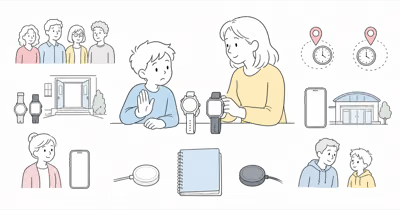
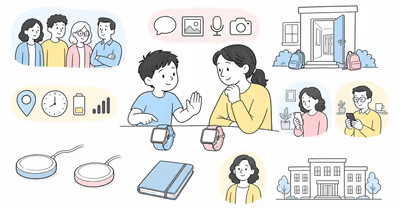
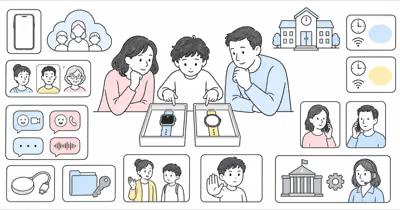
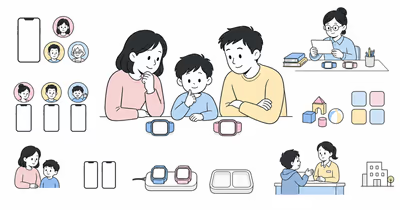
Gabb Watch 3e and Apple Watch SE 3 are not age brackets. They’re two different family communication systems with different setup, feature, service, and privacy tradeoffs.
This is a current-document comparison, not hands-on evidence, a child-safety guarantee, legal advice, or a recommendation to buy.
Include the child in the decision at an age-appropriate level, follow school and care-setting rules, and use either watch openly.
- The old age split was unsupported. A birthday does not prove that a child needs a locked-down watch or is ready for a broader app system.
- Gabb documents a narrower managed setup. Its current guide lists parent-added contacts, preset messages, GPS monitoring, LTE, Wi-Fi, and a fixed set of included apps.
- Apple documents a broader managed system. Apple Watch For Your Kids supports approved contacts, Ask to Buy, Schooltime, location sharing, and apps, subject to setup and carrier conditions.
- Neither location view is continuous proof. Signal, settings, power, refresh timing, account access, and device wear can make a point stale, missing, or misleading.
- A watch does not replace the family or emergency plan. Test communication and fallback without creating a false promise of supervision or rescue.
Gabb Watch 3e vs Apple Watch SE 3 at a Glance
⇄ Head-to-head
Gabb Watch 3e vs Apple Watch SE 3
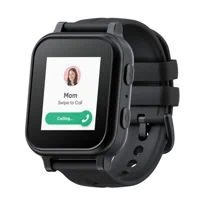
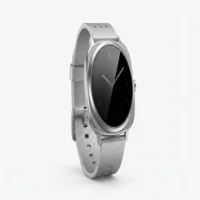
APPLE
Apple Watch SE 3
- +Current guide lists up to 100 parent-added contacts
- +Preset messages, calls, GPS monitoring, Wi-Fi, and LTE are documented
- +Included feature set is narrower than Apple's app system
- +Wireless charging and IP68 hardware are documented
- +Apple Watch For Your Kids supports managed calls and messages
- +Ask to Buy, Screen Time, Schooltime, and app access are documented
- +Find My people sharing and arrival or departure alerts are documented
- +Emergency SOS and a broad accessibility set are available
- −Requires Gabb activation, service, coverage, and account setup
- −Gabb warns against submerging the IP68-rated watch
- −Exact location cadence and battery need a real-family trial
- −Requires an eligible cellular watch and organizer-managed Apple setup
- −Carrier, region, account, settings, and connection dependencies are broader
- −The wider app system needs ongoing permission and privacy review
- ·Consider when the narrower current feature set matches the agreed job
- ·Confirm contacts, messages, SOS, GPS behavior, school rules, and coverage
- ·Keep a separate communication and emergency fallback
- ·Consider when the broader current system serves a defined family need
- ·Confirm setup eligibility, contacts, apps, location, carrier, and charging
- ·Keep a separate communication and emergency fallback
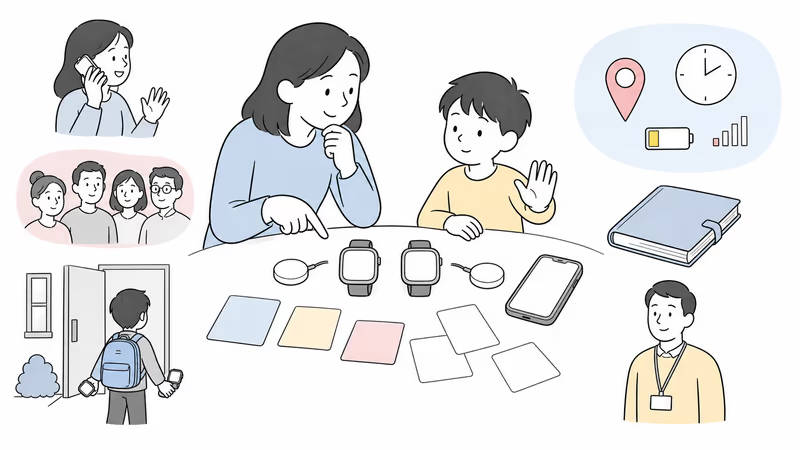
Define the Family Job Before Comparing Features
Write the smallest job the watch must do.
According to Gabb’s current guide, Watch 3e supports up to 100 parent-added contacts. That number still doesn’t define who actually needs access or what the family expects the watch to do.
Examples include an agreed call home, a short approved contact list, a school-day check-in, a location-sharing arrangement, or an emergency-call control. “Track the child everywhere” is not a usable requirement: it ignores consent, school rules, signal gaps, stale points, charging, and who responds.
Start with that written job.
Record the child, organizer, approved contacts, school or care-setting permission, account owner, location viewers, check-in expectations, emergency steps, charging owner, and stop conditions.
For a broader planning boundary, use the family location and communication guide before selecting hardware.
Are These the Current Models?
Compare Gabb Watch 3e with Apple Watch SE 3, not legacy generations.
Gabb’s current product page presents Gabb Watch 3e. According to its March 2026 quick guide, the watch has a 1.4-inch Gorilla Glass display, wireless charging, IP68 water resistance, Wi-Fi and Bluetooth, LTE, GPS monitoring, up to 100 parent-added contacts, and up to 20 customizable preset messages.
According to Apple’s current technical specifications, Apple Watch SE 3 supports Emergency SOS, Fall Detection, GPS, eligible cellular models, 50-meter water resistance under stated conditions, and up to 18 hours of normal use under Apple’s test.
Generation names matter here.
Save the exact model, band, charger, plan, software, warranty, return terms, and promised features in a dated record.
The current Gabb Watch review provides a model-specific checklist; a familiar name doesn’t prove that every configuration matches.
How Do Contacts and Communication Controls Differ?
Test the exact person-to-person path rather than labels such as “closed” or “open.”
According to Gabb’s current guide, a parent can add up to 100 contacts; it also documents calls, preset texts, and voice-related communication within its managed system. Confirm who can add, remove, call, message, and recover the account, and whether every needed contact works on the actual plan.
Apple’s Apple Watch For Your Kids page describes calls and messages with approved contacts. Apple’s setup guide also documents Screen Time communication limits. Apple Communication Safety can warn about and blur certain sensitive images, but it isn’t a promise that every harmful message, contact, or interaction will be prevented.
Test the child-to-organizer path, another approved contact, missed calls, poor signal, and account recovery using provider-permitted procedures. Include an unapproved contact only when the provider documents a safe method.
Keep the child’s number and location history private.
How Should Families Read a Location Point?
Neither manufacturer provides a basis for the old claim that one watch always gives more precise live location.
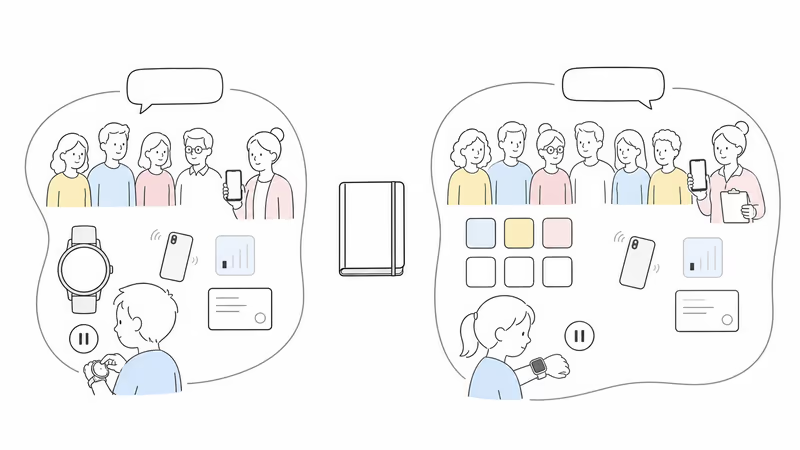
Gabb documents GPS location monitoring plus Wi-Fi and LTE support. Apple documents Find My people location sharing and configured arrival or departure alerts. In either system, the visible point can depend on device wear, battery, signal, indoor conditions, account state, settings, refresh behavior, service availability, and the time shown in the app.
Check the timestamp before acting. Confirm with the child or another responsible person when possible. Don’t infer a route, intent, attendance, or safety from a single dot. Never use a watch location to conduct a confrontation or pursuit.
If a child is missing or there is immediate danger, contact local responders and follow the applicable official process immediately. A watch point may be shared with responders if requested, but it does not replace that process.
Understand the Emergency Paths and Their Limits
An SOS label does not guarantee connection, dispatch, arrival, or outcome.
Apple’s Emergency SOS support says the watch attempts to call local emergency services and can notify configured emergency contacts after the call. The path depends on model, activation, nearby iPhone, cellular or supported Wi-Fi calling, country, and network conditions.
For Gabb Watch 3e, confirm the exact current SOS control, recipient order, call behavior, cancellation, location sharing, and plan requirements in the setup and support flow. Don’t infer that its side button or an SOS label creates a monitored response center or public-emergency connection without current documentation for the exact service.
Teach the child when to use the control, how to explain an accidental activation, and which human fallback to use when the watch can’t connect. Don’t stage an emergency call.
Check Apps, School Rules, and Privacy Together
More or fewer apps is not automatically safer.
Gabb’s current guide shows a fixed set of included apps and games. Apple Watch For Your Kids supports a wider app system with organizer approval through Ask to Buy, plus Screen Time and Schooltime. Verify the current list and controls on the exact device rather than relying on the old absolutes “zero internet” or “no workaround.”
Schooltime doesn’t override school policy. Ask what must be disabled, stored, or disclosed during class, testing, sports, changing areas, or care.
Policy comes first.
Limit location viewers and account administrators. Review messages, health data, purchases, app permissions, retained history, notification previews, lost-device recovery, and what happens when family roles change. Avoid surveillance as the default response to ordinary independence. The kids smartwatch fit guide compares the wider category without treating app count as a safety score.
Test Fit, Water Guidance, and Charging
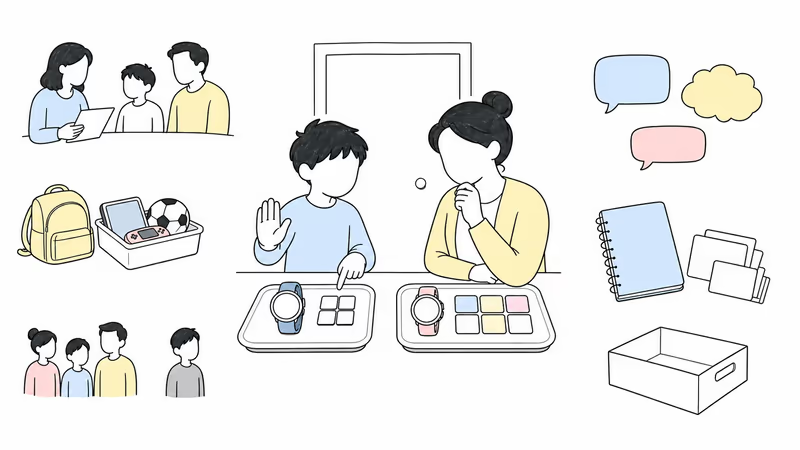
A feature is unavailable when the watch is uncomfortable, removed, or uncharged.
Check wrist fit, safe removal, display legibility, controls, speaker, microphone, vibration, sensory load, and charger alignment.
Let the child stop the trial for discomfort, embarrassment, conflict, skin pressure, sleeve interference, or unwanted monitoring.
Gabb lists IP68 but also says not to submerge Gabb Watch 3e. Apple gives SE 3 a 50-meter water-resistance rating under specified conditions and notes that water resistance is not permanent. Follow each manufacturer’s current care instructions rather than translating a rating into a blanket waterproof promise.
Apple publishes up to 18 hours of normal use under its test. Gabb’s quick guide explains wireless charging but does not establish a universal real-family runtime. Observe both in the actual signal, notification, location, and school routine. Name the charging owner and the no-watch fallback.
Verify Setup, Coverage, and Full Current Cost
The old fixed two-year totals are removed because configuration and terms change.
Gabb requires an account, activation, a Gabb cellular plan, and coverage. Get a dated quote for the device, plan, activation, contract length, taxes, shipping, accessories, replacement, warranty, return, cancellation, renewal, and promotion end.
Apple Watch For Your Kids requires an eligible GPS + Cellular watch, the organizer or parent/guardian role in Family Sharing, Apple Accounts, a compatible organizer iPhone, and regional and carrier support. Some features are unavailable in a managed family setup. Price the exact watch, band, charger or adapter, carrier plan, apps, protection, replacement, and compatible organizer-device path.
Keep the dated quote.
Don’t choose on device price alone. A cheaper setup that fails contacts, coverage, charging, school rules, or child participation doesn’t meet the family job. The Fitbit Ace LTE comparison shows why the same current-configuration audit matters across kid-watch categories.
Run a Reversible Family Trial
Use the same checklist for both watches.
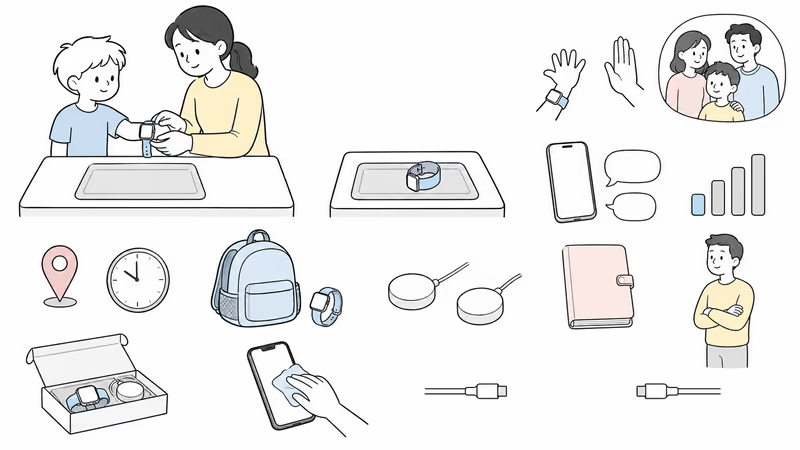
Record the exact model, software, plan, account owner, administrators, viewers, approved contacts, apps, school settings, location expectations, SOS path, coverage, charging owner, fallback, review date, and stop conditions.
Test calls, messages, location timestamps, charging, comfort, school settings, and account recovery only with provider-permitted non-emergency procedures.
Ask the child what helped, what felt intrusive, what failed, and whether the watch should continue.
If the answer is no, remove viewers, erase or return the device, cancel service where applicable, review retained data, and confirm billing.
Bottom Line
Gabb Watch 3e offers a narrower current managed feature set. Apple Watch SE 3 with Apple Watch For Your Kids offers a broader app, communication, location, and smartwatch system with more setup dependencies. Neither is safer by age or by default.
Choose only after the exact current configuration meets an agreed family job and passes child participation, contacts, location limits, school policy, SOS understanding, coverage, fit, charging, privacy, total cost, fallback, and offboarding checks.
For another dedicated-watch comparison, continue with Gizmo Watch vs Apple Watch using the same no-winner checklist.
FAQ
Is Gabb Watch 3e or Apple Watch SE 3 safer for a child?
Neither is safer by default or by age. Gabb offers a narrower managed feature set, while Apple offers a broader organizer-managed system. Compare the exact setup by child participation, contacts, location limits, school rules, SOS path, coverage, fit, charging, privacy, fallback, and a reversible trial.
Can a child use Apple Watch SE 3 without owning an iPhone?
Yes, with an eligible cellular watch and Apple Watch For Your Kids. The setup still requires an organizer’s compatible iPhone, Apple Accounts, Family Sharing, regional and carrier support, and a cellular plan for relevant features. Some features are unavailable in the managed setup.
Who can contact a child on Gabb Watch 3e?
Gabb’s current guide says the watch supports up to 100 parent-added contacts. Confirm the exact call and message permissions, account administrators, blocked or unknown-call behavior, and recovery process on the current software and plan rather than assuming every contact path is impossible.
Which watch has more accurate child location?
The current official materials don’t support a universal accuracy winner. Gabb documents GPS monitoring with Wi-Fi and LTE support; Apple documents Find My people sharing and configured alerts. Both depend on wear, power, signal, settings, service, account state, refresh behavior, and the displayed timestamp.
Can either watch replace supervision or an emergency plan?
No. Calls, messages, location points, alerts, and SOS paths can fail or be delayed. Define responsible contacts and a no-watch fallback. If a child is missing or there is immediate danger, use the applicable official emergency process instead of waiting for a watch update.
Can Gabb Watch 3e or Apple Watch SE 3 be worn while swimming?
Gabb lists IP68 for Watch 3e but says not to submerge it. Apple lists 50-meter water resistance for SE 3 under stated conditions and says water resistance can diminish. Follow the exact current care guidance; neither rating is a blanket waterproof guarantee.
How should a family compare the current cost?
Get dated totals for the exact device, service or carrier plan, activation, contract, accessories, protection, replacement, taxes, shipping, return, cancellation, renewal, and promotion end. Cost matters only after the setup passes contacts, coverage, school, charging, privacy, and child-participation checks.