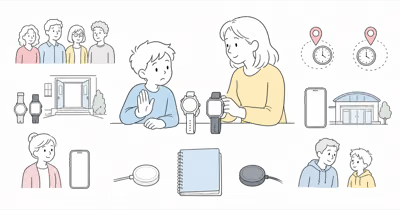
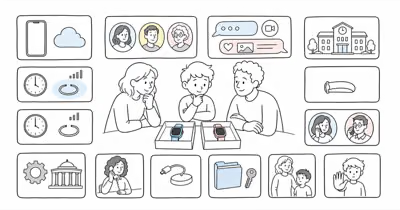
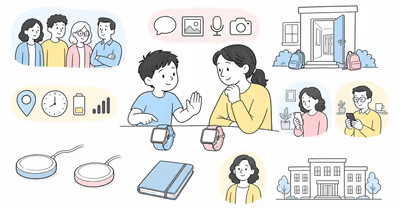
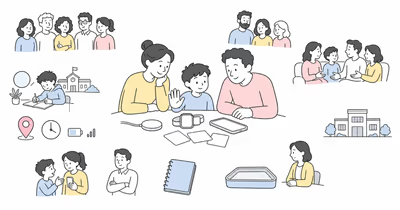
The old three-model Gizmo buying comparison no longer describes Verizon’s current system. Verizon now sells Gizmo Watch 4, and its support pages say GizmoHub is retiring while management features move to Verizon Family.
This is a current-source editorial review, not hands-on evidence, an accuracy test, an emergency guarantee, or a recommendation to buy.
- Gizmo Watch 4 is the current model. Retired-model prices and feature scorecards don’t establish current value, availability, service, or support.
- Older owners have a migration job. Verizon warns against deleting or resetting a Gizmo during the move from GizmoHub to Verizon Family.
- Current communication is broader than preset texts. Watch 4 supports voice and video calls plus multiple message formats within the trusted-contact system.
- Location remains conditional. Verizon documents GPS, Wi-Fi, cellular positioning, geofences, check-in, removal alerts, and five-minute real-time tracking sessions, not continuous certainty.
- SOS is a caregiver call. Gizmo calls a preset emergency contact and can’t call 911. Keep a separate communication and official emergency plan.
Which Gizmo Path Are You On?
Separate a current purchase from legacy ownership.
For a new setup, use the current Gizmo Watch 4 product and specification page, not a GizmoWatch 2, Disney Edition, or Watch 3 price table. Record the exact hardware, service, return terms, charger, caregiver phone, and promised features.
For an existing Gizmo, identify the exact model, current app, primary Guardian, other users, service state, stored photos, settings, contacts, and migration status before changing anything. Older hardware may continue to work, but support and feature behavior need exact-model confirmation.
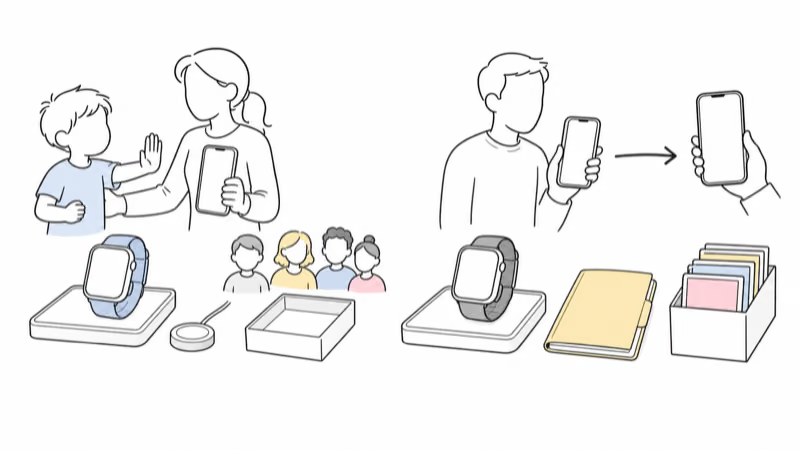
Legacy Migration Without a Reset
Preserve the existing account until the transfer is complete.
Verizon’s GizmoHub migration guide says the app is retiring and warns not to restart or reset the watch during migration. Selecting Delete Gizmo resets the watch and permanently removes settings, data, and gallery photos.
The primary account Guardian should move first, using the current Verizon Family instructions. Caregivers and trusted contacts then need the current app and mapped roles. Verify profiles, contacts, permissions, messages, location, alerts, and photos after transfer before retiring the old workflow.
Don’t factory-reset merely to solve migration uncertainty. Use Verizon’s support path if the account, owner, role, service line, QR pairing, or data-transfer state is unclear.
Current Setup Requirements
Watch, service, app, roles, and coverage form one system.
Verizon’s Watch 4 activation guide requires the Verizon Family app on a connected companion phone and pairs the watch through the child profile and QR flow. The exact caregiver doesn’t necessarily need Verizon phone service, but the Gizmo watch needs its own supported Verizon setup.
Current Verizon Family guidance describes Guardian and Member roles with different control and location access. Give each person the minimum access needed for the agreed family job. Remove invitations, former caregivers, and permissions that no longer belong.
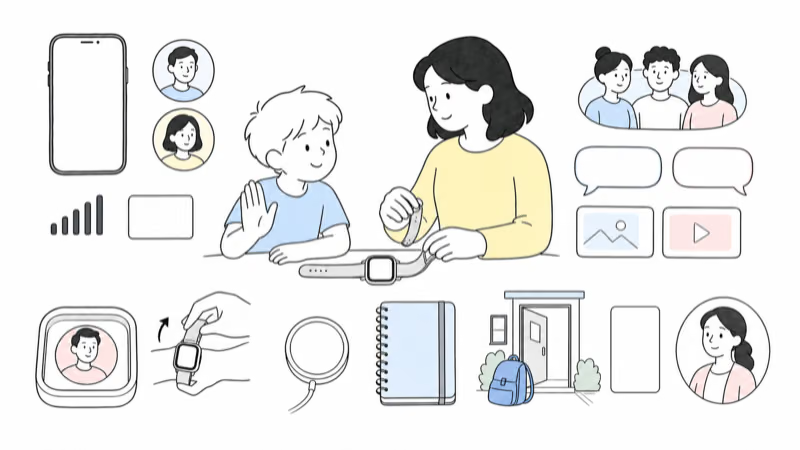
How Do Contacts, Calls, and Messages Work?
Communication stays inside a caregiver-managed contact model.
According to Verizon Family, Gizmo Watch 4 allows up to 40 trusted contacts, including Guardians, Members, and Gizmo Buddies. Pending invitations count toward the limit until accepted or declined.
The current messaging guide documents typed and preset text, recorded voice, pictures, video, emojis, and speech-to-text. Verizon limits video calls to three minutes to reduce overheating risk.
Test ordinary incoming and outgoing calls, messages, media permissions, unknown-number behavior, Auto-Answer settings, and the child’s ability to identify and report an unwanted interaction. Repeat the test with a blocked contact and an unavailable caregiver, then document who takes over. Richer communication means more child and bystander data to manage, not automatic safety.
School Mode Boundaries
Confirm the exact emergency behavior before class.
Verizon Family says School Mode blocks games, apps, and interactive features, displays the clock, and leaves emergency-contact calling available. That doesn’t prove every school permits the watch, camera, location, or communication features.
Agree on when the child can use the watch, who the emergency contact is, what staff are expected to do, how location is handled, and what happens if the watch is removed, unavailable, or distracting. Follow the current school or care-setting process.
Interpret Location, Boundaries, and Removal Alerts Carefully
A point or alert describes the device, not verified context.
Verizon states that Gizmo location uses GPS, Wi-Fi, and cellular positioning. Under its described optimum conditions, GPS can take 15–30 seconds and be within a few yards; indoor Wi-Fi and cellular results can be much broader. Those provider figures aren’t independent tests or guarantees for your route.
According to Verizon Family, real-time tracking stops automatically after 5 minutes to conserve battery. Geofence, scheduled-location, check-in, and removal alerts still depend on power, service, settings, app delivery, the watch staying with the child, and a human interpreting the event.
Don’t use these controls for covert monitoring or discipline. Involve the child and limit viewers, places, alert purpose, retention, and review frequency.
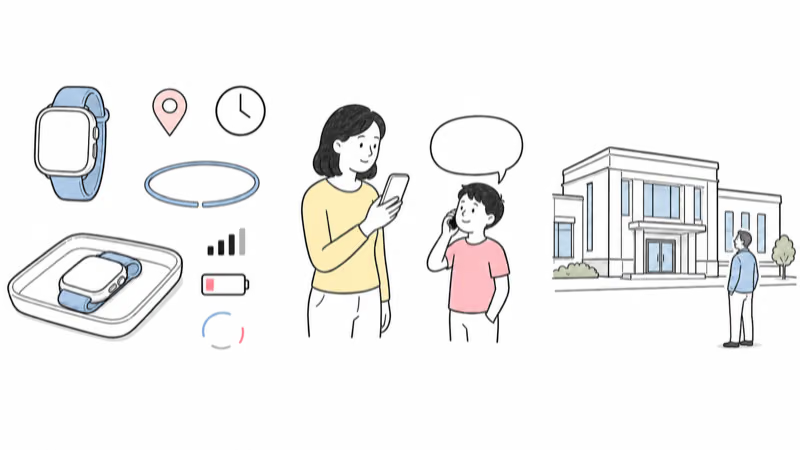
SOS and Emergency Response
Gizmo’s SOS path calls a configured person, not public emergency services.
Verizon Family instructs a child to hold the power button, then swipe to call the preset emergency contact. The same FAQ explicitly says Gizmo watches can’t call 911 or similar emergency telephone systems.
Name the recipient, backup, first action, escalation point, and takeover owner. Test the caregiver call without placing a false emergency call. If someone is missing, injured, unwell, or in immediate danger, use the applicable official local process rather than waiting for a watch point, alert, or callback.
Check Battery, Charging, Fit, and Water Guidance
Published specifications don’t predict one family’s day.
Verizon states that Gizmo Watch 4 has a 530 mAh battery, wireless charging, and 5ATM water resistance. Its product page also notes that GPS availability and accuracy aren’t guaranteed. Verify the exact user guide, warranty, Water Lock behavior, charger, and current water instructions before exposure.
Observe a normal day with the actual signal, tracking, calls, video, messages, school schedule, and screen use. Record low-battery alerts, shutdowns, charging time, heat, charger placement, wrist comfort, skin response, and whether the child can remove or report a problem.
Review Privacy, AI, and Offboarding
The current system includes more than location and calls.
A parent or guardian should use a Gizmo only for their own child, with the child’s informed participation and consent when applicable.
Review every Guardian, Member, contact, invitation, message, photo, video, call log, place, geofence, removal alert, Auto-Answer control, Medical ID field, and Ask & Learn setting. Verizon says Guardians can request up to 60 days of Ask & Learn interaction data and warns that generative AI answers may be wrong.
The FTC recommends checking what a child device records, who can access it, and how parents can review or delete data. Disable unnecessary features.
When ownership ends, use the current factory-reset instructions only after saving permitted data and removing account access through the proper sequence. Cancel or transfer service, remove users, reset hardware, and confirm what happens to photos, messages, profiles, AI interactions, and backups.
Run a Reversible Family Trial
Test ordinary routines before relying on the system.
Write the family job, child participation, school permission, viewers, contacts, location and alert purpose, SOS recipient, public-emergency fallback, charging owner, review date, and stop conditions. Test a normal call, message, location request, boundary event, school schedule, flat battery, unavailable caregiver, and lost companion phone.
Pause for objection, distress, poor fit, repeated false alerts, unacceptable location gaps, privacy conflict, school refusal, failed migration, charging failure, or an emergency job the watch can’t meet.
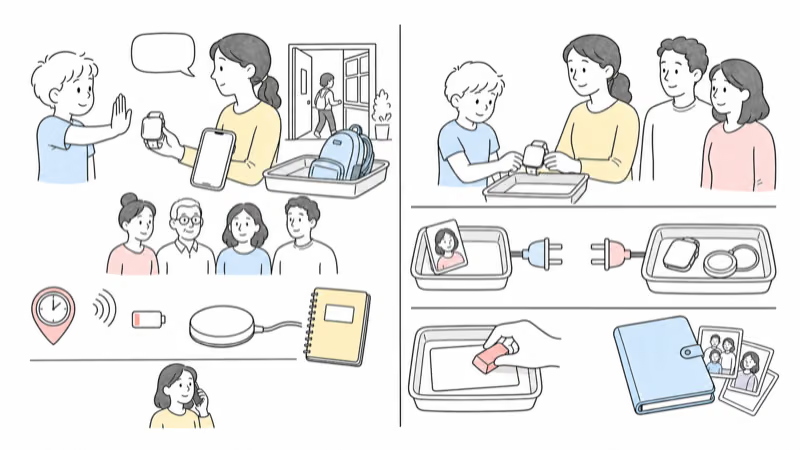
Bottom Line
Gizmo Watch 4 is Verizon’s current family-watch system, not the winner of a timeless three-model scorecard. It may fit when Verizon service, Verizon Family roles, trusted communication, school controls, conditional location, caregiver SOS, charging, privacy, and fallback pass a real trial.
For adjacent choices, compare Gabb Watch and Gizmo Watch or review TickTalk and Gizmo as complete family systems.
Older Gizmo owners should treat the app transition as a careful migration, not an excuse to reset first. Preserve the working account, follow the primary-Guardian sequence, verify users and data, then retire the old workflow only after the current system works.
FAQ
What is the current Gizmo Watch model?
Verizon currently sells Gizmo Watch 4. Older Gizmo models may still be in use, but their availability, support, app workflow, contacts, messaging, location, battery, and service need exact-model confirmation.
Is Verizon retiring the GizmoHub app?
Yes. Verizon says GizmoHub is retiring and its features are moving to Verizon Family. Follow the current migration sequence and don't delete or reset the watch first, because Verizon says that can remove settings, data, and gallery photos.
How many contacts can Gizmo Watch 4 have?
Verizon Family currently documents up to 40 trusted contacts, including the primary Guardian. Pending invitations count toward the limit until accepted or declined.
Can Gizmo Watch 4 call 911?
No. Verizon says Gizmo watches can't call 911 or similar public emergency numbers. The SOS flow calls a preset emergency contact, so families still need a separate official emergency plan.
Is Gizmo Watch location always accurate?
No. Location depends on the watch staying with the child, power, GPS, Wi-Fi or cellular positioning, service, surroundings, settings, and app delivery. Treat every point and alert as fallible device data.
Does Gizmo Watch 4 work during School Mode?
Verizon says School Mode displays the clock, blocks games and interactive features, and leaves emergency-contact calling available. Confirm the exact current behavior and school permission before relying on it.
Should I reset an older Gizmo before moving to Verizon Family?
No. Verizon warns against deleting or resetting during migration because that can remove settings, data, and gallery photos. Move the primary Guardian first and use support if the account or migration state is unclear.