TickTalk 5 and Xplora X6Play aren’t safety grades, price tiers, or age prescriptions. They’re current cellular family systems with different caregiver apps, communication options, location controls, activity features, help paths, and service dependencies.
This guide reconciles current official documentation. It isn’t hands-on evidence, an accuracy test, an emergency guarantee, or a recommendation to buy.
Use either watch openly, involve the child at an age-appropriate level, and follow school and care-setting rules.
- The old TickTalk 4 and Xplora X5 Play comparison is retired. Current hardware, software, service, cameras, contacts, messaging, water, battery, and app behavior replace the stale claims.
- Both current watches have a 5MP camera and approved-contact communication. The old Xplora-has-no-camera claim is false for X6Play.
- Location remains conditional. Xplora explicitly documents Safe Zones and GPS, Wi-Fi, and mobile-network positioning; TickTalk documents location history and SmartPin while its current Safe Zone wording conflicts.
- Emergency semantics differ. TickTalk separates caregiver SOS from configurable U.S. direct 911. Xplora documents a guardian SOS workflow, not the same public-emergency feature.
- Neither system replaces a child, caregiver, school, communication, or emergency plan. Test participation, fit, coverage, charging, privacy, fallback, and offboarding.
⇄ Head-to-head
TickTalk 5 vs Xplora X6Play
TICKTALK
TickTalk 5
XPLORA
Xplora X6Play
- +Voice, FaceTalk video, photos, and richer approved-contact messaging are documented
- +Caregivers can assign app permissions and review call logs
- +Location requests, history, SmartPin correction, and school-hour controls are integrated
- +A separate configurable direct-911 function is documented for U.S. use
- +Approved voice calls, texts, voice notes, emojis, pictures, preset messages, and a 5MP camera are documented
- +The caregiver app manages contacts, Safe Zones, alarms, School Mode, and other Focus modes
- +GPS, Wi-Fi, mobile-network positioning, location history, and zone alerts are documented
- +GoPlay connects steps with optional activity content and rewards
- −TickTalk Wireless service, compatible caregiver setup, and coverage are required
- −Current official pages are inconsistent about Safe Zone availability
- −Video, GPS frequency, signal, and settings affect the published battery estimate
- −IP67 is water resistance, not permission for swimming or showering
- −Current U.S. Xplora Connect service, compatible caregiver phone, account setup, and coverage are required
- −The documented SOS path alerts guardians rather than providing TickTalk's separately described direct-911 control
- −Location and Safe Zone timing depend on signal, positioning source, settings, and app delivery
- −IP68 and published battery figures still require current care guidance and a household trial
- ·Consider when flexible app roles and TickTalk communication match the agreed job
- ·Confirm contacts, School Mode, location history, Safe Zones, SOS, 911, coverage, charging, and privacy
- ·Keep a separate communication and emergency fallback
- ·Consider when Xplora communication, explicit Safe Zones, Focus modes, and activity platform match the agreed job
- ·Confirm contacts, media, school schedules, location alerts, SOS recipients, coverage, charging, and privacy
- ·Keep a separate communication and emergency fallback
Define the Family Job Before Comparing Features
Write the smallest agreed task.
List the child, caregiver, other contacts, school permission, ordinary communication, location viewers, Safe Zone purpose, intended help recipients, public-emergency access, service, charging owner, privacy limits, human fallback, and stop conditions.
TickTalk 5 uses the TickTalk Parent app, caregiver permissions, approved contacts, and TickTalk Wireless service. Xplora X6Play uses the Xplora caregiver app and, for the current U.S. direct offering, Xplora Connect with a preinstalled SIM and supported coverage.
Use the family location and communication guide to separate ordinary coordination from emergency response.
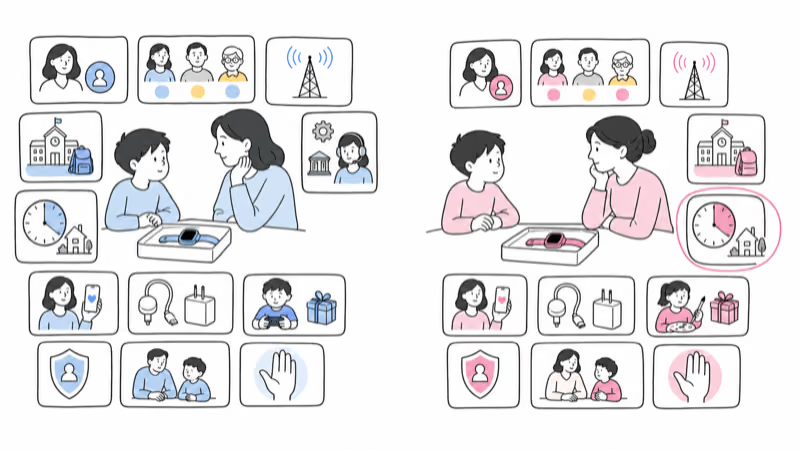
Which Current Models and Services Are Being Compared?
The route compares TickTalk 5 with the U.S. Xplora X6Play, not TickTalk 4 or X5 Play.
TickTalk states that TickTalk 5 has one 5MP camera; its current product page also lists 4G cellular service, GPS, Wi-Fi, Bluetooth, a 770 mAh battery, IP67 water resistance, and the current parent-control system.
According to Xplora’s current U.S. X6Play page, the watch has a 5MP camera, 1GB RAM, 8GB storage, an 880 mAh battery, IP68 rating, GPS, Wi-Fi and mobile-network positioning, a preinstalled nano SIM, and current Xplora Connect requirements.
Record exact hardware, software, service, coverage, caregiver phones, roles, charger, compatibility, terms, and promised features. Reject retired-model details.
How Do Contacts, Calls, Cameras, and Messages Differ?
The old camera-versus-no-camera comparison is false for the current models.
TickTalk’s contact guide describes Admin and Limited Access roles, approved contacts, blocked unknown callers, call logs, voice and FaceTalk video calls, SMS, groups, recorded voice, photos, emojis, GIFs, and greeting cards.
Xplora’s current X6Play page documents approved voice calls, texts, voice notes, emojis, pictures, quick preset messages, a 5MP camera, and an album. It doesn’t support the old article’s claim that Xplora video calling existed without a camera; confirm the exact current calling and media behavior instead of carrying that contradiction forward.
Test every necessary adult, one removed contact, missed calls, delayed messages, camera and album permissions, weak signal, caregiver-phone replacement, account recovery, and offboarding. Grant only the access that completes the family job.
What Do School and Focus Modes Leave Available?
Both reduce distraction, but their exact remaining functions need a permitted test.
TickTalk describes scheduled School Mode that suspends most interactive functions while location and caregiver SOS remain available. Confirm the separately configured 911 control on the exact software rather than assuming every help feature behaves alike.
Xplora documents School Mode plus other Focus modes for sleep, extracurriculars, or a device-light weekend. Its current U.S. page says school controls silence calls and messages while GPS remains active. Confirm time display, SOS, calls, messages, camera, location, Safe Zones, activity features, and schedule sync on the actual watch.
Ask the school what may be worn, used, silenced, stored, photographed, recorded, or location-shared. Test schedules, time zones, allowed contacts, help controls, and exit conditions.
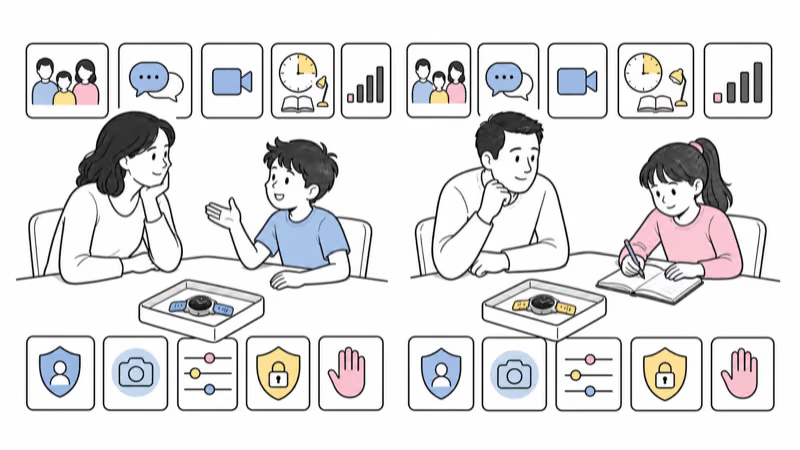
Treat Location and Safe Zones as Conditional
A watch point or boundary alert describes the device, not proof of the child’s route, attendance, intent, or safety.
TickTalk’s location explanation says the app shows the last confirmed fix and allows a fresh request, with GPS, Wi-Fi, cellular, signal, power mode, buildings, vehicles, battery, and coverage affecting timing and precision. It also documents history and SmartPin correction.
TickTalk’s current Safe Zone wording conflicts across official pages. Confirm the exact app, plan, region, and software before relying on geofences.
Xplora’s positioning explanation says the app may use GPS, Wi-Fi, or mobile-network triangulation. It notes that outdoor GPS, indoor Wi-Fi, mobile coverage, watch antenna size, and the displayed accuracy method affect the result. Safe Zone alerts inherit those limits plus refresh and notification timing.
Record the displayed timestamp and accuracy context, retry once, contact the child or responsible adult, and use the human fallback. Don’t treat either app as continuous monitoring.
Separate Caregiver SOS from Public-Emergency Calling
TickTalk documents two paths. Xplora documents a guardian SOS workflow.
TickTalk’s SOS and 911 guide says holding SOS calls a designated contact and sends location to the parent app. Its contact guide says unanswered SOS can continue to configured Parent Shortcut Dial contacts. Separately, TickTalk documents configurable U.S. direct 911 with a parent alert.
Xplora’s current U.S. page says holding the SOS control for about 10 seconds alerts guardians and shares live location. Current support describes primary and secondary guardian behavior. Those materials don’t document a separate public-emergency control equivalent to TickTalk’s direct-911 feature, so don’t infer one.
Teach the control, intended recipient, TickTalk 911 setup where applicable, current-address communication, accidental-call response, and fallback without staging a false emergency. In immediate danger, contact local responders.
Compare Activity and Personalization Without Declaring a Winner
Fun features create permissions, distraction choices, and data surfaces.
TickTalk 5 includes a camera, FaceTalk video, curated music, activity tracking, step goals, reminders, greeting cards, photo transfer, and richer communication. TickTalk says the watch has no open internet, social media, or app store.
Xplora X6Play includes a 5MP camera, album, swappable frames and loops, step tracking, and the GoPlay activity platform. Xplora says movement can earn Xplora Coins and unlock optional activity content or rewards, while the watch has no open internet or social media.
Test media, rewards, distraction, school fit, privacy, purchases, and the child’s stop choice. Feature count isn’t safety.
Compare Charging, Fit, Signal, and Water Guidance
Published runtime and water ratings are planning inputs, not household guarantees.
TickTalk publishes up to 48 hours of typical use or more than 100 hours of standby. GPS frequency, video calls, signal, settings, and use affect runtime. TickTalk rates the watch IP67 and warns against prolonged immersion, swimming, and showering.
Xplora publishes roughly one to two days of use and up to 72 hours of standby for X6Play, with a 2.5-to-3-hour charge time. Calls, media, screen use, location, Safe Zones, activity features, signal, settings, temperature, and battery condition can change the result. Xplora publishes an IP68 rating; follow the exact current care guidance rather than treating a rating as unlimited water permission.
Test band fit, safe removal, display, speaker, microphone, camera comfort, charger ownership, low-battery behavior, weak signal, one school day, one active day, and the no-watch fallback.
Review Child Data and Caregiver Roles Together
Approved contacts don’t eliminate privacy, security, or family-boundary decisions.
Review account ownership, caregiver roles, approved contacts, SOS recipients, TickTalk 911 configuration, calls, messages, groups, photos, video, voice recordings, location viewers, history, SmartPin, Safe Zones, activity, rewards, school schedules, cloud backups, analytics, recovery, export, retention, and deletion.
Xplora’s current U.S. page requires a compatible caregiver device and current Xplora app. TickTalk distinguishes Admin and Limited Access permissions. Confirm who can add contacts, view location, change settings, receive SOS alerts, reset a watch, or retain access after a phone or family-role change.
The FTC guidance recommends reviewing location sharing, media access, contacts, privacy settings, and parental controls. Apply minimum access throughout the setup.
Verify the Full Current Setup and Terms
The old fixed prices, separate-SIM advice, plan tiers, first-year totals, and value winner are removed.
For TickTalk 5, get a dated quote for the exact watch, TickTalk Wireless plan, current coverage choice, taxes, shipping, accessories, protection, replacement, warranty, return, cancellation, renewal, promotions, caregiver phones, app roles, and feature availability.
For Xplora X6Play, price the exact U.S. device, Xplora Connect plan and term, supported coverage, caregiver app compatibility, taxes, fees, shipping, accessories, protection, replacement, warranty, return, cancellation, renewal, promotions, account roles, and feature availability. Don’t reuse the old X5 Play, separate SIM, or plan-tier totals.
A lower headline price doesn’t answer whether the exact setup works at home, school, travel, or the intended caregiver locations.
Run a Reversible Family Trial
Use one acceptance checklist for both systems.
Record hardware, software, caregiver phones, account owner, service, administrators, contacts, camera and media permissions, School or Focus modes, location viewers, Safe Zones, SOS recipients, TickTalk 911 configuration, coverage, charging owner, activity and reward rules, privacy, fallback, review date, and stop conditions.
Test ordinary voice, messages, one permitted video or camera interaction, one location request, displayed timestamps, Safe Zone behavior, weak signal, charging, school controls, one removed contact, lost-watch handling, and account recovery. Test caregiver SOS only through documented non-emergency methods. Don’t place a non-emergency test call to 911.
Ask what helped, distracted, felt intrusive, or failed. If the trial stops, remove access, reset the watch, cancel service, and follow the actual return terms.
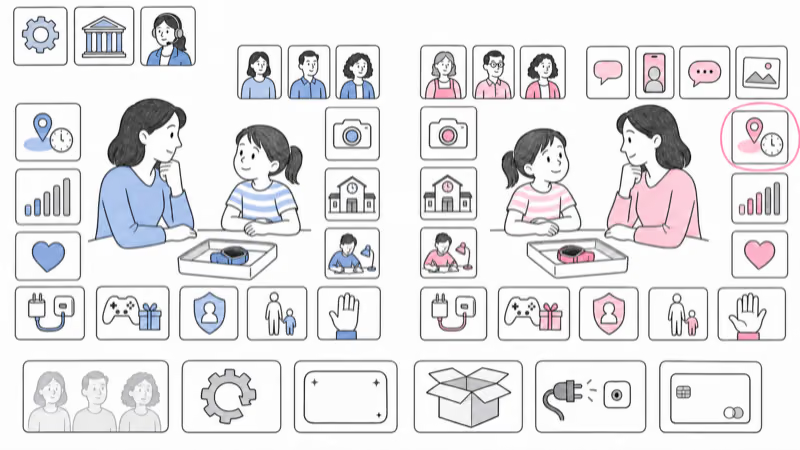
Bottom Line
TickTalk 5 and Xplora X6Play both offer cameras, approved communication, school controls, location tools, and caregiver-managed accounts. TickTalk adds flexible app roles, location-history correction, and a separate configurable U.S. 911 path; Xplora adds explicit Safe Zones, broader Focus modes, hardware personalization, and GoPlay activity features. Neither is safer by default.
Choose only after the exact current setup completes the agreed job and passes child participation, caregiver roles, school policy, communication, location and alert limits, help-path understanding, coverage, battery routine, fit, privacy, total-cost, fallback, and offboarding checks.
For current adjacent comparisons, see TickTalk 5 vs Gabb Watch 3e and TickTalk 5 vs Gizmo Watch 4.
The current child-location options guide separates watch communication from dedicated tracker jobs.
FAQ
Is TickTalk 5 or Xplora X6Play safer for a child?
Neither is safer by default. Both combine approved communication, cameras, school controls, and location tools with caregiver accounts and cellular service. Compare child participation, school rules, location limits, help recipients, coverage, charging, privacy, fallback, and a reversible trial.
Do TickTalk 5 and Xplora X6Play have cameras?
Yes. Current official pages document one 5MP camera on TickTalk 5 and a 5MP camera plus album on Xplora X6Play. The old claim that Xplora offered messaging or video without a camera described an obsolete comparison and should not guide a current choice.
Do both watches support Safe Zones?
Xplora explicitly documents Safe Zones for X6Play. TickTalk’s current official wording conflicts: one recent guide describes customizable geofences while another current location explanation emphasizes requests, history, and SmartPin. Confirm the exact app, plan, region, and software before relying on any boundary alert.
Can TickTalk 5 or Xplora X6Play call 911?
TickTalk documents a separately configurable direct 911 function for U.S. use in addition to its caregiver SOS path. Xplora’s current U.S. materials document a guardian SOS alert and call workflow, not an equivalent separate public-emergency control. Confirm the exact software and don’t place a non-emergency test call to 911.
What stays available during school controls?
TickTalk says School Mode limits interactive features while location and caregiver SOS remain. Xplora says School Mode silences calls and messages while GPS remains, and it offers other Focus modes. Confirm time, SOS, communication, camera, activity, location, alerts, and schedule behavior on the actual watches under school permission.
Can a child swim with either watch?
Don’t decide from IP numbers alone. TickTalk rates TickTalk 5 IP67 and advises against swimming or showering. Xplora publishes IP68 for X6Play, but current care instructions, seals, wear, water type, temperature, pressure, warranty terms, and damage history still control what use is appropriate.
Which watch should a family choose?
Choose only after the current setup completes one agreed job. Trial TickTalk when its communication, app roles, location history, and separate configurable 911 path fit. Trial Xplora when explicit Safe Zones, Focus modes, personalization, and GoPlay fit. Pause if the child objects or either system exceeds the need.