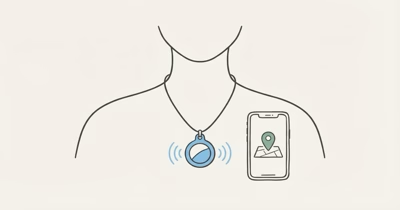
AirTag belongs in the Items side of Find My. Attaching one to keys, a bag, or another belonging doesn’t turn it into a reliable location or safety system for the adult who may carry that item.
- Keep the purpose item-based. Use AirTag for disclosed keys, a bag, or another authorized personal item.
- Get agreement and permission. The adult, regular carriers, and care setting should understand the purpose, viewers, alerts, and removal path.
- Expect separation and delay. A bag can stay behind while a person moves, and Find My may show an approximate or last-known item observation.
- Preserve safety protections. Don’t hide, mute, rename, or share an AirTag to defeat unwanted-tracking alerts or a person’s choice.
- Use the right response. Communication, wandering risk, medical needs, supervision, and emergencies require their own human and official plans.
Is AirTag Appropriate for an Aging Parent?
Apple states that AirTag is for personal items such as keys and backpacks. It can help when an agreed item is misplaced; it doesn’t identify who has the item or establish that a person is safe.
The narrow appropriate case is a disclosed AirTag on a belonging the adult wants help finding. Everyone who regularly carries, stores, inspects, or manages that item should know about the tag when relevant.
Person-level needs require a different support plan. Begin with the consent-first aging-parent location-support guide before selecting technology.
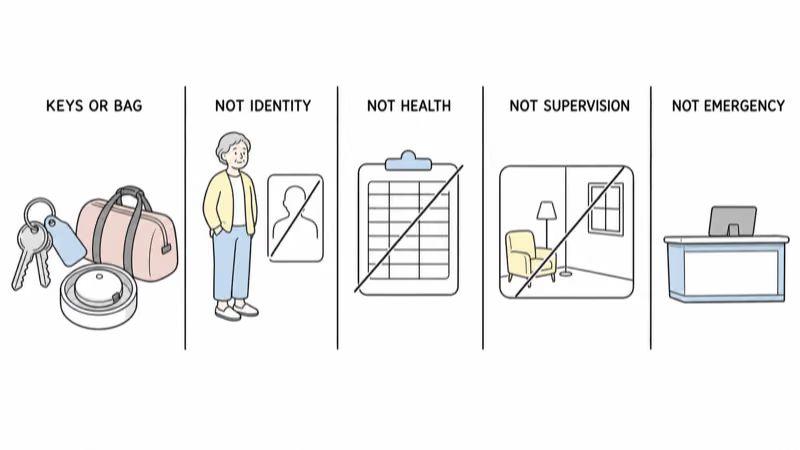
What Does an AirTag Map Point Actually Show?
The Find My network uses compatible nearby devices to report an AirTag’s approximate location to its owner. Apple confirms that Find My can show a current or last-known item location and can show “No location found” when it can’t provide one.
Always read the item name, timestamp, status, accuracy area, and surrounding facts.
It doesn’t show a live route, identity, health, intent, fall, check-in, or emergency. Nearby-device availability, radio conditions, buildings, battery, software, account state, hardware generation, and region can all affect what appears.
Never promise fixed update intervals; a recent item point still doesn’t prove the adult is with it.
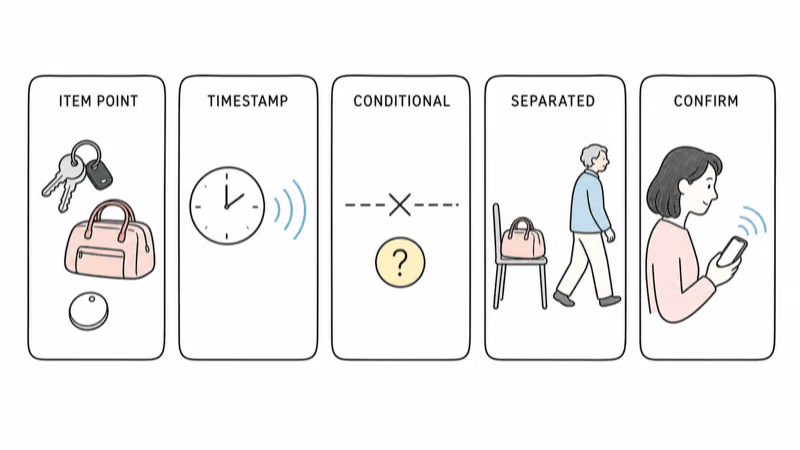
Use Consent and Setting Permission
For an adult who understands the choice, explain the item purpose before pairing or attaching AirTag. Agree on the owner account, authorized viewers, regular carriers, alerts, contact details, check frequency, review date, and a simple way to pause or end the arrangement.
If decision-making ability or legal authority is uncertain, don’t convert a family role, diagnosis, power of attorney, or care responsibility into assumed permission. Involve the adult as fully as possible and seek the relevant qualified local health, care, legal, or safeguarding guidance.
The AirTag person-tracking boundary guide explains why item ownership doesn’t authorize covert monitoring.
Check residential community, nursing facility, transport, day-program, workplace, travel, and visitor policies. Ownership of the AirTag doesn’t override a setting’s current privacy, device, search, or safety requirements.
Don’t place a tag in clothing, a mobility aid, bedding, a room, or another person’s property without clear authorization. Avoid any setup intended to escape discovery or unwanted-tracking protections.
Set Up a Disclosed Personal Item
Choose one supported owner account and record why. Don’t share an Apple Account password as a family workaround.
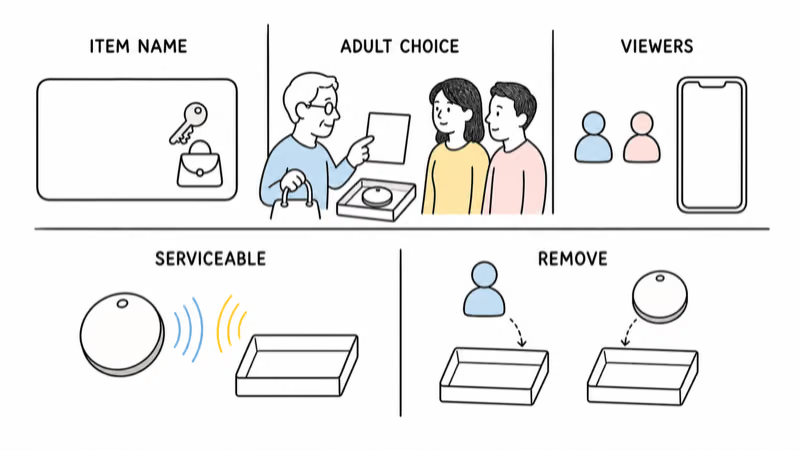
Name the AirTag after the item, not the person. “House keys” or “Blue travel bag” keeps the boundary visible and avoids exposing a full name, diagnosis, facility, room, or daily routine.
If an authorized person needs item access, use the supported Share AirTag control rather than assuming Family Sharing provides it. Apple states that an owner can share an AirTag with up to five borrowers in addition to the owner, subject to current account, software, and region requirements.
Place the tag in an ordinary, serviceable holder on the agreed item. Preserve its sound, identification, inspection, battery access, and removal. The setup should not rely on the adult failing to notice it.
Review the viewer list with the adult. Remove people whose care, travel, housing, or family role has ended.
Keep Unwanted-Tracking Protections Intact
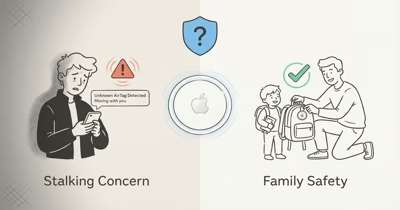
Unwanted-tracking alerts and AirTag sound are safeguards, not setup problems. Apple states that a compatible tracker separated from its owner and seen moving with someone over time can trigger a device notification or sound to discourage tracking without knowledge.
Don’t promise that a person without an iPhone receives no protection. Apple’s current guidance covers supported Apple and Android tracking notifications as well as sound from the device, with requirements that can change.
If an expected AirTag produces an alert, verify ownership and sharing through the supported flow. If the tag is unknown or safety is uncertain, follow the alert instructions and the appropriate personal-safety or official response. Never teach someone to suppress an alert by hiding, muting, damaging, or renaming the tag.
Choose Different Support for Person-Level Needs
Choose by function, not by a product ranking.
For an agreed person location: use a transparent phone or wearable sharing feature that the adult can review and stop, when appropriate for their needs.
For communication: use a charged device or service the adult can operate for calls, messages, or agreed check-ins.
For medical alerts or fall response: use an appropriate care or response service whose actual detection, calling, dispatch, coverage, and charging limits have been reviewed.
For dementia wandering risk: build a prevention and missing-person plan with the relevant professionals and local response services. The Alzheimer’s Association states that no location system is fully accurate and tracking isn’t the same as a 24-hour companion.
AirTag can still locate the person’s keys or bag within that wider plan, but it shouldn’t be described as a backup person tracker.
Respond to an Unexpected AirTag Item Location
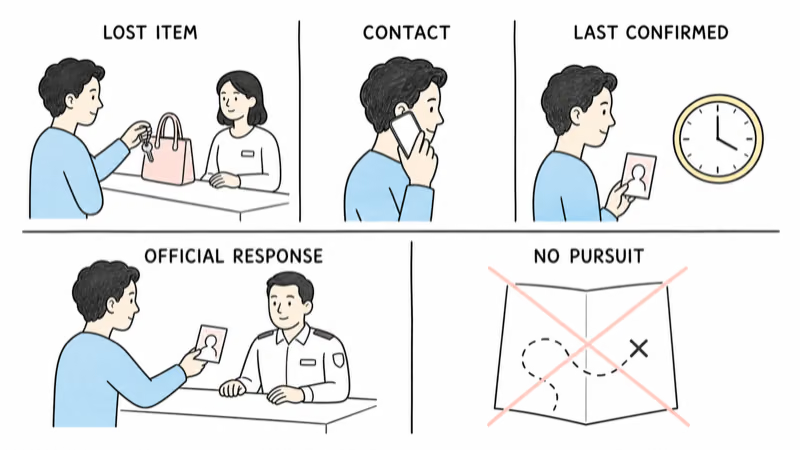
Check the timestamp, state, accuracy area, and whether the adult still has the item. Call or message through the agreed method. If appropriate, contact an authorized nearby person, facility, transport provider, or lost-property desk.
Treat the map as one fallible item lead. Don’t identify, enter, confront, or pursue from it.
When a person is missing or in immediate danger, use the agreed local emergency or missing-person response. Give responders the last confirmed contact, current description, relevant needs, likely places, and the AirTag item’s timestamp. Let trained responders decide how to use the lead.
Maintain and Offboard the Item
Review the arrangement whenever consent, authority, caregivers, housing, policy, accounts, hardware, or software changes.
Replace the battery through current Apple instructions and keep coin cells away from anyone who may swallow or mishandle them. Don’t treat a long coin-cell life as proof the system is working; inspect the actual Find My state.
When the purpose ends, remove access, reset the tag correctly, and tell the adult.
Bottom Line
AirTag can help find disclosed personal items such as keys or a bag. It can’t verify an aging adult’s location, condition, supervision, or safety.
Keep the purpose item-based, get agreement and setting permission, preserve alerts, share only through supported controls, read every point cautiously, and use human or official plans for person-location and emergencies.
FAQ
Can I use AirTag to track an aging parent without telling them?
Don't treat a family relationship as permission for secret monitoring. AirTag is for personal items, and its safety features discourage tracking without knowledge. Use informed agreement or get qualified local guidance when capacity or authority is uncertain.
Does AirTag show an aging parent's live location?
No. It shows an AirTag item observation when Find My conditions allow. The point can be approximate, delayed, last known, unavailable, or attached to an item the person no longer has.
Can AirTag alert me when a parent leaves home?
Don't use an item notification as a person-departure or wandering alert. AirTag can't confirm who has the item, whether the adult left, or whether they're safe. Choose an appropriate transparent person-location or care plan for that need.
Whose Apple Account should own the AirTag?
Choose one supported owner account as part of the disclosed agreement, then use Share AirTag for authorized item viewers. Don't share an Apple Account password or register the tag secretly to remove the adult's control.
Can family members share the AirTag item?
Yes, when current Apple requirements are met. The owner can use Share AirTag for up to five borrowers in addition to the owner. Review the viewer list and stop sharing when a person's role ends.
Will AirTag work in a care facility?
Find My observations depend on nearby compatible devices and other conditions, and facility policy may restrict the setup. Ask the facility, disclose the tag to relevant carriers or staff, and don't treat any update frequency as guaranteed.
What should I do if the AirTag item appears somewhere unexpected?
Check the timestamp and whether the adult still has the item, then use the agreed contact route. If a person is missing or in danger, contact the appropriate local service rather than waiting for an update or pursuing the point yourself.