Wandering can become an urgent safety problem, but a diagnosis doesn’t make tracking automatically appropriate. A device can provide a conditional signal or communication path; it can’t prevent wandering, prove safety, replace responsible adults, or guarantee recovery.
The previous version ranked products by diagnosis, recommended hidden wear, treated silent listening as an unqualified benefit, and presented fixed prices and response claims as settled facts. Those shortcuts are removed.
- Start with the human response. Decide who notices, who calls, who checks water or other known risks, and who contacts the applicable authorities.
- Participation and sensory fit matter. Explain the purpose in an accessible way, test ordinary wear, and stop or redesign the plan when the child objects or the device causes distress.
- Every location is conditional. Power, signal, settings, placement, movement, servers, notification delivery, and the device remaining with the child can all fail.
- Voice and monitoring need boundaries. Define who can listen, call, or view location, when those powers may be used, and when access ends.
- An AirTag is for an agreed item. It isn’t a child GPS, wandering-response system, or substitute for official action.
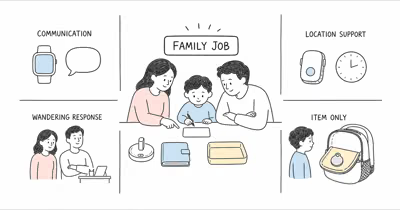
Define the Family Safety Job Before Comparing Trackers
Write the situation, response, and stop conditions in plain language.
Some families need approved calls. Others need a small location wearable, a wandering-specific service, or enrollment in a local first-responder program.
These systems solve different jobs. The NCMEC autism and wandering guidance states that children may seek water, enclosed spaces, traffic, or special-interest locations and may not respond to their name.
Record who may view location, who receives alerts, what each person does, the school or care-setting role, charging ownership, a non-device fallback, and the point at which local emergency or missing-child procedures begin. A map without an agreed response chain can add delay rather than safety.
Participation, Communication, and Sensory Fit
Make the setup visible and understandable.
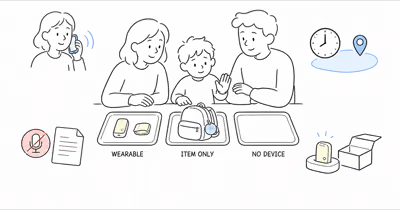
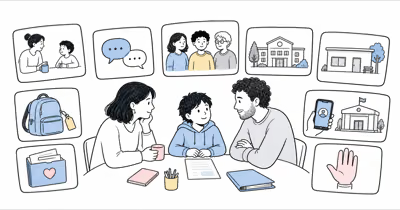
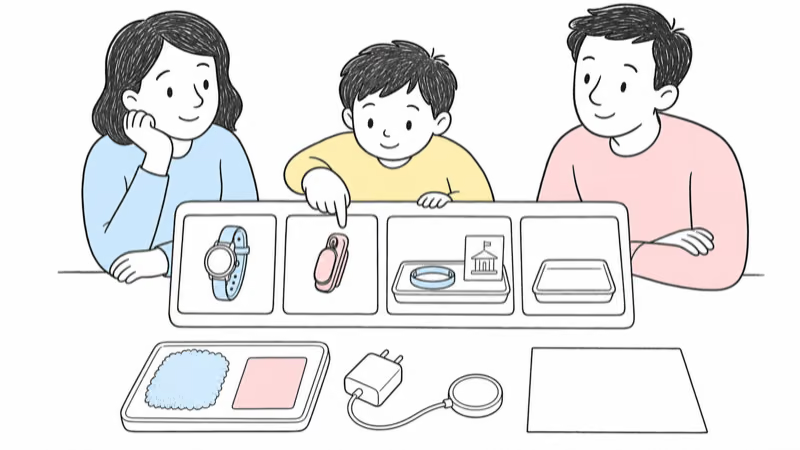
Involve the child using communication they understand: speech, pictures, an AAC system, demonstration, or another established method. Show the exact device and wearing location. Let them handle it, practice removal where appropriate, and identify textures, pressure, sound, light, heat, vibration, or social attention that causes discomfort.
Use the least restrictive workable option. A clip, sleeve, watch, or other approved attachment should not become a restraint, hidden surveillance method, or punishment. Older children and teens may have stronger privacy expectations and legal rights; capacity and authority are individual questions, not assumptions based on autism.
Current Location and Response Paths
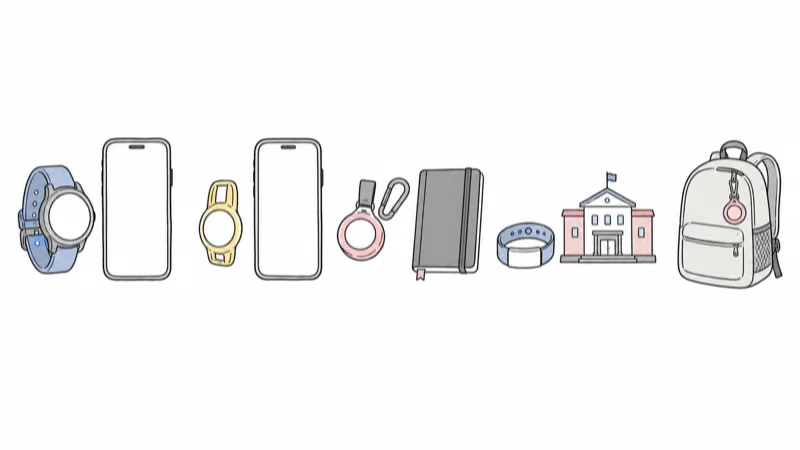
A managed kids smartwatch supports approved communication. A small cellular wearable centers location and caregiver-app tools. A wandering-specific system may add specialized attachments, automated boundaries, voice, and first-responder information.
Keep the paths separate. Project Lifesaver is a trained local public-safety program, not a self-service phone map. An item finder stays on an agreed backpack or belonging.
The right starting point depends on the child’s communication, sensory profile, daily settings, consent or legal authority, local services, and the family’s ability to maintain the system. Our broader family-system tracker guide compares these jobs without assigning a diagnosis-based winner.
What Does a Tracker Location Actually Mean?
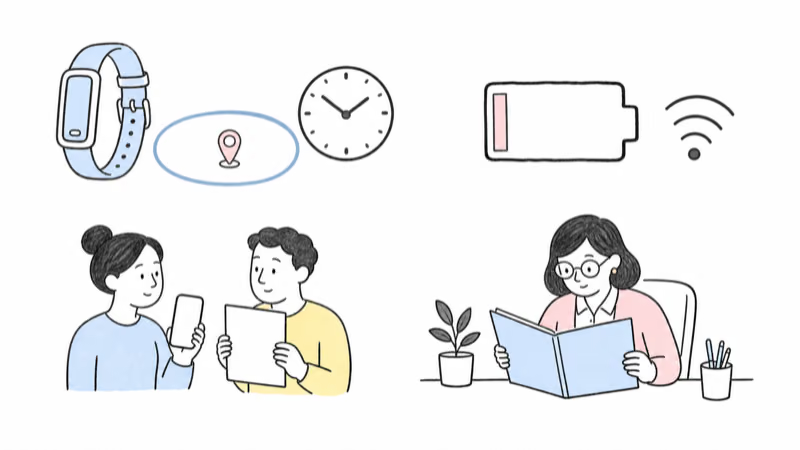
It’s a timestamped device observation, not proof of a child’s safety.
Cellular GPS can lose sky view or service. Wi-Fi and Bluetooth context can identify a place without describing the exact room. Geofence alerts depend on boundary size, signal, movement, power, settings, and delivery. The wearable may have been removed or left behind.
Read the time and device state before acting. Confirm context with the child, school, transport staff, caregiver, or another responsible adult. Never drive toward a point alone, enter private property, confront anyone, or delay official action while waiting for the map to improve.
AngelSense for a Specialized Wandering-Response Job
Confirm the exact hardware and human chain.
AngelSense currently documents GPS4 and Watch hardware. Its GPS4 and Watch FAQ describes real-time tracking, automated geofencing, Runner Mode, voice features, alerts, guardians, and specialized wearing accessories. GPS4 is intended for non-removable wear; the Watch is a separate wrist-worn option.
Treat those as provider-described capabilities, not a HotAirTag test. Confirm the exact device, carrier and service area, plan, guardian roles, attachment, voice minutes, SOS or Call Direct configuration, first-responder information, charging, low-battery behavior, privacy, and offboarding.
Voice is context, not proof.
Listen-in or auto-answer access is especially sensitive. Define legitimate purpose, authorized users, announced testing, school and care-setting permission, applicable law, audit expectations, and deletion. A voice connection may add context, but it doesn’t verify safety or summon public emergency services by itself.
Jiobit as a Caregiver-App Location Service
A support page isn’t an inventory guarantee.
Life360’s current Jiobit documentation covers Care Teams, Trusted Places, timeline, Live Mode, battery behavior, subscriptions, app-based SOS, cancellation, and account deletion. Support pages don’t prove that a new unit is currently available for every buyer, so verify inventory and plan eligibility before building a safety plan around it.
According to Life360’s Live Mode guidance, near-real-time updates depend on the device being away from a Trusted Place or Care Team connection and able to establish service. Ordinary timeline pins are not a continuous route. Eligible SOS behavior begins in the caregiver app, not with a child making an ordinary watch call.
Trial actual placement, charging, weak-signal settings, boundary delay, and device removal. Don’t hide it in clothing or a shoe.
Also test Care Team access, false alerts, lost phone, account recovery, cancellation, and the no-device fallback. The no-phone family guide separates communication and location-only jobs.
Project Lifesaver as a Local Public-Safety Program
It’s a program relationship, not a retail tracker.
Project Lifesaver combines an enrolled radio-frequency transmitter with trained local public-safety responders. Its official FAQ states that enrollment, pricing, transmitter options, battery checks, and local contacts vary by participating agency. It also explicitly rejects a 100% guarantee.
Ask the serving agency how enrollment works, who maintains the transmitter, how daily checks and battery changes happen, whom to notify when the person is missing, what information responders keep, and what happens while traveling outside the program area. This is a program relationship, not a substitute for prevention or the local emergency plan.
Is AirTag a Backup Child Tracker?
No. Keep an item finder on the item side.
Apple’s current AirTag 2 announcement states that AirTag is designed exclusively for objects, not people or pets. It has no direct cellular GPS report, child communication, SOS, geofence, monitoring service, or official response.
Use AirTag only for the family’s own agreed item, such as a backpack, with child participation and setting permission. Don’t hide it on a child, place it in clothing or shoes, defeat its speaker or alerts, or call an item point the child’s location. The AirTag item-boundary guide explains that separation in detail.
Use Apple’s official unwanted-tracker alerts and detection instructions when an unknown AirTag or compatible tracker appears. Don’t disable anti-stalking protections to make a family plan quieter.
School, Care-Setting, Voice, and Data Boundaries
Permission must match the real setting.
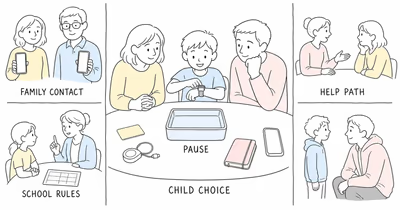
Obtain the actual school’s, transport provider’s, program’s, or care setting’s decision in writing where appropriate. Ask about wearable rules, sound, recording or remote audio, cameras, location access, staff roles, emergency procedures, charging, storage, damage, and removal.
Limit viewers to people with a documented role. Use named accounts, strong authentication, and the minimum permissions. Decide how long location, audio, photos, alerts, and incident notes remain useful, then delete access and records that no longer serve the agreed purpose.
Access should shrink when the job shrinks.
The Autism Society’s wandering guidance emphasizes understanding why wandering occurs and building prevention strategies. Door alerts, water safety, identification, communication supports, school planning, and practiced human response remain important even when a device is present.
What Should Happen When a Child Is Missing?
Act immediately through the applicable official process.
According to the National Center for Missing & Exploited Children, autistic children who wander may seek water, enclosed spaces, traffic, or places of special interest and may not respond to their name. Tell responders about communication, sensory, medical, water, traffic, and known-attractor information.
Follow local instructions on calling emergency services or law enforcement immediately. Share device data when requested, with its timestamp and limitations, but don’t wait for another point. NCMEC’s wandering-safety guidance emphasizes checking nearby water first in relevant cases; responders and the family’s practiced plan should determine safe search roles.
Run a Reversible, Documented Trial
Test routine failure, not a staged crisis.
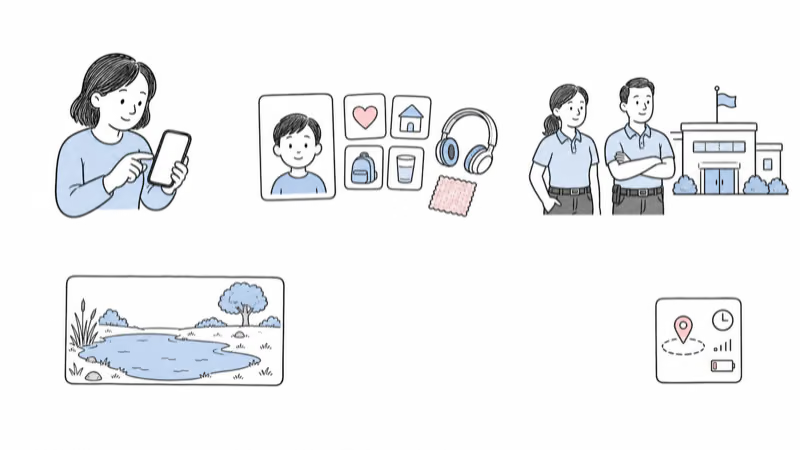
Choose an ordinary day, not a staged emergency. Test child participation, wear tolerance, school permission, account roles, calls or voice, location age, boundary delay, weak signal, charging, low battery, lost phone, account recovery, removal, and the no-device fallback.
Record what worked, what failed, and how the child experienced it. Stop or redesign for distress, objection, repeated false alerts, unauthorized access, school refusal, device separation, unreliable charging, or any attempt to use location as proof of safety.
Removal is part of the test.
When the purpose ends, cancel service if appropriate, remove guardians and responders, reset or return the device through current instructions, and delete records that no longer serve the agreed safety plan.
Bottom Line
A tracker can be one layer in an autism wandering plan, but it isn’t the plan. Start with prevention, communication, participation, water and traffic risks, school or care-setting procedures, and immediate official response.
The device remains conditional.
Then trial the least restrictive system that fits the specific job. Treat every signal as conditional, keep voice and location access narrow, and retain a practiced fallback for the moment the device is unavailable.
FAQ
What is the best GPS tracker for an autistic child?
There is no universal best choice. Match the child's participation and sensory fit, the family's communication or wandering-response job, caregiver roles, location limits, school rules, charging, privacy, local services, and a tested fallback. Diagnosis alone doesn't establish fit.
Should a tracker be hidden in clothing or shoes?
No. Hidden placement undermines participation and can create discomfort, trust, safety, school, and legal problems. Explain the purpose accessibly, use an agreed wearing method, obtain necessary authority and setting permission, and stop or redesign when the child objects or the device causes distress.
Does AngelSense call emergency services automatically?
Don't assume that. AngelSense documents separate GPS4 and Watch features, guardian voice tools, SOS or Call Direct configuration, first-responder information, and location sharing. Confirm the exact current device, plan, recipients, local service, and human escalation path before relying on any feature.
Is Jiobit a continuous real-time route?
No. Life360 documents ordinary timeline pins and a separate Live Mode with connection and power conditions. Trusted Places and Care Team connections also affect behavior. Treat every point as conditional and confirm current device availability, plan eligibility, setup, SOS access, charging, and fallback.
Is Project Lifesaver free everywhere?
No universal price applies. Project Lifesaver says enrollment and costs vary by local participating agency, and many agencies use grants or donations. Confirm local availability, fees, transmitter care, daily checks, notification procedure, and the trained response before relying on the program.
Can an AirTag track an autistic child?
No. AirTag is an item finder, not a child GPS or wandering-response system. Use it only for the family's own agreed item, with participation and setting permission. Don't hide it on a child or delay an official response while waiting for an item point.
What should a family do when an autistic child is missing?
Act immediately through the applicable local emergency or missing-child process. Share communication, sensory, medical, water, traffic, known-attractor, and device information with responders. Don't wait for another consumer-device update before seeking official help.