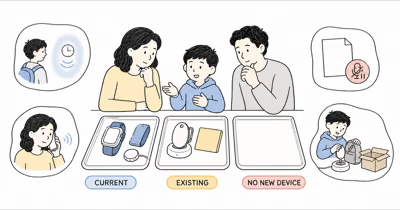
The old comparison treated diagnosis, price, and update frequency as a simple winner formula. That framing hid the harder questions: who agrees, what the device observes, who can listen, who responds, and what happens when it fails.
This is a current-source editorial comparison, not hands-on, clinical, legal, or emergency-response evidence.
- These products do different jobs. AngelSense combines a service, wearable, caregiver app, location, alerts, voice, and help controls; AirTag reports an agreed item’s location through Find My.
- Location describes the device. Power, wear, service, signal, settings, servers, nearby network devices, and separation can all change what a caregiver sees.
- One-way voice is sensitive access. It can begin without an audible ring or visible call state on the Watch and may capture classmates, staff, family, or bystanders.
- Secure wear isn’t automatically appropriate. Participation, skin and circulation, snagging, distress, removal, legal authority, and school or care-setting rules need individual review.
- A missing-child response never waits for an app. Use the applicable official process immediately.
⇄ Head-to-head
AngelSense current system vs AirTag 2
- +Current GPS4 and Watch options use a caregiver app and cellular service
- +Provider-documented tools include location, alerts, voice, Call Request or configured SOS behavior
- +Guardian permissions and school scheduling can narrow some access
- +Multiple wearing options support an individualized trial
- +Designed for locating personal items through Apple's Find My network
- +Replaceable CR2032 battery and IP67 provider specification reduce routine care
- +Close-range item finding is available on compatible Apple devices
- +A transparent backpack or belonging job can be simple and reversible
- −Service, coverage, power, settings, device wear, and human response are required
- −One-way and auto-answer voice create privacy and setting-policy risk
- −Non-removable attachments can raise consent, comfort, restraint, and emergency-removal concerns
- −An alert or configured call isn't automatic public emergency dispatch
- −Designed for objects, not people or pets
- −No cellular child connection, approved-contact communication, SOS, geofence, or response service
- −Find My observations depend on the tag, power, nearby network devices, software, and delivery
- −Unwanted-tracker alerts and sounds are safety protections, not obstacles to bypass
- ·Consider only for a transparent, agreed person-support job
- ·Verify the exact GPS4 or Watch behavior, service, wear, viewers, voice, school rules, response, and fallback
- ·Stop or redesign when participation, authority, privacy, fit, or reliability fails
- ·Use only for an agreed item such as a backpack or instrument case
- ·Don't infer the child's location or safety from an item point
- ·Never hide it on a child or use it as a backup wandering-response system
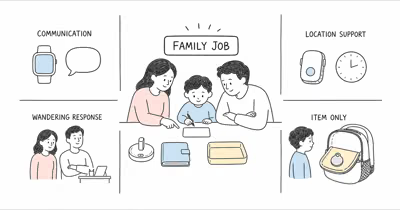
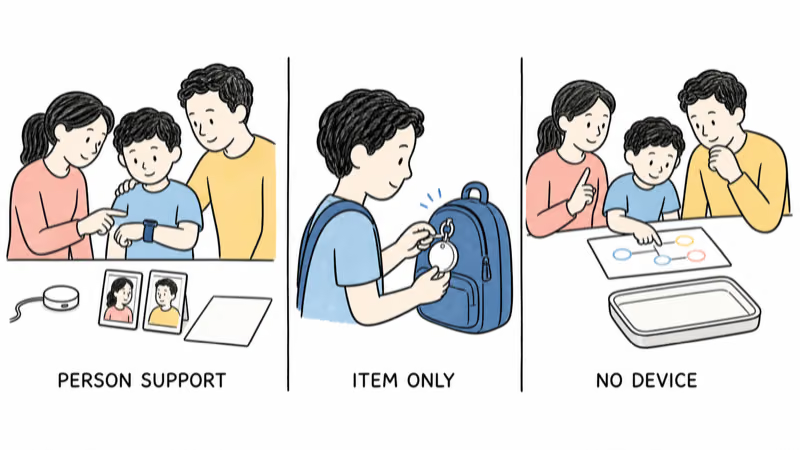
Define the Family Job and Participation First
Write the smallest job and the human response.
For AngelSense, name the child, purpose, normal routine, device, wearer participation, guardians, voice permissions, alert recipients, school or care-setting role, charging owner, backup, and stop conditions. Only consider it for your own child or a child for whom you have the necessary legal authority, with consent and participation to the fullest possible extent. Diagnosis doesn’t decide those questions.
For AirTag, name the item. “Recover this agreed backpack if it’s left on a bus” is an item job; “locate our child if they wander” isn’t. The AirTag item-boundary guide keeps that line explicit.
The current kids location-system guide separates communication watches, small wearables, specialized services, and item tags before product choice. The family location-safety guide starts with the human plan.
What Does Each Current System Actually Do?
AngelSense states that current GPS4 and Watch updates begin at 10-second intervals in its device specifications. The same page lists 4G LTE service, advanced GPS data, iOS and Android access, and different maximum battery guidance. These are provider capabilities and maximums, not HotAirTag test results or guarantees.
Every feature still has prerequisites. Exact hardware, plan, coverage, software, settings, power, placement, and a person who notices and responds all matter.
Apple states that AirTag is designed exclusively for tracking objects, not people or pets, in its AirTag 2 introduction. Its technical specifications list Bluetooth, second-generation Ultra Wideband, NFC, a speaker, and a replaceable CR2032 battery, but no cellular or direct child GPS service.
How Should Families Read a Location?
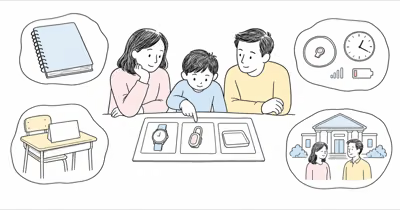
Read the timestamp, conditions, and device state before the dot.
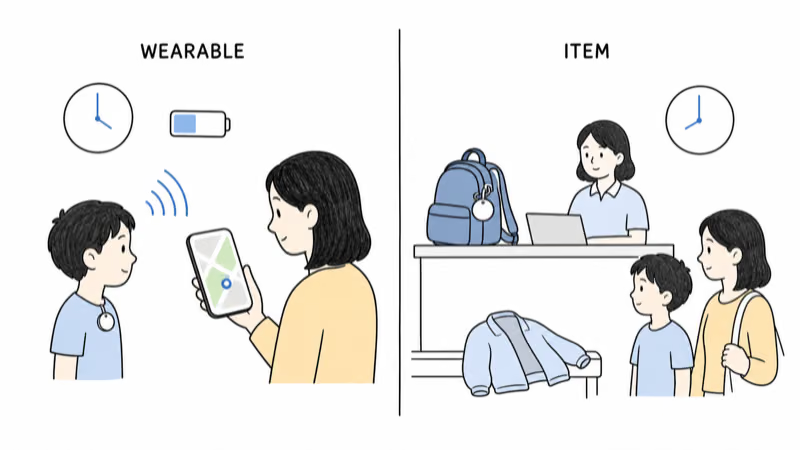
An AngelSense point describes the current wearable under the provider system’s conditions. Buildings, coverage, power, settings, server delivery, device removal, and separation can make it delayed, generalized, or absent. A provider’s “from every 10 seconds” specification isn’t proof of a fresh point in every place.
An AirTag point describes the item when the Find My network observes it. The backpack may be on a bus, in a classroom, at lost-and-found, or with another person while the child is elsewhere.
Confirm context with the child, school, transport provider, caregiver, or responsible adult. Don’t enter private property, confront anyone, or delay official action because of either map.
Voice, Guardians, and Secure Wear Need Strong Boundaries
One-way voice is not an ordinary check-in.
AngelSense’s 1-Way Voice guide says an authorized guardian can start an auto-answered silent call and that the Watch doesn’t show an incoming or active one-way call. It also notes that schools may require voice to be disabled because of privacy or policy.
Keep audio off until the purpose, authority, child notice, permitted callers, bystander impact, school or care-setting approval, retention, and applicable law are resolved. Prefer disclosed two-way communication when it fits the job.
AngelSense offers removable and non-removable attachments. A provider label such as sensory-friendly or secure doesn’t settle skin, circulation, snagging, heat, distress, restraint, emergency removal, who holds the key, or whether the child and setting accept it. Don’t hide or lock a device to defeat refusal.
Call Request, SOS, and Public Response Are Separate
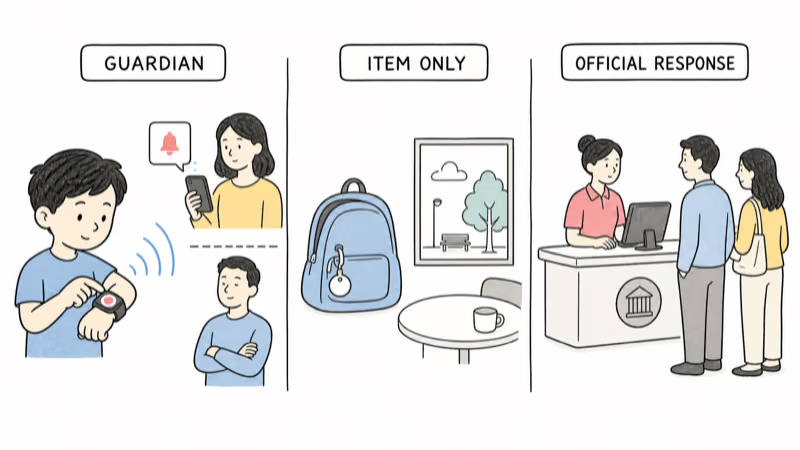
AngelSense’s Call Request guide states that a configured button press can notify guardians to call. Current Watch documentation also describes a configurable direct call to a preset number.
Neither description proves automatic public dispatch. Record the recipient, pickup, backup, and official-escalation point.
AirTag has no child help button, voice channel, caregiver call path, geofence, or dispatch service. Treating its item point as an emergency fallback creates delay and false confidence.
Schools, Care Settings, and Privacy Control the Setup
AngelSense’s school voice guidance describes scheduled disabling, school guardian roles, and different control arrangements. That confirms the need for an explicit agreement; it doesn’t authorize voice use or location access in every school.
Write the setting agreement down. Record allowed viewers, responders, charge owner, storage, staff duties, and the removal date.
For an AirTag on the family’s backpack, obtain item-policy permission and explain the owner, viewers, alert behavior, and removal date. Don’t use the bag as a covert route to monitor a child or setting.
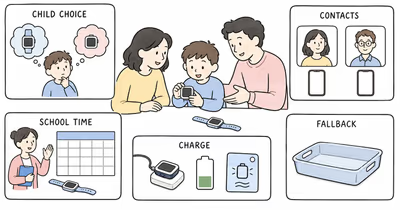
Run a Reversible Trial With a No-Device Fallback
Use ordinary routines, not a staged emergency.
For AngelSense, test child fit, expected wear, app access, guardian permissions, location age, indoor gaps, Call Request or configured SOS behavior, school schedule, disabled voice, low battery, missed notification, unavailable guardian, device separation, and account offboarding. Stop for objection, discomfort, unapproved audio, unreliable charging, or a response chain that doesn’t work.
For AirTag, test only the agreed item: owner account, item attachment, sound, close-range finding, a stale point, network gaps, battery care, unwanted-tracker alerts, lost phone, sharing removal, and the bag without the child.
Keep identification, communication, supervision, school procedures, current records, and official response outside both devices.
Bottom Line
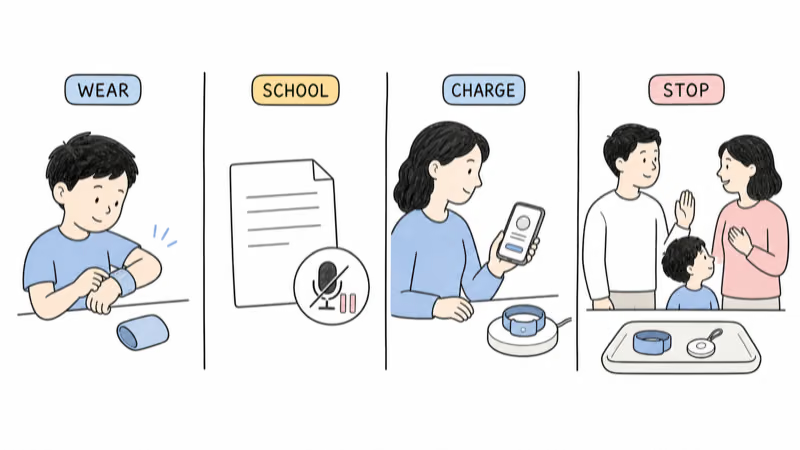
AngelSense may fit a transparent, agreed person-support plan when the family can maintain the exact hardware, service, coverage, wear, guardians, voice permissions, school rules, charge, human response, privacy, and fallback. It isn’t a diagnosis-based winner or a rescue guarantee. The family wandering-safety guide covers the wider prevention and response plan.
AirTag 2 may help recover an agreed backpack or belonging. It isn’t a child tracker, communication device, wandering-response system, or backup for failed AngelSense power.
If a child is missing or in immediate danger, use the applicable official process immediately. Don’t wait for either device.
FAQ
Is AngelSense automatically better than AirTag for every child?
No. The products do different jobs, and no device is automatically appropriate. Evaluate child participation, authority, sensory fit, service, coverage, guardians, voice, attachment, school rules, charging, privacy, human response, and fallback.
Does AngelSense update every 10 seconds everywhere?
AngelSense lists provider updates from every 10 seconds, but that is a specification rather than a guarantee. Hardware, service, coverage, buildings, settings, power, servers, placement, and device separation can delay or remove a useful point.
Does the AngelSense SOS button call emergency services?
Don’t assume that. Current documentation describes a Call Request notification or a configurable direct call to a preset number. Verify the exact device, setting, recipient, pickup, backup, and separate official-response procedure.
Can a guardian listen through AngelSense without the child seeing a call?
AngelSense says authorized one-way voice can auto-answer silently and that the Watch doesn’t show an incoming or active one-way call. Treat it as sensitive audio access and resolve child notice, bystanders, school policy, authority, privacy, and law first.
Can AirTag 2 track a child in real time?
No. AirTag 2 is an item finder that depends on the tag, power, nearby Find My network devices, software, and delivery. It has no cellular child connection, approved-contact communication, SOS, geofence, or response service.
Can AirTag be a backup if AngelSense loses power?
Use it only as an agreed item finder. A backpack observation doesn’t establish the child’s location or safety and must never replace the no-device family plan or delay an official missing-child response.
What should a family test before relying on either system?
Test ordinary fit, permission, viewers, settings, location age, signal gaps, alerts, calls, charging, privacy, item separation, school rules, account recovery, offboarding, human backup, and the point for official escalation.