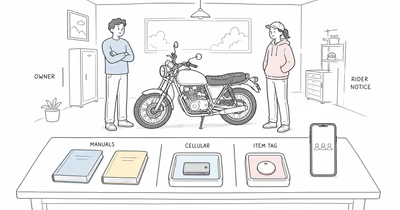
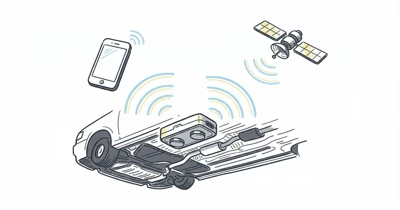
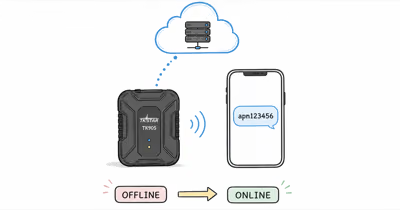
The TKSTAR TK905 name covers more than one hardware and network variant. A setup that works for one unit may be wrong for another seller bundle, radio region, SIM, app, or manual revision.
Begin with the label on your device and packaging, not a copied command list.
Use the tracker only on a vehicle you own or are authorized to manage. Tell regular drivers what data is collected, who can see it, and how access ends. This guide doesn’t provide covert placement, body-panel access, under-car mounting, evasion, or improvised wiring instructions.
Keep device identity, driver notice, account control, and safe placement as four separate checks.
- Match the exact unit. Confirm its model label, network generation, regional bands, manual, app, SIM, and charger before setup.
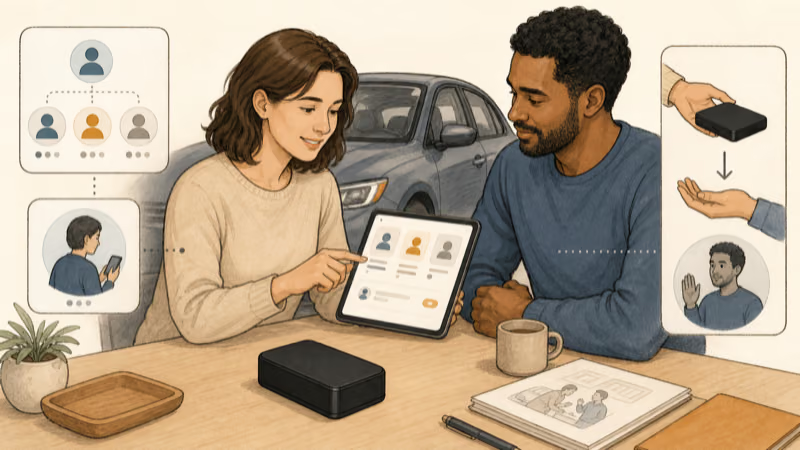
- Make vehicle tracking visible. Regular drivers should understand the purpose, viewers, retention, alerts, and offboarding process.
- Don’t improvise a hiding place. Magnets don’t make every metal surface safe, authorized, weatherproof, or suitable for radio reception.
- Treat standby as a ceiling. Active reporting, movement, weak coverage, temperature, and battery age can shorten runtime.
- Separate device problems from account problems. Power, SIM, cellular service, location reception, app access, and notifications are different checks.
Start With Ownership and Driver Notice
Define the purpose before activating the device. Theft recovery, a disclosed fleet program, maintenance logistics, and a temporary authorized trip don’t create the same access or retention needs.
Keep the consent record practical:
- identify the vehicle owner or fleet authority;
- list regular drivers and how they were informed;
- state what location or movement data the service records;
- name the people or roles that can view the account;
- set a review date and an end-of-use trigger; and
- document how the device, SIM, app access, and retained data will be removed.
Ownership alone doesn’t answer every privacy or employment question. A shared family vehicle, rental, financed car, workplace fleet, or cross-border trip may add rules or contract terms. Get qualified local advice when the authority or notice boundary is unclear.
The people-tracking consent boundary explains why an object or vehicle tracker shouldn’t become a substitute for transparent person-to-person location sharing.
Safety Net confirms that vehicle location can be exposed through installed hardware, a diagnostic-port device, a phone, or the vehicle’s own connected account. Review the entire access path instead of assuming the TK905 is the only source.
Which TK905 Version and Manual Do You Have?
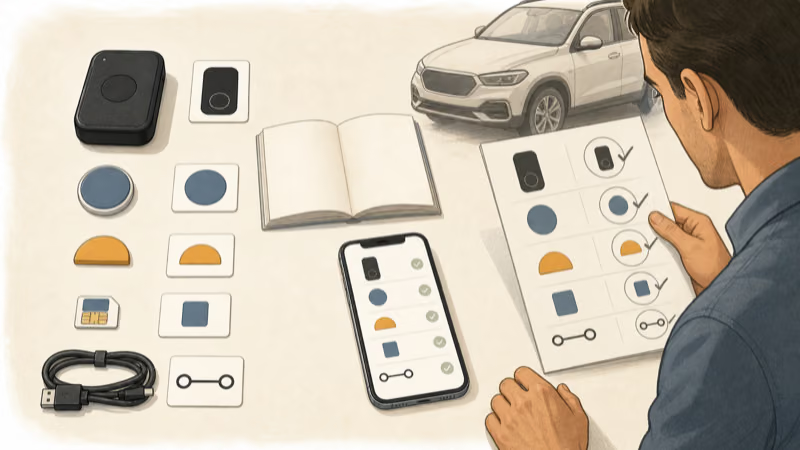
Photograph the product label and packaging for your records. Compare the exact identifier with the manufacturer’s manual page or the documentation supplied by the seller. Don’t assume a 2G manual, 4G manual, TK905B guide, or reseller PDF is interchangeable.
TKSTAR states that its download library has separate TK905 and 4G TK905 manuals. That split is enough reason to stop before entering commands or selecting a SIM from a generic article.
Confirm these items as one matched set:
- model and hardware suffix;
- supported cellular generation and regional bands;
- SIM size, carrier compatibility, and account status;
- official app or web portal named in the exact manual;
- charging input and supplied cable; and
- current support contact for that seller or manufacturer channel.
If the label is missing, altered, or inconsistent with the app and manual, don’t guess. Ask the seller or TKSTAR support to identify it before activation.
Prepare the Device, SIM, and Account
Charge the unit only with the input and cable specified for the exact version. Stop if the case swells, cracks, becomes unusually hot, smells, leaks, or has a damaged charging port. Don’t leave a charging lithium-ion device unattended in a vehicle.
Activate the SIM with the carrier before linking it to a unique tracker account.
Use only the activation and network steps in the matching manual. This article intentionally omits SMS command strings, default credentials, APN recipes, and reporting-interval codes because they vary and copied instructions can reconfigure the wrong device.
Before location use, review:
- account owner and recovery contact;
- every invited viewer or administrator;
- notification permissions on the phone;
- carrier renewal and service-end dates;
- provider data-retention and deletion controls; and
- the process for reporting a lost account or device.
Change a documented factory password if the official instructions require one. Never publish the tracker identifier, phone number, SIM details, screenshots, or reset credentials.
Where Should You Place a TK905 Without Hiding It?
Use only a location documented by the exact product manual and permitted by the vehicle owner or fleet policy. Keep the device visible and accessible to authorized users and service personnel.
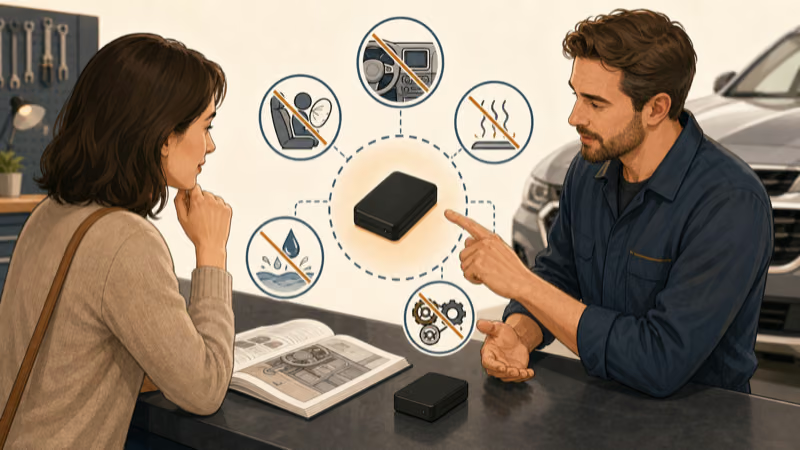
Don’t place it beneath the vehicle, behind a bumper, inside a spare-wheel cavity, on a frame rail, near the fuel system, behind trim, in an engine bay, or where a person must reach under or dismantle the car. Those locations add detachment, heat, water, debris, moving-part, service, consent, and road-safety risks.
A suitable location must not:
- interfere with pedals, steering, visibility, seats, belts, doors, controls, or emergency equipment;
- sit in an airbag deployment zone;
- become a projectile during hard braking or a collision;
- contact hot, wet, moving, sharp, or high-voltage components;
- confuse a mechanic or emergency responder; or
- rely on concealment to meet the tracking purpose.
If the manual doesn’t describe a safe visible position for your vehicle and use case, ask TKSTAR or a qualified automotive installer. A magnet is a retention feature, not universal installation approval.
The broader authorized vehicle tracker installation guide compares factory, visible removable, portable interior, and professional options without a concealment map.
Test Location and Alerts Transparently
Test the account while the authorized vehicle is parked in an open, safe place. Verify that the dashboard identifies the correct device and that only approved viewers have access.
Then take one short ordinary trip with an informed driver. Confirm that the service records the expected vehicle rather than another account, notifications arrive on the intended phone, and the device remains secure without affecting driving.
Don’t use a route test to monitor an uninformed person or publish the live map.
Location gaps can come from separate layers: device power, battery state, SIM service, cellular coverage, satellite visibility, account status, app permissions, or provider availability. A missing point doesn’t prove tampering, and one accurate point doesn’t prove continuous coverage.
Use the exact manual and official support to isolate one layer at a time. Keep a timestamped setup record, but avoid collecting more trip history than the authorized purpose requires.
Battery Claims, Charging, and Maintenance
The TKSTAR 4G product page states that its listed TK905 has a 5000 mAh rechargeable battery and can work for up to 30 days on standby. That is a manufacturer ceiling for the listed version, not a verified active-use result for every TK905.
Reporting frequency, movement, weak network coverage, temperature, battery age, and app behavior can reduce runtime. HotAirTag hasn’t independently measured this unit, so this guide doesn’t promise a charging interval.
Use a simple maintenance log:
- Record the exact device, firmware or app version, and first full charge date.
- Check battery state on a schedule appropriate to the authorized purpose.
- Inspect the case, charging port, cable, and approved mounting method while the vehicle is safely parked.
- Stop using a damaged, swollen, leaking, unusually hot, or unreliable unit.
- Recycle the battery or device through an appropriate electronics program rather than household trash.
Don’t hardwire the TK905 from an online fuse diagram or improvised adapter. If the exact manufacturer documentation offers a vehicle-power accessory, have its compatibility and installation reviewed by a qualified professional.
Privacy, Theft Response, and Offboarding
Precise vehicle location deserves narrow access. The FTC reported that its finalized 2026 GM and OnStar order requires clearer consent and controls around precise geolocation and driving-behavior data. That case isn’t a universal rule for every private tracker, but it demonstrates why notice, access, deletion, and choice belong in the setup plan.
For a possible theft, prioritize personal safety and contact local law enforcement or the relevant insurer. Don’t follow or confront a suspected thief based on a map point. Location data may be delayed, incomplete, or attached to the wrong context.
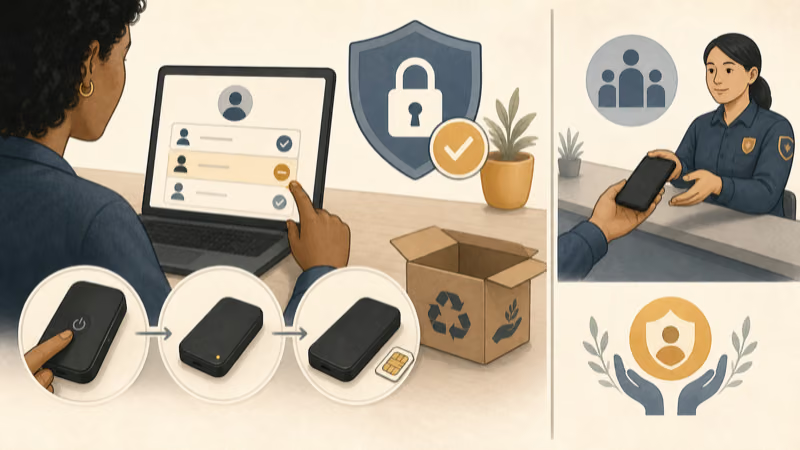
End access deliberately:
- remove former drivers, employees, administrators, and shared devices;
- stop the authorized tracking purpose and remove the unit through its documented process;
- cancel or transfer carrier and app service at the right time;
- request deletion where appropriate and record what the provider retains; and
- reset or transfer the vehicle and tracker accounts before sale, rental return, or role change.
If you find a TK905 or other device you didn’t authorize, don’t automatically move, open, charge, shield, or destroy it. Use the vehicle tracker safety guide to separate immediate safety, account review, visible checks, and professional inspection. The cross-platform unwanted-tracker response covers supported Bluetooth alerts without treating them as proof that every tracking path is clear.
Bottom Line
A safe TK905 setup begins with the exact label and matching manual, not a hiding-spot ranking or copied command list.
Use it only on an authorized vehicle. Inform regular drivers, secure account access, choose a documented visible position, test with consent, treat standby as a ceiling, and plan removal from the start.
Stop before under-car placement, concealment, body-panel access, improvised wiring, or surveillance of an uninformed driver.
FAQ
Can I hide a TKSTAR TK905 underneath a car?
This guide doesn’t recommend under-car or concealed placement. It creates attachment, heat, water, debris, service, consent, and road-safety risks. Use only a documented visible location on an authorized vehicle.
How do I know which TK905 manual to use?
Match the model label, hardware suffix, network generation, regional bands, app, SIM requirements, and charger to the manufacturer or seller documentation. Don’t treat 2G, 4G, TK905B, and reseller manuals as interchangeable.
Will a TKSTAR TK905 battery always last 30 days?
No. TKSTAR lists up to 30 days of standby for a specified 4G model, not guaranteed active runtime for every version. Reporting, movement, coverage, temperature, battery age, and app behavior can shorten it.
Why did the TK905 stop updating its location?
Check the layers separately: power, battery, SIM service, cellular coverage, satellite visibility, account status, app permissions, and provider availability. Use the exact manual and official support rather than random command strings.
How should I test a TK905 after setup?
Start with the authorized vehicle parked in an open safe place, confirm the correct account and viewers, then take one short normal trip with an informed driver. Don’t use a test route for undisclosed monitoring.
Is tracking a vehicle I own always legal without driver notice?
Don’t rely on a universal answer. Ownership, regular drivers, employment, rentals, relationships, contracts, data use, and local law can change the analysis. Provide notice and seek qualified local advice when the boundary is unclear.
What should I do if I find a TK905 I did not authorize?
Prioritize immediate safety. Don’t automatically move, open, charge, shield, or destroy it. Photograph visible details if safe and ask a trusted mechanic, advocate, law enforcement contact, or lawyer about the next step.