MGMove and Apple Watch SE 3 aren’t two versions of the same safety watch. One is sold as a monitored medical-alert service, while the other is a multipurpose smartwatch with emergency features.
This is a current-document comparison, not hands-on evidence, medical advice, an emergency-response guarantee, or a recommendation to buy.
Use either watch only with their consent or with documented, decision-specific authority and qualified guidance.
- The legacy comparison used the wrong Apple generation. Apple now documents Apple Watch SE 3, not the older SE represented by the fixed-price table.
- Apple’s path isn’t “DIY.” Emergency SOS tries to call public emergency services, where a dispatcher may answer; MGMove first connects to its monitoring service.
- Both fall paths are fallible. Apple says its watch can’t detect every fall, and Medical Guardian gives the same warning for fall detection.
- MGMove’s current pages conflict on charging. They say one to two hours in one place and about four hours in another.
- No watch wins by age or diagnosis. Controls, setup, connection, communication, comfort, charging, privacy, contract, and fallback decide a transparent trial.
⇄ Head-to-head
MGMove vs Apple Watch SE 3
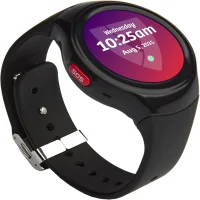
MEDICAL GUARDIAN
Medical Guardian MGMove
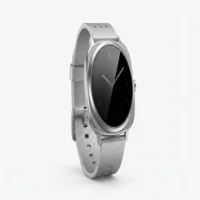
APPLE
Apple Watch SE 3
- +Provider describes a staffed monitoring path
- +Current support documents a five-second SOS hold
- +Basic alert path is described as phone-independent
- +Optional messaging and reminder tools are documented
- +Current model combines SOS, fall, and smartwatch tools
- +Apple documents direct public-emergency calling
- +GPS and cellular configurations are available
- +Accessibility controls and family-member setup are documented
- −Purchase page says while supplies last
- −Current pages conflict on charging time
- −Daily charging and exact coverage need a trial
- −Setup, settings, and connection path have more dependencies
- −Family-member setup has feature and carrier limits
- −Daily routine must support charging and updates
- ·Consider when a monitoring service is the chosen first path
- ·Test control access, charging, coverage, and operator flow
- ·Keep a separate emergency fallback
- ·Consider when the wearer wants the wider smartwatch system
- ·Test setup, controls, connection, contacts, and accessibility
- ·Keep a separate emergency fallback
Define the Response Job Before Comparing Brands
Write what should happen after an intentional alert.
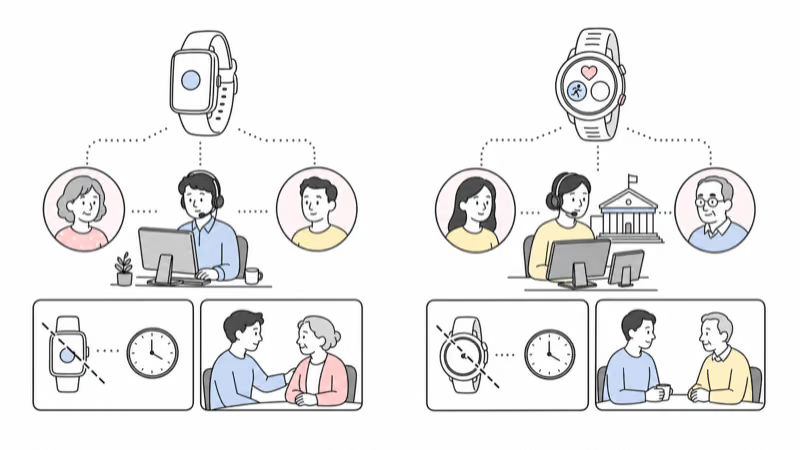
MGMove is built around an attempted connection to Medical Guardian’s monitoring service. Apple Watch Emergency SOS tries to call local public emergency services and, after a completed call, can notify configured emergency contacts.
Both routes can reach people, but their first organization differs.
The National Institute on Aging states that alert systems aren’t useful in every emergency and don’t replace regular human check-ins. For immediate injury or danger, contact local emergency services or the appropriate local authorities rather than waiting for either watch.
Are Both Watches Current Choices?
The old Apple Watch SE table is stale.
According to Apple, SE 3 provides up to 18 hours of normal use; see its current technical specifications. Apple also lists GPS and cellular configurations, Emergency SOS, Fall Detection, fast charging, and 50-meter water resistance under specified conditions. These are manufacturer claims, not proof of the wearer’s real result.
Medical Guardian’s current MGMove page still offers the watch but says “while supplies last.” That doesn’t prove discontinuation. It makes exact hardware, support period, warranty, charger, software, replacement, plan continuity, and stock important before enrollment. Review the current MGMove fit guide before a trial.
Save a dated record of the model, configuration, service, accessories, support, and return terms.
Test the Intentional SOS Controls
A control is useful only when the wearer can reach and complete it.
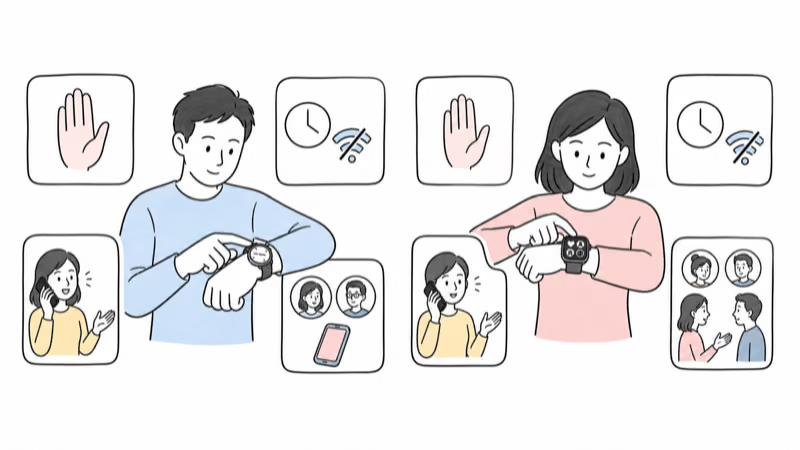
Medical Guardian’s current MGMove support page confirms that the red SOS button needs a five-second hold. A quick press also works as a back action, so the wearer must be able to distinguish and sustain the alert gesture.
Apple’s current Emergency SOS support describes holding the side button through a warning and countdown or using the Emergency Call slider. The exact emergency connection depends on watch model, activation, nearby iPhone, cellular service, Wi-Fi calling, country, and network support.
Test permitted non-emergency procedures with each provider. Include false-alarm cancellation, speaker and microphone use, contact notifications, and what happens when the expected connection is unavailable.
How Do the Fall Paths Differ?
Neither watch detects every fall.
Apple’s Fall Detection support says Apple Watch can’t detect all falls. If it detects a hard fall and later detects immobility, it can begin a countdown and try to contact emergency services. Wrist Detection, connection, settings, regional support, and emergency-contact configuration affect the path.
Medical Guardian markets an optional MGMove fall feature that attempts a voice connection.
Its general support FAQ also states that fall detection doesn’t work all the time and tells the wearer to press the help button when able.
Don’t stage a fall. Review the provider’s safe test process, confirm the exact settings, and pair either watch with qualified fall-risk review, home changes, mobility support, a charged phone when appropriate, and human check-ins.
Which Setup and Connection Path Fits?
“Apple Watch needs the wearer’s iPhone” is too absolute.
For ordinary pairing, Apple says SE 3 requires a compatible iPhone and current software. Apple’s compatibility page currently lists iPhone 11 or later with iOS 26 or later for SE 3.
Apple also documents family-member setup for a cellular Apple Watch. The wearer can use a watch without owning an iPhone, but an organizer’s compatible iPhone, Apple Accounts, Family Sharing, supported region, and carrier path are required. Some health, wallet, app, and roaming features aren’t available in that mode.
MGMove doesn’t use the wearer’s iPhone as its basic alert path, but it still depends on provider activation, account setup, cellular coverage, contacts, optional apps, and service continuity. Test the exact setup, not a label such as “standalone.”
The older-adult GPS watch guide provides a broader setup and fit checklist.
Build a Charging and Off-Wrist Fallback
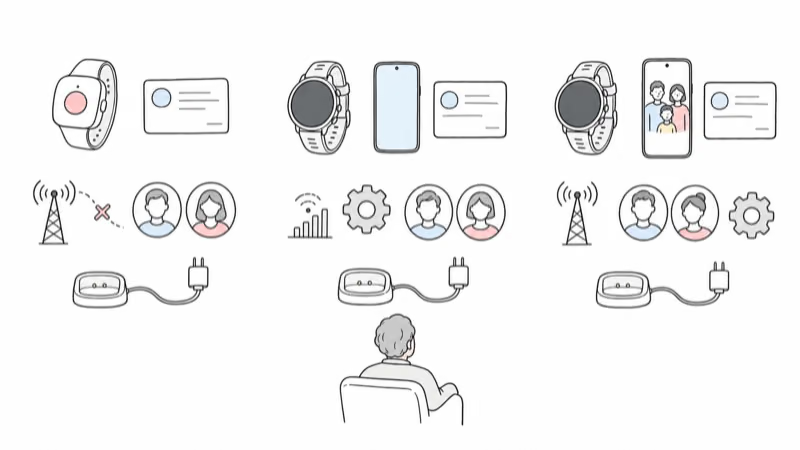
Both watches require a routine that leaves no silent gap.
Medical Guardian’s current product page says MGMove charging takes one to two hours, while its support page says about four hours. The product page claims up to 24 hours of battery life. Don’t reconcile those figures without the exact current hardware and charger.
Apple’s specifications state that SE 3 can reach up to 80 percent in about 45 minutes under its test conditions and up to 18 hours of normal use. Apple also says real battery life varies by use, configuration, cellular network, signal strength, and other factors.
Observe real charging and runtime. Record the charging owner and the support available while each watch is off-wrist.
Assess Accessibility, Comfort, and Privacy
Let the wearer evaluate both exact watches.
Check band range, clasp, skin pressure, swelling, sleeve interference, safe removal, screen legibility, touch targets, sustained button hold, alerts, vibration, speaker, microphone, charger alignment, water instructions, and possible medical-device interaction. Apple documents a wider accessibility toolset, but a feature list isn’t proof that the chosen setup is usable.
List who can view location, contacts, messages, health information, reminders, account settings, and history. Use individual supported access, the minimum necessary permissions, and a written removal plan. Family involvement doesn’t make unlimited monitoring appropriate.
Don’t assign MGMove to someone described as “frail” or Apple Watch to someone called “active” by stereotype. Refusal calls for the consent-first refusal guide, not hidden or hard-to-remove tracking.
Verify the Full Current Cost and Terms
The old fixed-price and three-year totals are removed.
For MGMove, get a dated quote covering hardware, monitoring, activation, fall option, apps, accessories, replacement, shipping, tax, warranty, trial, return, cancellation, renewal, promotion end date, and post-promotion price.
For Apple Watch SE 3, price the exact case, GPS or cellular model, band, charger or power adapter, AppleCare if chosen, compatible iPhone path, carrier eligibility, service plan, apps, and replacement. Family-member setup can change carrier and feature requirements.
A lower total can’t fix inaccessible controls, unreliable connection, missed charging, unclear responders, or unsafe data access.
Run a Reversible Side-by-Side Trial
Use the same checklist for both watches.
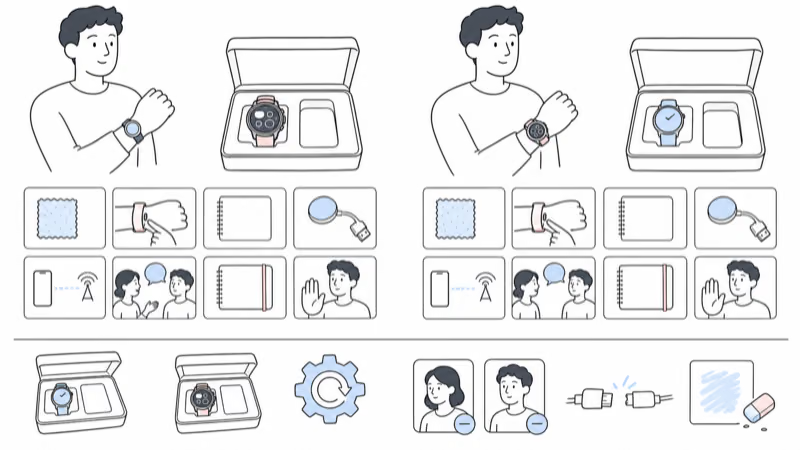
Document the wearer, exact model, configuration, service, fall setting, account owner, viewers, contacts, coverage, charging owner, safe tests, fallback, review date, and stop conditions. Test only with the wearer’s participation and the provider’s current non-emergency process.
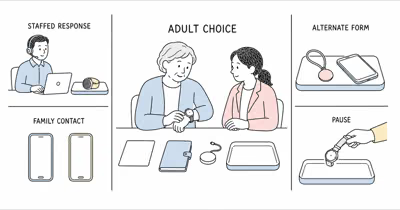
Pause for objection, pain, inaccessible controls, charging failure, missed alerts, weak communication, privacy conflict, or unclear contacts. A watch-or-pendant comparison can identify another form factor.
On exit, remove viewers, erase or return the watch, cancel the service or cellular plan, review retained data, and confirm billing.
Bottom Line
MGMove and Apple Watch SE 3 support different first-response systems. MGMove starts with Medical Guardian’s monitoring service; Apple Watch tries to reach local public emergency services and can notify configured contacts. Neither guarantees detection, connection, dispatch, arrival, or outcome.
Choose only after the exact current device, controls, setup, connection, fall limits, charging, accessibility, privacy, total contract, fallback, and offboarding work for the wearer. Neither brand wins when the person can’t or doesn’t want to use it.
FAQ
Is MGMove or Apple Watch SE 3 safer?
Neither is safer by default. MGMove begins with a monitoring-center path, while Apple Watch Emergency SOS tries to call local public emergency services. Compare the exact setup by wearer agreement, control access, connection, fall limits, charging, communication, privacy, fallback, and a reversible trial.
Does Apple Watch SE 3 have a monitoring center?
Apple doesn’t describe a private medical-alert monitoring center for SE 3. Emergency SOS tries to call local public emergency services, where a dispatcher may answer, and can notify configured emergency contacts. That is a different first-response system from MGMove, not an absence of human response.
Does Apple Watch SE 3 need the wearer’s own iPhone?
Not always. Ordinary setup uses a compatible iPhone. Apple also supports family-member setup for an eligible cellular watch, but it requires an organizer’s compatible iPhone, Apple Accounts, Family Sharing, regional and carrier support, and accepts that some features are unavailable.
Do both watches detect every fall?
No. Apple says Apple Watch can’t detect all falls, and Medical Guardian says fall detection doesn’t work all the time. Confirm the exact feature and settings, press the intentional help control when able, and keep a separate response plan.
How long do the watches take to charge?
Medical Guardian’s current pages conflict, giving two different charging estimates. Apple publishes a fast-charge estimate for SE 3 under its test conditions. Confirm the exact charger and observe real charging in the wearer’s routine.
Which watch works without a nearby phone?
MGMove’s basic alert path is described as using its built-in service. Apple Watch SE 3 cellular can work away from an iPhone after supported setup, while GPS-only and other conditions can depend on a nearby iPhone or Wi-Fi calling. Verify activation, carrier eligibility, and coverage for the exact configuration.
Can either watch be used when the wearer refuses it?
Don’t hide a watch or make it hard to remove to defeat refusal. Review discomfort, accessibility, communication, consent, decision-specific authority, other supports, and qualified guidance. A pendant, phone, human check-in, setting change, or no wearable may fit better.