A GPS watch can combine location, communication, or an emergency button, but those labels don’t tell you who answers, what happens next, or whether the device works in the places that matter.
This guide compares watch categories and fit criteria, not unverified product rankings, prices, or response-time claims.
- Start with participation. A watch is worn on the body; comfort, dignity, consent, dexterity, skin, hearing, vision, and the ability to stop matter as much as features.
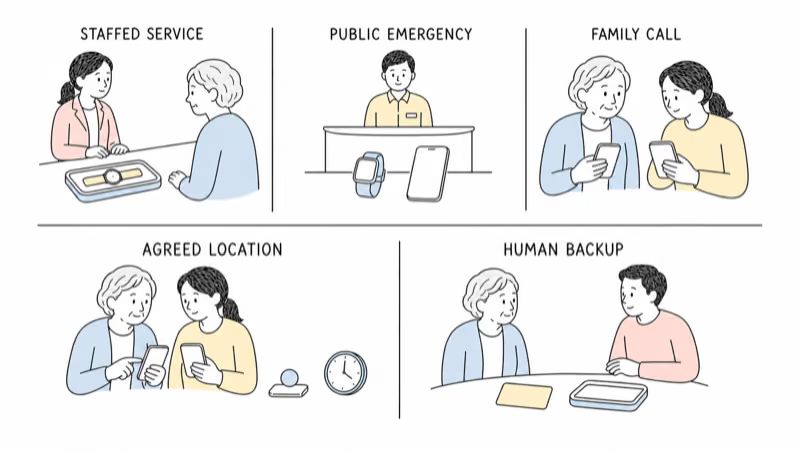
- Separate response models. A staffed monitoring service, a public emergency call, a family notification, and a location-sharing app are different paths.
- Fall detection is fallible. It can miss a fall or mistake another movement for one; it can’t replace prevention, clinical advice, check-ins, or a response plan.
- Don’t lock away refusal. A removal-resistant band, secret auto-answer, or listen-in feature isn’t a shortcut around objection or uncertain authority.
- Test failure. Coverage, pairing, charging, settings, false alerts, speaker volume, app access, and service outages need a documented fallback.
What Job Should the Watch Do?
Describe the response, not the feature.
Write a single need in plain language:
- The adult wants a button that connects to a staffed response service.
- The adult wants a smartwatch that can attempt an emergency call after a detected hard fall.
- The adult wants to call family and share location during an agreed routine.
- The family needs a clear missing-person plan with optional device information.
Avoid “keep them safe” or “watch them all day.” No wearable can confirm continuous safety, prevent every fall or departure, or replace a person responsible for responding.
The Alzheimer’s Association states that no location system is 100% accurate and that location technology should sit alongside other safety measures.
The broader older-adult location-support guide separates watches from phones, item finders, home safeguards, and official response. If the real choice is wrist versus neck, use the watch-versus-pendant guide after defining the job.
Treat Wearability as a Consent and Safety Question
The person wearing it participates.
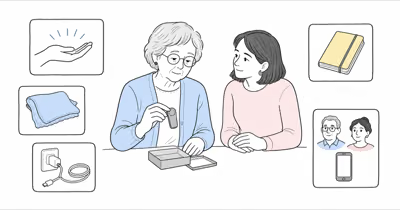
Let the older adult handle the watch and decide whether it feels acceptable. Check strap pressure, skin contact, weight, clasp, charging motion, screen size, contrast, touch targets, speaker volume, vibration, and notification load. A familiar-looking watch can still be painful, confusing, or difficult to remove.
Only use body-worn location sharing with their consent or through a current qualified authorization process for the specific decision and setting.
A diagnosis, family role, care responsibility, guardian label, or power-of-attorney title doesn’t answer every decision.
If refusal, distress, or repeated removal is new, pause and look for discomfort, illness, pain, sensory change, confusion, or another cause with the appropriate professional. The tracker-refusal guide explains why hidden placement or forced wear isn’t the next step.
Which Watch Category Fits the Response?
Compare paths, not winner badges.
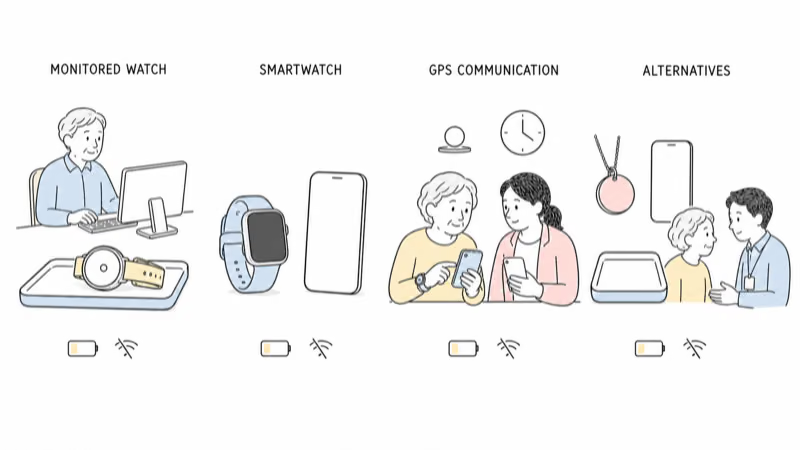
| Category | Primary job | Questions before use |
|---|---|---|
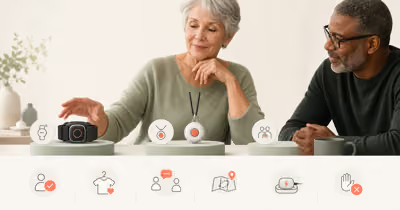
| Monitored medical-alert watch | Connect a button or supported alert to a staffed service | Who answers, what they can dispatch, coverage, service hours, false alerts, cancellation, and fees |
| General smartwatch | Phone-connected or cellular communication and supported safety features | Exact model, settings, paired phone, connectivity, emergency contacts, accessibility, and fall-feature limits |
| GPS communication watch | Agreed family calls and location sharing | Viewer access, update meaning, school or facility policy, battery, coverage, privacy, and response ownership |
| Pendant, clip, phone, or no wearable | Meet the need without a wrist device | Comfort, dexterity, charging, carrying habits, consent, setting support, and whether a human check-in is better |
The National Institute on Aging states that emergency medical alert systems must be set up correctly, worn, and kept charged or supplied with replacement batteries. It also says these services can’t replace regular check-ins.
Understand Fall-Detection Limits
Detection isn’t diagnosis or guaranteed contact.
For any watch that advertises a fall feature, verify the exact supported model, age or profile settings, activation state, required phone or cellular connection, emergency contact setup, regional availability, countdown behavior, cancellation path, and what happens after the alert.
Apple’s current Fall Detection support page states that Apple Watch can’t detect all falls and may interpret high-impact activity as a fall. Its instructions also depend on correct setup and describe how the watch reacts when the wearer responds or remains immobile.
Other brands and monitoring services use different sensors, thresholds, escalation paths, and terms. Don’t transfer Apple behavior to another device or assume “fall detection” means an ambulance is automatically sent.
A watch can be one layer after appropriate fall-risk assessment, home changes, mobility support, communication, and check-ins. It isn’t a reason to delay medical evaluation after a fall or a concerning change.
Trace the Alert From Wrist to Human
Draw the whole chain.
For each alert type, identify who receives it, on which device, through which connection, with what information, and what they must do. Test the button and permitted non-emergency process with the current provider instructions.
Ask what happens when the wearer can’t speak, cancels accidentally, leaves coverage, has a flat battery, loses the paired phone, or triggers a false alert. Confirm whether a service contacts a monitoring center, public emergency service, family member, or only an app notification.
Apple’s Emergency SOS instructions distinguish emergency calling from a monitoring-center service.
Other devices can follow a different route. Never infer a response path from an “SOS” label alone.
Evaluate Daily Fit, Charging, and Accessibility
A charged watch in a drawer doesn’t help.
Run a transparent trial across waking, sleeping, bathing, dressing, exercise, transport, medical appointments, and charging. Follow the manufacturer’s current water, skin, fit, cleaning, charging, temperature, and medical-device-interference instructions.
Check whether the adult can read the screen, press the intended control, hear the speaker, feel the vibration, understand alerts, place the watch on the charger, and remove it without injury. Assign a person to notice missed charging or a failed device.
Don’t publish a universal battery duration, response time, water rating, or location accuracy. Settings, signal, model, software, battery age, display use, calls, GPS activity, and service configuration affect real behavior.
Set Location, Audio, and Account Boundaries
More data isn’t automatically safer.
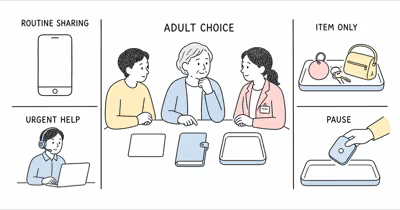
List who can see location, call the watch, change settings, access health or alert data, recover the account, and receive history. Use individual accounts and supported sharing rather than shared passwords. Remove access when a person’s role ends.
Don’t enable secret auto-answer, listen-in, continuous audio, hidden location sharing, or a locked band merely for caregiver convenience. Those features can raise consent, dignity, privacy, restraint, safeguarding, and setting-policy concerns.
Agree on alert handling and retention. Location or audio should not be posted publicly, used for confrontation, or kept indefinitely without a current purpose.
Use the Watch as One Wandering-Safety Layer
No watch is a 24-hour companion.
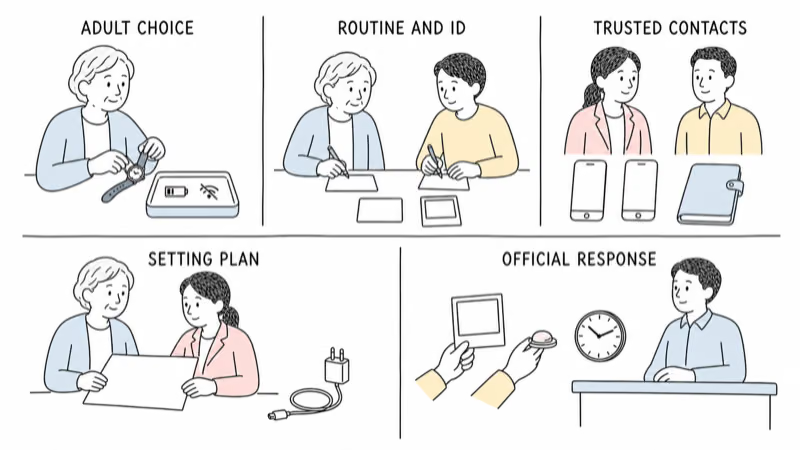
When wandering is a concern, build familiar routines, appropriate companionship or supervision, current identification and photo, trusted contacts, likely destinations, home or setting safeguards, and the official local missing-person response.
Use the consent-first location-support plan to connect any agreed watch trial with routines, current records, trusted contacts, setting safeguards, and official response.
Don’t prescribe a watch by “early,” “middle,” or “late” dementia stage. Don’t treat a locking band as the default answer when a person removes a device. Consent, comfort, skin, circulation, mobility, care needs, response capacity, authority, and setting rules require individualized review.
Coordinate With the Care Setting
A family subscription doesn’t assign staff duties.
Ask the nursing home, assisted-living community, day program, hospital, transport provider, or other setting about resident rights, consent, restraint, privacy, audio, health data, charging, device storage, alerts, staff responsibility, and emergency procedures.
For covered nursing homes, current CMS resident guidance states that rights include dignity, respect, and freedom from restraints used for discipline or staff convenience. That federal scope isn’t a universal watch rule, but it makes a locked or staff-managed wearable a care-plan and rights question rather than a shopping shortcut.
Document who charges, tests, cleans, receives alerts, contacts family, calls emergency services, records refusal, and removes access after discharge or a staffing change.
Use a Reversible Trial and Offboarding Plan
The watch must be easy to stop.
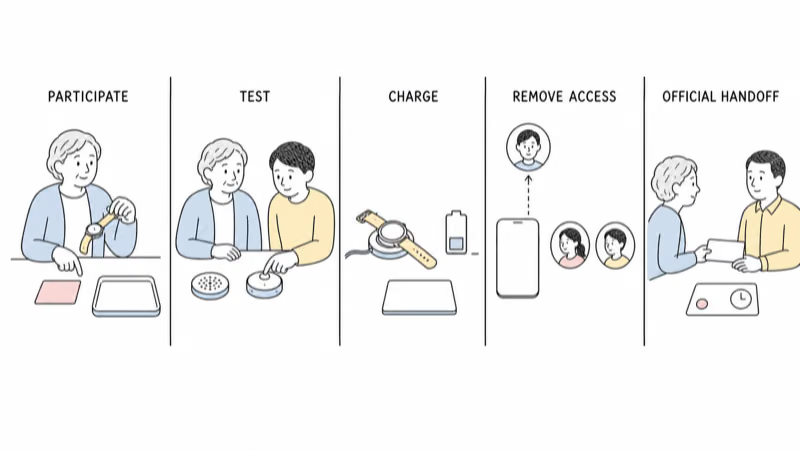
Write the purpose, participants, viewers, response path, test locations, charging owner, review date, and stop conditions. Record false or missed alerts, coverage gaps, discomfort, skin changes, confusion, charging failures, and times the watch was left behind.
Pause when the adult objects, the device causes distress or injury, the response path fails, staff can’t support it, or nobody maintains it. Reassess after health, consent, capacity, housing, caregivers, policy, account, hardware, software, or service changes.
End sharing, remove viewers, cancel service, erase data, reset hardware, and tell the adult what changed.
What Should You Do in an Emergency or Missing-Person Case?
Use the applicable official local response.
Don’t wait for a watch to connect, detect, or refresh when someone may need urgent help. Give responders the last confirmed contact, current description and photo, relevant health or communication needs, likely places, and any device timestamp with its uncertainty.
Treat a location point as one fallible lead. The watch may be offline, indoors, charging, removed, damaged, left behind, or reporting late.
Don’t enter private property, confront someone, or pursue a moving point yourself. Let trained responders decide how to use the information.
Bottom Line
There is no universal “best GPS watch for elderly adults.” Choose the response model first, involve the wearer, compare category fit, and test the exact device, settings, connection, charging routine, access, and fallback.
Reject locked wear as a convenience, secret listening, stage-based prescriptions, automatic-rescue assumptions, and fixed performance claims. A different form factor—or no wearable—may be the safer fit.
FAQ
What is the best GPS watch for an older adult?
There is no universal best watch. Start with the older adult's agreement and the response job, then compare monitored-alert watches, general smartwatches, and GPS communication watches on exact setup, coverage, charging, comfort, accessibility, privacy, who answers, and what happens when an alert fails.
Can a GPS watch automatically get help after every fall?
No. Fall features can miss a fall or mistake another movement for one, and connection, settings, battery, model, service, and response procedures still matter. Test the supported path and keep prevention, clinical guidance, check-ins, and an emergency plan.
Is a monitored medical-alert watch the same as a smartwatch?
No. A monitored service routes supported alerts to its stated response process, while a general smartwatch may call public emergency services, notify contacts, or depend on a paired phone. Verify the exact model, plan, connection, region, setup, and current provider terms.
Can I use a locking GPS watch when an older adult removes it?
Don't use a locking band as a convenience workaround. A watch the person can't readily remove can raise comfort, skin, circulation, dignity, restraint, consent, authority, safeguarding, and facility-policy concerns. Pause and obtain appropriate individualized qualified review.
How should a family test a GPS watch?
Use a transparent, reversible trial across ordinary routines and locations. Test the button, calls, speaker, alerts, coverage, pairing, charging, comfort, removal, viewer access, and fallback. Record missed or false alerts and set a review date and stop condition.
Is a watch always better than a pendant or phone?
No. Wrist comfort, dexterity, skin, charging, screen use, carrying habits, consent, and response needs differ. A pendant, phone, clip, human check-in, setting safeguard, or no wearable may fit better than a watch.
What should I do if the older adult is missing or needs urgent help?
Use the applicable local emergency or missing-person process immediately. Share current information and any device timestamp with its uncertainty. Don't wait for a refresh, enter private property, confront someone, or pursue a point yourself.