A GPS locator can support an agreed safety plan, but it can’t provide consent, supervision, medical judgment, or a guaranteed rescue. Product rankings also age quickly: plans, coverage, apps, hardware, and terms change.
This guide therefore compares types of support and decision criteria, not unverified products or prices.
- Start with the older adult. Age, a diagnosis, a family relationship, or care responsibility does not by itself settle permission for location monitoring.
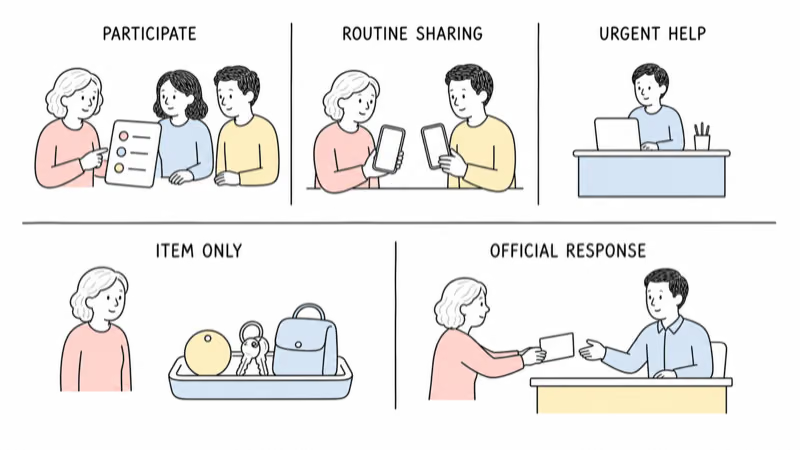
- Name one problem. Routine location sharing, wandering risk, urgent health help, and misplaced keys require different tools and response plans.
- Treat every point as fallible. Indoor conditions, coverage, charging, account state, device separation, and service design can delay or remove a useful location.
- Don’t defeat refusal. Hidden shoe inserts, locked straps, secret accounts, or trackers mounted to mobility equipment are not safe shortcuts around objection.
- Keep the human plan. Current records, trusted contacts, check-ins, setting safeguards, and the official missing-person process must work without the device.
Define the Safety Need Before Shopping
Write the need before shopping.
“I want to know they’re safe” is understandable, but no tracker can answer that broad question. Turn it into a specific, observable need:
- The adult wants to share a location during independent walks.
- A care plan needs an alert when an agreed boundary is crossed.
- The main concern is urgent medical help rather than location history.
- Keys, a bag, or another personal item are often misplaced.
- A family needs a documented response if the person becomes missing.
Each need points to a different category. A personal-item finder isn’t a medical alert system. A map-only GPS locator isn’t a 24-hour companion. A monitored alert service isn’t a substitute for prevention, check-ins, or clinical care.
The broader consent-first location-support guide helps turn a general worry into a defined plan.
The Alzheimer’s Association states that no location system is 100% accurate. Its current technology-safety guidance also says tracking isn’t the same as a 24-hour companion.
Resolve Consent, Capacity, and Authority Before Hardware
Participation is part of fit.
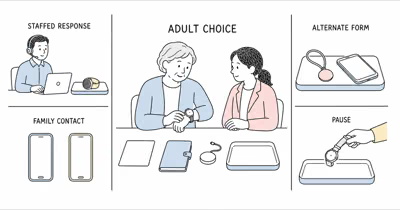
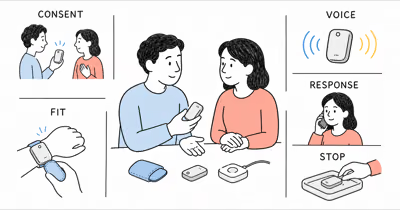
When an adult understands the choice, involve them in the purpose, form factor, viewers, alert rules, data access, trial length, and stop condition. A device that feels uncomfortable, stigmatizing, confusing, or intrusive isn’t a good fit merely because its feature list is longer.
If decision-making ability or authority is uncertain, don’t infer an answer from a diagnosis or from being a spouse, child, caregiver, guardian, or power-of-attorney holder. Capacity and authority can be decision-specific, document-specific, time-specific, and jurisdiction-specific. Involve the adult as fully as possible and use appropriate qualified health, care, legal, safeguarding, advocacy, or facility guidance.
Only use a person-location service with their consent or through a current qualified authorization process that applies to the specific decision and setting.
If the adult refuses, read the consent-first tracker-refusal guide. Don’t move the device into a shoe, clothing, bedding, room, walker, wheelchair, or locked band to defeat the objection.
Which Support Category Fits the Need?
Compare categories before brands.
| Need | Category to assess | Important limit |
|---|---|---|
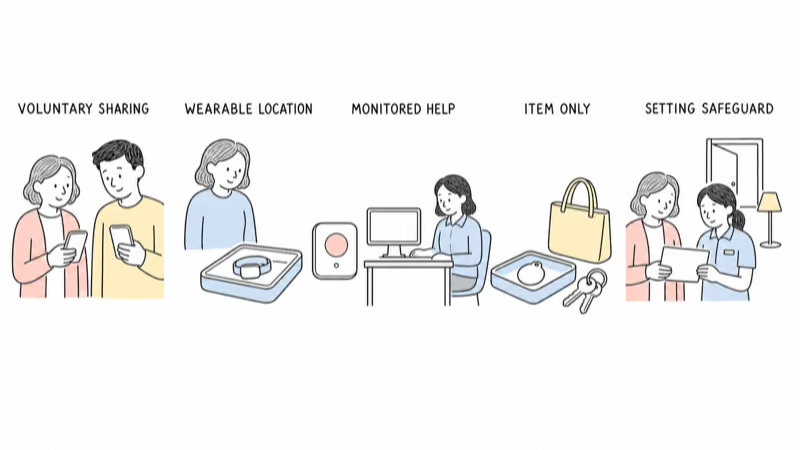
| Voluntary routine location sharing | Phone-based sharing or an agreed wearable GPS service | Depends on carrying, charging, coverage, account access, and continued agreement |
| Urgent health or safety help | Monitored medical-alert service assessed with the care team | Features and response scope vary; setup, wearing, charging, and coverage still matter |
| Misplaced keys or bag | Disclosed personal-item finder | The item's observation is not proof of the adult's location, condition, or safety |
| Home or facility exit awareness | Setting-approved non-wearable safeguards and a response plan | Must respect rights, privacy, fire safety, policy, and individual care needs |
| Missing-person response | Official local process, current records, and optional fallible device data | Never wait for a refresh or substitute private pursuit for trained response |
The National Institute on Aging reports that an emergency medical alert system or GPS device may lower some risks, but it must be set up correctly, worn when applicable, and maintained. It doesn’t work for every emergency or replace regular check-ins. Use the medical-alert form-factor guide only after deciding that monitored urgent help is the actual need.
Evaluate the Locator in Real Life
Test the failure path, not just the demo.
Before relying on a locator, document:
- Coverage: where cellular, satellite-view, Wi-Fi, Bluetooth, or crowdsourced observations become weak or unavailable.
- Indoor behavior: whether the service shows a broad area, an old point, or no useful point inside common buildings.
- Update meaning: whether a timestamp reflects the device, network, app, or last observation; avoid reading it as a continuous route.
- Charging and separation: who notices a low battery, who charges it, and what happens when the device is removed, forgotten, or attached to the wrong item.
- Alerts: who receives them, how late or false alerts are handled, and what evidence is required before escalating.
- Access: who can view data, recover the account, change settings, or remove a former caregiver.
- Support and exit: how the service handles outages, cancellation, data deletion, hardware return, and offboarding.
Run an agreed trial across ordinary locations and routines. Record missed observations, false alerts, discomfort, charging failures, and app confusion. A product that performs well on a kitchen table may fail in the building, neighborhood, transport route, or care workflow where it matters.
Don’t publish a universal accuracy radius or battery duration as though it applies to every user. Environment, reporting mode, coverage, software, hardware age, and use patterns change real behavior.
Set Privacy and Response Rules Before Alerts
Access should have an owner and an end date.
Agree on what data is collected, who can see it, why they need it, how long access lasts, and what happens when the purpose changes. Use individual accounts and supported sharing instead of a shared password. Remove former relatives, staff, transport providers, or temporary helpers when their role ends.
Decide what each alert means. A boundary notification might trigger a call, a check with staff, or another agreed step; it should not automatically justify confrontation, public sharing, or pursuit. Keep location history private and share only what an authorized response needs.
Preserve unwanted-tracking protections on compatible item finders. Use the official platform safety alert and its supported instructions when an unknown device may be moving with someone.
Don’t mute, damage, rename, or position a device to defeat another person’s ability to notice it.
Build Wandering Safeguards Around the Person
A tracker is an addition, not the wandering plan.
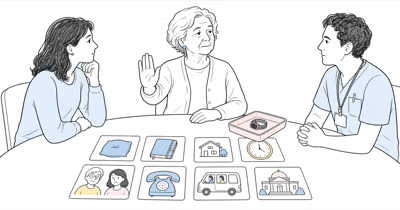
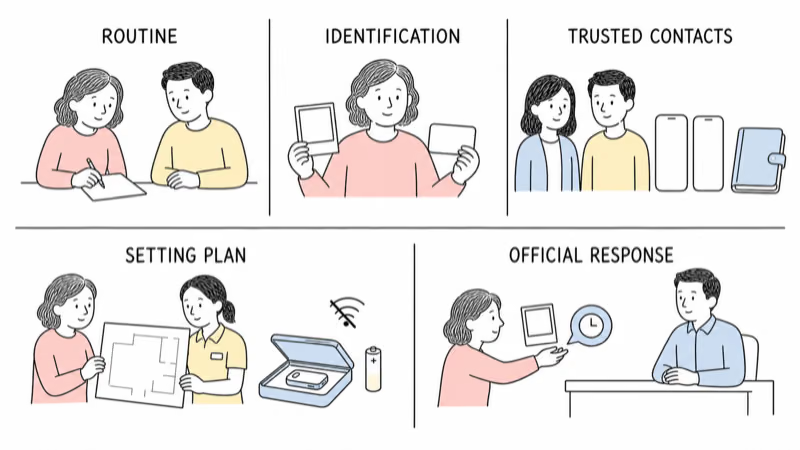
Work with the adult and appropriate care team on familiar routines, appropriate companionship or supervision, current identification, a recent photo, likely destinations, trusted contacts, home or setting safeguards, and the local missing-person process.
The National Institute on Aging states that GPS may be one of several safeguards and also recommends identification, current records, neighbor or local-police awareness where appropriate, and a safe-return plan. That guidance doesn’t turn tracking into a guarantee or authorize a hidden or locked device.
Don’t assign a product by “early,” “middle,” or “late” dementia stage from an article. A diagnosis doesn’t determine consent, comfort, mobility, communication, facility rules, response capacity, or which technology—if any—is appropriate.
Keep AirTag and Item Finders on Agreed Items
Keep an item finder on an item.
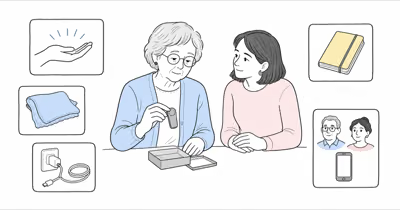
Apple describes AirTag as a way to locate personal items such as keys or a backpack. An older adult may agree to use one on keys or a bag, and supported sharing can give an appropriate helper access. But the resulting point belongs to the item.
It doesn’t confirm who has the item, whether the adult is nearby, their health, their direction of travel, or whether they need help. It isn’t a substitute for GPS location sharing, a call button, fall assessment, a monitored service, or an emergency plan. The AirTag versus GPS guide explains the underlying network difference.
The AirTag aging-parent item guide explains the boundary in detail. Don’t put an item finder secretly on a person, in clothing, or on mobility equipment.
Coordinate With the Care Facility
Family ownership does not bypass facility process.
A nursing home, assisted-living community, day program, hospital, transport provider, or other setting may have its own resident-rights, consent, restraint, privacy, data, device, charging, search, and emergency procedures.
For covered nursing homes, current CMS resident guidance states that rights include privacy, dignity, respect, and freedom from restraints used for discipline or staff convenience. That scope shouldn’t be generalized into a universal legal rule, but it’s a clear reason to involve the resident, care team, and current facility process.
Ask who approves the arrangement, who maintains the device, who receives alerts, who documents refusal or distress, who responds, and when access ends. Don’t assume staff will monitor a family account unless the current care plan assigns that responsibility.
Use a Reversible Trial and Scheduled Review
A good trial can stop.
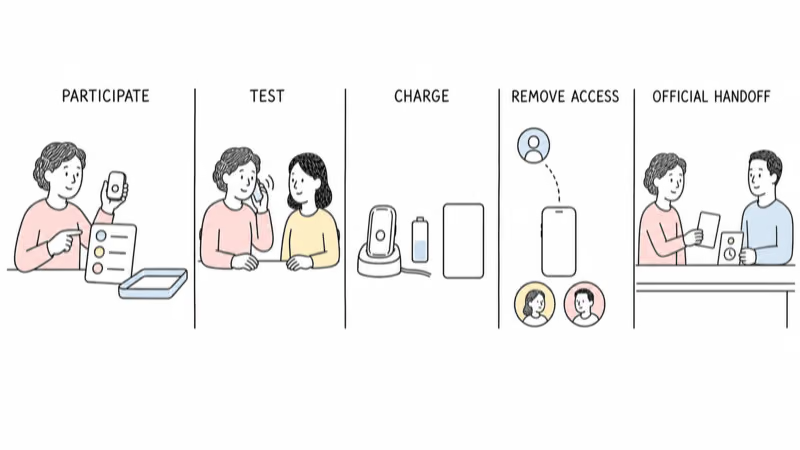
Write down the purpose, participants, viewers, test locations, charging owner, alert response, review date, and stop condition. Let the adult handle or wear the device when possible. Check comfort, skin contact, dexterity, hearing, vision, charging, and notification load.
Pause when the adult objects, the device creates distress, data is repeatedly misleading, staff can’t support it, or nobody consistently responds. Reassess when health, consent, decision-making ability, housing, caregivers, policy, accounts, software, or service terms change.
When the purpose ends, stop sharing, remove viewers, cancel the service when appropriate, reset or dispose of hardware safely, and tell the adult what changed.
What Should You Do If the Person Is Missing?
Use the applicable official response immediately.
Provide the last confirmed contact, current description and photo, relevant health or communication needs, likely places, and any device timestamp with its uncertainty. Don’t delay because an app still shows an old point or says it’s searching.
Treat location data as one fallible lead. The device may be offline, indoors, charging, separated, discarded, attached to an item, or reporting late.
Don’t enter private property, confront someone, or pursue a moving point yourself. Let trained responders decide how to use the information.
Bottom Line
There is no universal “best GPS tracker for elderly people.” The safer choice begins with the older adult, a specific need, the least intrusive suitable category, and a response plan that still works when technology fails.
Compare coverage, indoor behavior, charging, alerts, access, privacy, comfort, care-setting duties, and offboarding. Reject hidden placement, forced wear, stage-based product prescriptions, and rescue guarantees.
FAQ
What is the best GPS tracker for an older adult?
There is no universal best device. Start with the adult's agreement and the specific need, then compare the appropriate category on coverage, indoor limits, charging, alerts, privacy, response ownership, comfort, setting policy, and offboarding. A ranked feature list can't answer those person-specific questions.
Can a GPS tracker prevent an older adult from getting lost?
No. A location tool may add information to a wider plan, but it can't prevent every departure, guarantee an alert, or replace supervision, routines, identification, current records, trusted contacts, setting safeguards, and the official missing-person process.
Is a medical alert system the same as a GPS tracker?
No. A map-oriented locator and a monitored emergency-alert service have different purposes and response models. Some services combine features, but availability, coverage, setup, wearing, charging, fall features, call buttons, and monitoring scope must be checked for the specific service and care plan.
Can I hide or lock on a tracker when an older adult refuses it?
Don't treat refusal as a hardware problem. Hidden placement or a device the person can't readily remove can raise privacy, distress, dignity, restraint, skin, circulation, authorization, and facility-policy concerns. Pause and use appropriate qualified local review.
Can an AirTag track an older adult?
AirTag is a personal-item finder. It may be used on agreed keys or a bag, but the item's observation doesn't confirm the adult's live location, health, direction, or safety. It isn't a monitored medical alert or continuous GPS service.
How should a family test a GPS locator?
Use a transparent, reversible trial across ordinary locations and routines. Record indoor gaps, delayed or false alerts, charging failures, device separation, discomfort, app confusion, viewer access, and response time. Set a review date and a clear stop condition.
What should I do if the older adult is missing?
Use the applicable local emergency or missing-person process immediately. Share the last confirmed contact, current description and photo, relevant needs, likely places, and any device timestamp with its uncertainty. Don't wait for a refresh, confront someone, enter private property, or pursue a point yourself.