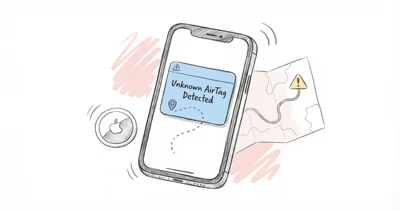
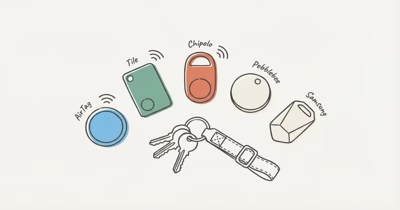
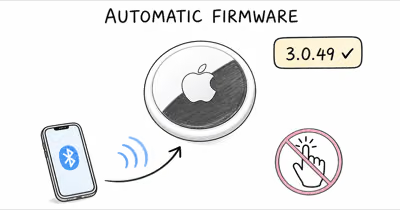
An AirTag lawsuit filed August 10 puts the alert system at issue. According to Apple’s current guide, warnings span iOS and Android. MLive says two plaintiffs allege former partners tracked them with AirTags and neither phone warned them; the claims haven’t been proven.
- The complaint was filed August 10 in federal court in Michigan. The two plaintiffs are identified by pseudonyms.
- One plaintiff used an iPhone and the other used Android. Each alleges that she received no AirTag warning.
- The complaint isn’t a technical finding. Public reports don’t establish the phone settings, software versions, or reason for the alleged failures.
- A public listing identifies case 2:26-cv-12764. No free full-text docket or case-specific Apple response was found.
- Readers can check alert readiness now. A suspected tracker is a safety matter, not a prompt to confront anyone.
The Michigan AirTag Lawsuit Allegations
Two women using pseudonyms filed the lawsuit on August 10, 2026, in the U.S. District Court for the Eastern District of Michigan.
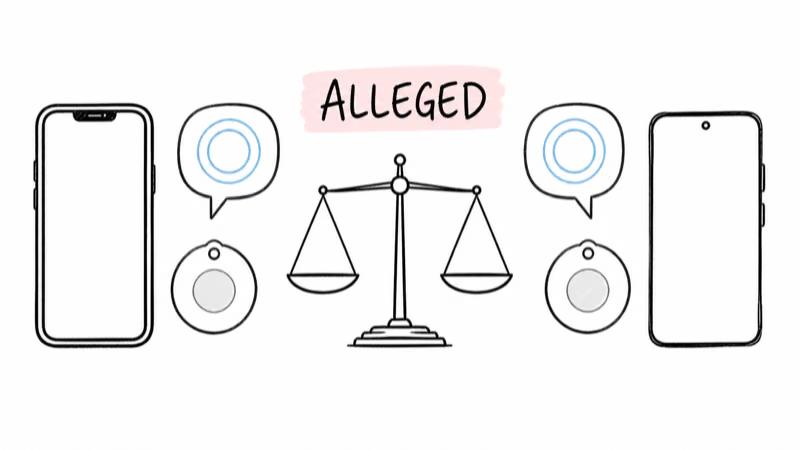
According to court records cited by MLive, Jane MH Doe-1 of Birmingham alleges that an ex-partner hid an AirTag in her vehicle and that her iPhone never warned her about it. The same report says Jane WP Doe-2 of Madison Heights alleges that an ex-partner used an AirTag to follow her and that her Android phone did not deliver an AirTag warning.
MLive’s filing account is the primary public report cited here.
CBS News Detroit reports that the lawsuit alleges Apple failed to adequately protect people from being stalked with AirTags. Its August 16 report describes the plaintiffs’ legal position, not a court finding about what happened or whether Apple’s system was defective.
The Limits of the Free Public Record
The public listing identifies the case as Doe-1 et al. v. Apple, Inc., No. 2:26-cv-12764 (E.D. Mich.), filed August 10, 2026.
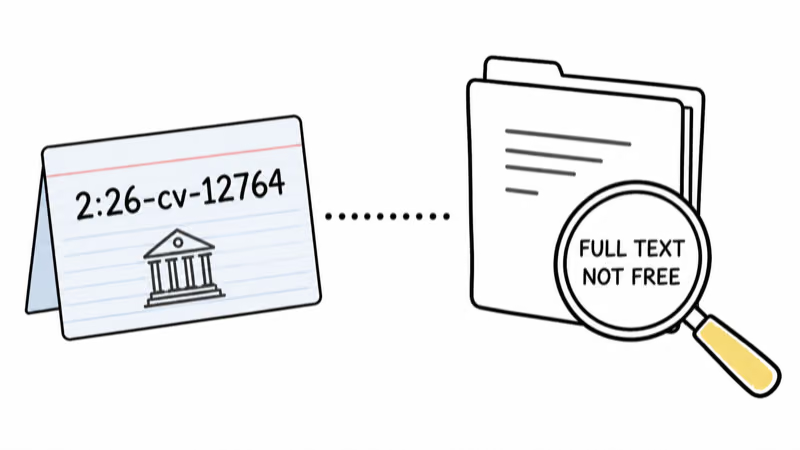
PACER Monitor’s public case page supplies that identity. A free full-text docket was not available through CourtListener or RECAP when checked, so the incident details still rely on named news accounts of court records.
What Remains Unresolved?
The public accounts describe two different phone platforms and the same alleged outcome: no warning. They don’t say which operating-system versions were installed, whether all required notification and location settings were enabled, when each AirTag began moving with the plaintiff, or what forensic evidence was preserved from either phone.

Without a public technical record, no cause can be assigned.
AppleInsider also reported the lawsuit on August 17. Its account adds another publication to the reporting chain, but it isn’t a substitute for the complaint or a judicial ruling.
Has Apple Issued a Public Response?
HotAirTag found no case-specific public response in Apple’s Newsroom through August 18, 2026. That means no public statement was located, not that Apple declined a request from this publication or that the company has taken a position in court.
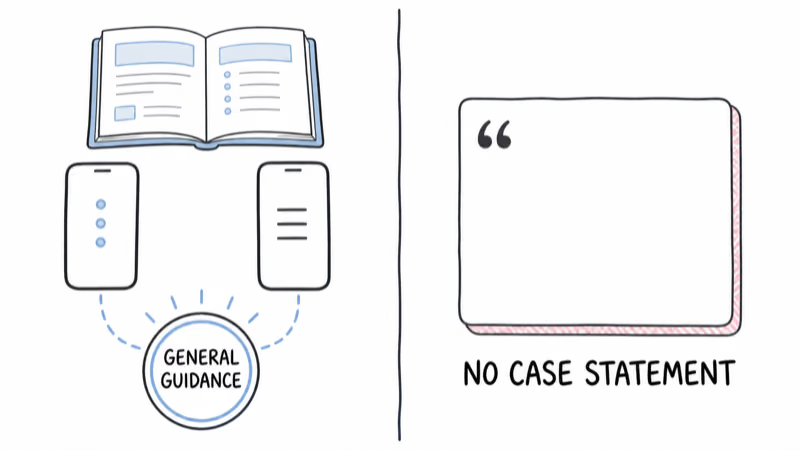
Apple’s existing safety documentation remains available. Apple says unwanted-tracking alerts can appear on iOS and Android when a compatible tracker separated from its owner is seen moving with someone over time.
The document doesn’t promise a fixed alert time or address these plaintiffs.
Checking Unknown-Tracker Alerts
An alert-readiness check can’t prove that every future warning will arrive. It can confirm that the settings Apple lists are ready before a problem occurs.
On iPhone or iPad
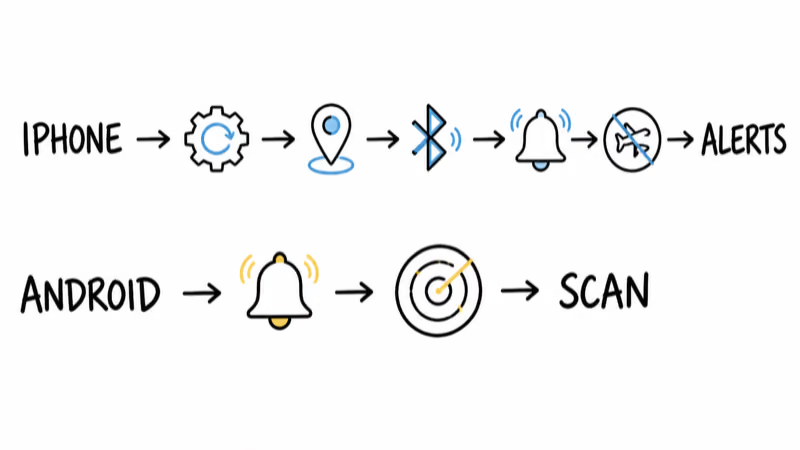
On iPhone, Apple says Tracking Notifications require the relevant system software, Location Services, Bluetooth, notification permission, and Airplane Mode to be off.
Open Settings → Privacy & Security → Location Services and make sure Location Services is on. Under System Services, confirm Significant Locations is on. Then check Settings → Bluetooth, and open Settings → Notifications → Tracking Notifications to allow notifications. Apple also says Airplane Mode must be off.
If your screen says Unknown Accessory Detected, read our guide to that exact iPhone alert. Apple distinguishes it from the AirTag-specific AirTag Found Moving With You message.
On Android
Apple says Android 6.0 and later can receive automatic unwanted-tracker alerts and can run a manual scan. Android menu names can vary by phone and software version, so use the current Unknown tracker alerts screen instead of relying on an old menu path.
A manual nearby result is a lead, not proof of tracking. Our Android unknown-tracker alert guide explains the difference.
If an alert appears
Open the alert, preserve screenshots of its map and details, and use the supported Play Sound or Find Nearby control only where you can search safely. Our AirTag Found Moving With You response guide follows that protective flow without assuming who owns the device.
Waterloo Regional Police advised people on August 12 not to handle, remove, or disable a suspected tracker and to contact police as soon as possible. Its notice concerned incident WA26114476, not the Michigan lawsuit, but the safety principle is useful: move to a safe place and involve local law enforcement rather than confronting someone or disturbing possible evidence.
Apple’s general support page gives device-specific instructions to identify or disable an item. If police are involved or you feel unsafe, follow their directions about preserving the tracker before taking those steps.
The Safety Signal Beyond the Lawsuit
The complaint raises a narrow but important question: whether a cross-platform safety feature worked when two people allegedly needed it. A product can have an anti-stalking mechanism without that mechanism being a guarantee, and the existence of a lawsuit does not prove the mechanism failed as alleged.
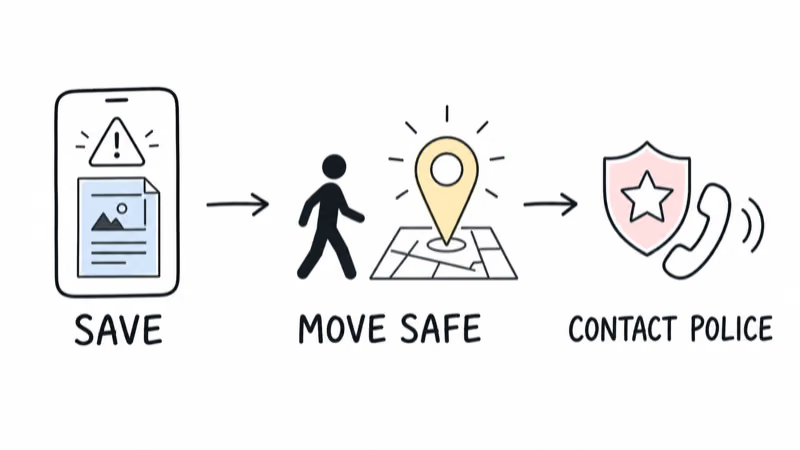
For readers, the practical standard is stronger than waiting for litigation. Keep phone software current, verify notification readiness, treat an unexpected tracker warning as a safety signal, and document what the phone shows. No alert setting should replace situational awareness, trusted support, or law enforcement when there is an immediate risk.
For Apple, the unanswered question is what each device recorded. Until a technical record is public, confident explanations go beyond the evidence.
Bottom Line
The Michigan lawsuit, No. 2:26-cv-12764, alleges that AirTag warnings failed on both an iPhone and an Android phone. The free public record does not yet provide the technical evidence or a ruling that could establish those claims.
Check that your phone is ready to receive unknown-tracker alerts, and take any suspected tracking seriously. Preserve the information you can access safely, move to a safe location, and contact local law enforcement rather than trying to resolve a dangerous situation alone.
FAQ
Did Apple lose the Michigan AirTag lawsuit?
No. Public listings identify case 2:26-cv-12764, but the filing is a complaint, not a judgment. The allegations have not been proven, and a free full-text docket was not available when checked.
Who filed the AirTag anti-stalking lawsuit?
MLive identifies the plaintiffs by the pseudonyms Jane MH Doe-1 of Birmingham and Jane WP Doe-2 of Madison Heights. The report says they filed in federal court in the Eastern District of Michigan on August 10, 2026.
Were both plaintiffs using iPhones?
No. According to the court records described by MLive, one plaintiff used an iPhone and the other used an Android phone. Both allege that they did not receive an AirTag warning.
Should an AirTag alert always appear immediately?
Apple does not publish one guaranteed alert time for every situation. Its support page says alerts are designed for a compatible tracker separated from its owner and seen moving with someone over time.
How do I check AirTag alerts on Android?
On Android 6.0 or later, open the current Unknown tracker alerts settings and confirm automatic alerts are enabled. You can also run a manual scan, but a nearby result alone does not prove unwanted tracking.
What should I do if I suspect an unknown tracker?
Save the alert, map, and available identifier details. As a general safety practice, don’t confront anyone; police guidance is to avoid handling, removing, or disabling the device. Move to a safe public place and contact local law enforcement if you feel at risk.