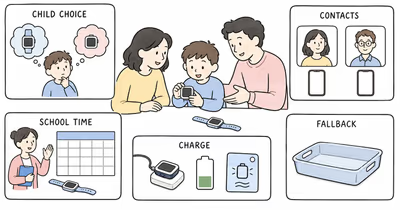
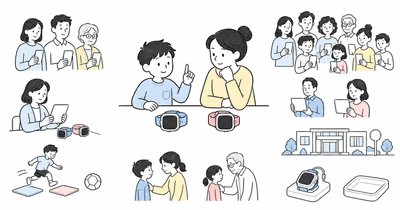
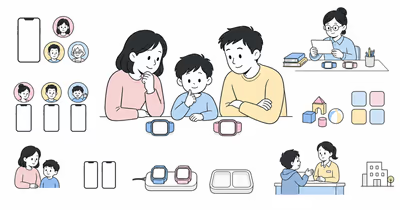
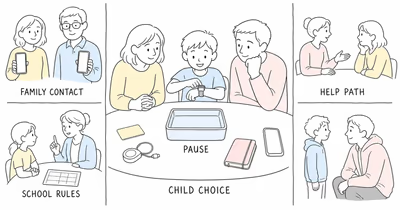
Fitbit Ace LTE and Garmin Bounce 2 aren’t price tiers or safety grades. They’re current family systems with different accounts, caregiver apps, motivation tools, school controls, location records, and assistance behavior.
This comparison reconciles current official documentation. It isn’t hands-on evidence, an accuracy test, an emergency guarantee, or a recommendation to buy.
Use either watch openly, involve the child at an age-appropriate level, and follow school and care-setting rules.
- The old fixed-price winner is removed. Device offers and service terms change; setup fit matters before a quote.
- Both need managed service and a workable battery routine. Ace uses Ace Pass and more-than-16-hour typical-use guidance; Bounce uses Garmin LTE service and an up-to-two-day estimate.
- School controls differ. Ace School time restricts games and incoming contact; Garmin School mode offers Silent or Silent & restricted and preserves Assistance.
- Help paths differ without reaching public emergency services. Ace calls configured people in sequence; Garmin Assistance sends a cancelable alert to configured assistance contacts.
- Location remains a device observation. Neither watch proves a child’s route, attendance, intent, or safety.
⇄ Head-to-head
Fitbit Ace LTE vs Garmin Bounce 2
GOOGLE FITBIT
Fitbit Ace LTE
GARMIN
Garmin Bounce 2
- +Parents plus up to 20 app-based trusted contacts are documented
- +Movement games, activity tracking, School time, and location are integrated
- +Compatible caregiver phones can run current Android or iOS under stated requirements
- +Call for help tries parents before one designated non-parent contact
- +Two-way calls, texts, voice messages, location, and check-in are documented
- +Garmin Jr. includes chores, rewards, activity, sleep, and family challenges
- +School mode offers Silent and Silent & restricted options
- +Assistance can alert configured caregivers while school restrictions are active
- −Ace Pass, supervised Google accounts, compatible phones, and app participation are required
- −Trusted contacts must use the Fitbit Ace app
- −School time prevents incoming calls until the schedule is changed
- −Call for help doesn't call public emergency services
- −LTE Subscription, supported coverage, Garmin Jr. setup, and current connectivity are required
- −Approved family members can view up to seven days of location history
- −Assistance depends on data coverage and configured contacts who can receive text or email
- −Garmin says its app doesn't contact public emergency services on the family's behalf
- ·Consider when movement games and the compact Google family system match the agreed job
- ·Confirm accounts, contacts, School time, location, help order, coverage, charging, and privacy
- ·Keep a separate communication and emergency fallback
- ·Consider when Garmin Jr. chores, activity, check-in, and location history match the agreed job
- ·Confirm family roles, School mode, assistance contacts, coverage, charging, and privacy
- ·Keep a separate communication and emergency fallback
Define the Family Job Before Comparing Features
Write the smallest agreed task.
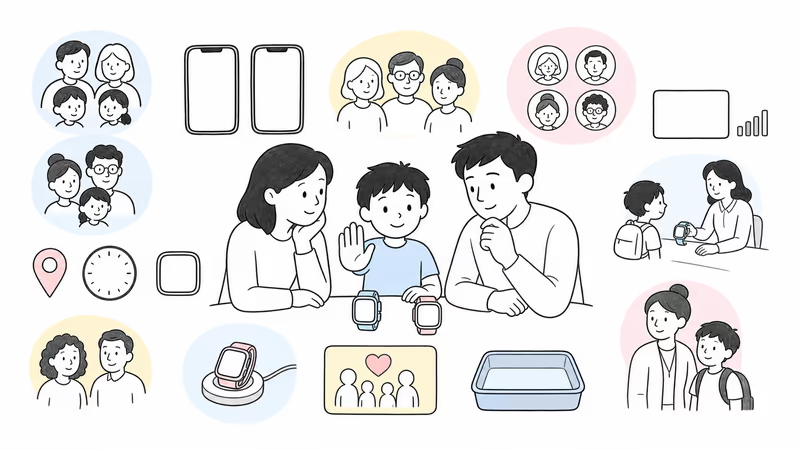
List the child, caregiver, other contacts, school permission, ordinary communication, location viewers, intended help recipients, service, charging owner, privacy limits, human fallback, and stop conditions. A longer feature list doesn’t replace a clear job.
Google’s Ace LTE communication guide requires an active Ace Pass, internet connectivity, Google accounts, and the Fitbit Ace app for contacts. Garmin’s current Bounce 2 system uses the Garmin Jr. app, a Garmin-managed LTE Subscription, approved family members, and configured assistance contacts.
Use the family location and communication guide to separate ordinary coordination from emergency response.
Which Current Models and Services Are Being Compared?
The route compares current Fitbit Ace LTE with Garmin Bounce 2, not the first-generation Bounce.
Google’s current Ace LTE specifications cover service, location, activity, games, school controls, battery, charging, and care. Google states that Ace LTE supports 5ATM resistance under stated conditions.
Garmin’s current announcement covers two-way communication, location, games, activities, music support, display, and service. Garmin announced Bounce 2 with up to two days of estimated battery life, subject to feature use and LTE conditions.
Record the exact model, software, family roles, subscription, coverage, charger, return terms, and promised features. Don’t reuse first-generation Bounce assumptions.
The current kids smartwatch guide provides a wider category checklist without turning the list into an age ranking.
How Do Calls, Messages, and Contacts Differ?
Both systems are caregiver-managed, but their roles and apps aren’t interchangeable.
Ace LTE supports parents, eligible family participants, and up to 20 trusted contacts under current Google requirements. Contacts need the Fitbit Ace app or an eligible family Ace setup, and communication depends on Ace Pass plus Wi-Fi or LTE. Test the actual parent and contact phones rather than treating cross-platform support as automatic compatibility.
Bounce 2 supports phone-free calls, text messages, and voice messages through the Garmin Jr. family setup when its LTE Subscription and network connection work. The current manual distinguishes approved family access from the assistance-contact list. Confirm which adult can administer settings, communicate, view location, see history, or receive an Assistance alert.
Test every intended contact, one removed contact, a missed call, delayed delivery, weak signal, account recovery, caregiver-phone replacement, and offboarding. Grant only the access that completes the family job.
Games, Chores, Activity, and Music Need Separate Checks
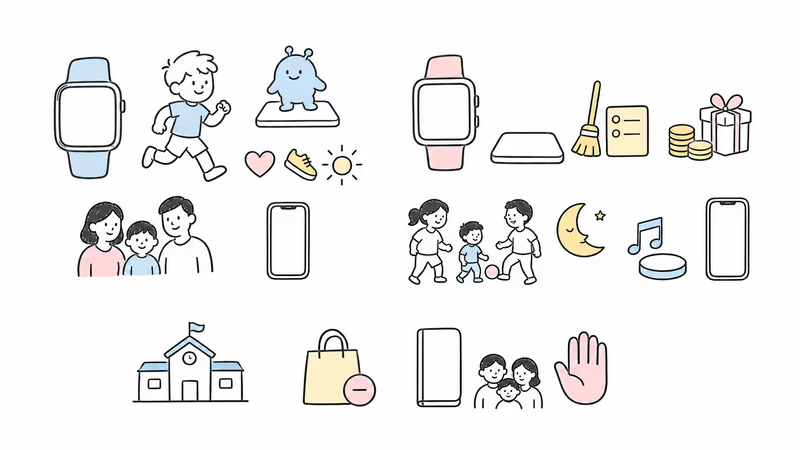
The old games-versus-chores split was too simple. Both current systems include several motivation surfaces.
Ace LTE combines movement games, daily quests, activity goals, and managed communication. The current Ace LTE review keeps its account and connection requirements visible.
Garmin’s Garmin Jr. guide documents activity, sleep, adventure progress, family challenges, chores, coins, and custom rewards. Bounce 2 also advertises games and Amazon Music, but music requires its own eligible Amazon subscription and current service conditions.
Feature count alone decides nothing. Test distraction, purchases, privacy, family pressure, and whether the child can stop.
What Do School Time and School Mode Actually Change?
The names sound similar, but the remaining functions differ.
Google’s Ace School time guide says the mode restricts games and Bit Valley, silences notifications, and prevents incoming calls. The child can still initiate calls and messages. A caregiver may need to change the schedule before calling the watch.
Garmin’s Bounce 2 School mode guide offers Silent or Silent & restricted. Both mute most notification sound and vibration; the restricted option also limits games and messages. Garmin says Assistance remains available.
Ask the school what may be worn, silenced, messaged, photographed, recorded, stored, or location-shared. Then test the exact schedule and exceptions.
Treat Every Location Point and History Entry as Conditional
A watch location is a device observation, not proof of the child’s route, attendance, intent, or safety.
Google’s Ace location guide says the app shows the watch’s last located point or area, update time, battery state, and off-wrist status. Location sharing depends on a supervised account, plan, permissions, power, network, sensors, settings, wear, and other factors.
Garmin’s Bounce 2 location guide covers the last report, refresh, child check-in, and history. Garmin states that approved family members can view up to seven previous days, which increases the privacy review without proving continuous accuracy.
Remove the old GPS.gov inference. A generic open-sky estimate can’t prove these two managed watch systems perform equally in family conditions.
Both Help Controls Lead to Selected People, Not Public Emergency Services
The controls, recipients, and transport differ, but neither replaces an official emergency path.
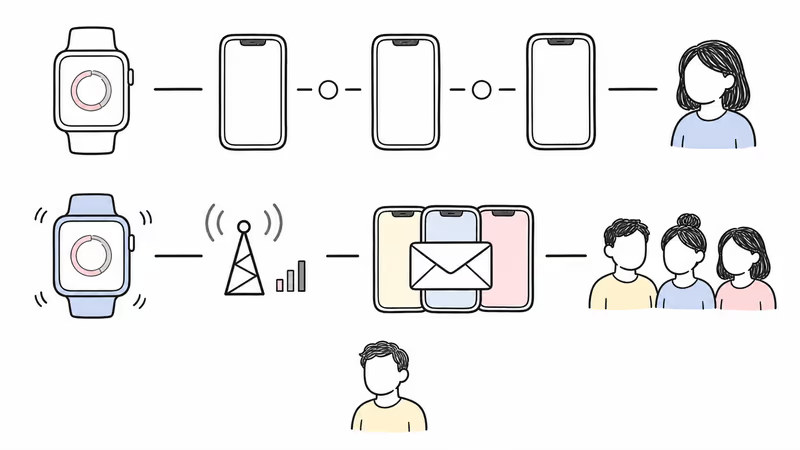
Google’s Call for help guide says Ace LTE starts a five-second cancelable timer, then tries the family manager, another listed parent, and one designated non-parent emergency contact in sequence. It notifies parents and doesn’t call public emergency services.
Garmin’s Bounce 2 Assistance guide says the child holds a button, receives vibration feedback, sees a countdown, and can cancel before the message is sent. The watch needs an active LTE Subscription and data coverage; configured contacts must be able to receive text messages or email. Garmin explicitly says Assistance is supplemental and Garmin Jr. doesn’t contact emergency services on the family’s behalf.
Teach the intended control, recipients, cancellation, accidental-alert response, and human fallback without staging an emergency. For a missing child or immediate danger, use local responders and the applicable official process without waiting for a watch or contact reply.
Compare Battery Routine, Fit, Coverage, and Water Guidance
Published battery numbers are planning inputs, not household guarantees.
Google’s battery guide says Ace LTE is designed for more than 16 hours during typical use. Gaming, long calls, weak signal, settings, and environmental conditions can reduce runtime.
Garmin estimates up to two days for Bounce 2, while its current manual says notifications, GPS, music, and other enabled features affect actual battery life. Garmin’s LTE notice adds network conditions. That supports a longer published maximum, not a guarantee that one family’s Bounce will last twice as long.
Both document 5ATM resistance under stated conditions, not permanent waterproofing. Follow each current care guide.
Test band fit, safe removal, display, speaker, microphone, sensory load, charger ownership, low-battery behavior, and the no-watch fallback.
Review Location History and Child Data Together
Managed systems still collect sensitive family data.
Review Google and Garmin accounts, caregiver roles, trusted or assistance contacts, calls, messages, voice recordings, location viewers, history, activity, sleep, games, chores, rewards, music, purchases, school schedules, analytics, backups, recovery, export, retention, and deletion.
Garmin says approved family members can view up to seven days of Bounce 2 location history. Confirm exactly who is approved and remove obsolete viewers. For Ace LTE, confirm the supervised account, location permission, trusted-contact access, and what remains after a caregiver changes phones or family roles.
The FTC’s kids and cell phones guidance recommends reviewing location sharing, media access, limited contacts, privacy settings, and parental controls. Apply minimum access to every caregiver, app, backup, subscription, and school context.
Verify the Full Current Setup and Terms
The old device prices, monthly equality, and value winner are removed.
For Ace LTE, get a dated quote for the exact watch, Ace Pass option, taxes, shipping, bands, protection, replacement, warranty, return, cancellation, renewal, promotion end, compatible caregiver phone, Google accounts, and app requirements.
For Bounce 2, get the same details for the exact watch, Garmin LTE Subscription, supported country and local coverage, taxes, shipping, band, charger, protection, music option, warranty, return, cancellation, renewal, Garmin Jr. roles, and app requirements.
Garmin’s coverage page states that listed-country service depends on local carrier conditions and isn’t guaranteed. Google also conditions Ace service on coverage.
Run a Reversible Family Trial
Use one acceptance checklist for both systems.
Record the model, software, caregiver phone, service, account owner, administrators, contacts, games, school controls, location viewers and history, help recipients, coverage, charging owner, privacy permissions, fallback, review date, and stop conditions.
Test ordinary communication, one location request, child check-in where applicable, weak signal, charging, School time or School mode, a removed contact, lost-watch handling, and account recovery. Test Assistance only through the brand’s documented non-emergency method and with every recipient informed; never simulate public emergency services.
Ask the child what helped, what distracted, what felt intrusive, and what failed. Repeat after school days, travel, weak-signal use, games, chores, music, family challenges, and routine charging. If the trial should stop, remove viewers, export or delete data where supported, erase or return the watch, cancel service, remove linked music or app access, and confirm billing.
Bottom Line
Ace LTE centers games and sequential help calls; Bounce 2 adds chores, check-in, history, School mode choices, and Assistance alerts. Neither is safer by default.
Choose only after the exact current setup completes the agreed job and passes child participation, caregiver-phone and account requirements, contacts, school policy, location limits, assistance understanding, coverage, battery routine, fit, privacy, total-cost, fallback, and offboarding checks.
For another current managed-watch comparison, see Fitbit Ace LTE vs Gabb Watch 3e.
FAQ
Is Fitbit Ace LTE or Garmin Bounce 2 safer for a child?
Neither is safer by default. Ace LTE centers movement games and sequential calls to selected contacts; Bounce 2 adds Garmin Jr. activity, chores, check-in, location history, School mode choices, and Assistance alerts. Compare child participation, setup, contacts, school rules, location limits, service, battery, privacy, fallback, and trial results.
Can either watch contact public emergency services?
Not through the help controls described here. Google’s Call for help tries configured family contacts and doesn’t call public emergency services. Garmin says Bounce 2 Assistance is supplemental and Garmin Jr. doesn’t contact emergency services on the family’s behalf. Keep a separate official emergency plan.
Which watch has longer battery life?
Garmin publishes the longer maximum: up to two days for Bounce 2, while Google says Ace LTE is designed for more than 16 hours during typical use. Actual runtime depends on calls, games, GPS, music, notifications, settings, signal, network conditions, battery condition, and environment. Test the household routine.
How do their school controls differ?
Ace School time restricts games, silences notifications, and prevents incoming calls while allowing the child to initiate contact. Bounce 2 School mode offers Silent or Silent & restricted; Garmin says Assistance remains available. Confirm exact software, schedule, sync, remaining functions, and school policy.
Which watch gives more accurate child location?
The current official materials don’t establish a universal accuracy winner. Both depend on wear, power, sensors, signal, network, permissions, software, app and account state, refresh behavior, and timestamp. Bounce 2 adds check-in and up to seven days of history, which changes privacy and review rather than proving accuracy.
Does Garmin Bounce 2 only use chores while Fitbit uses games?
No. Ace LTE uses movement games and activity goals. Garmin Jr. includes chores and rewards, but Bounce 2 also documents games, activity, family challenges, sleep, and optional Amazon Music under separate terms. Test distraction, pressure, purchases, subscriptions, privacy, and whether the child can stop.
Do Fitbit Ace LTE and Garmin Bounce 2 need subscriptions?
Yes for the managed LTE features compared here. Ace LTE uses Ace Pass; Bounce 2 uses Garmin’s LTE Subscription. Calling, messaging, location, help features, and other services depend on the exact account, active plan, supported country, network coverage, device state, settings, and current terms.