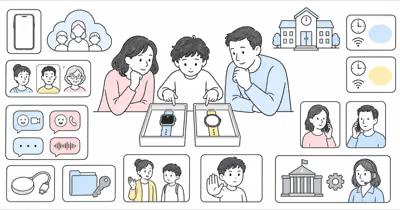
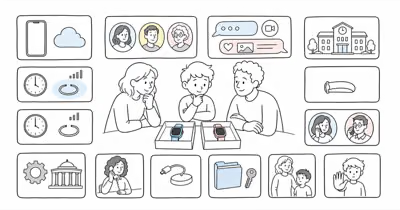
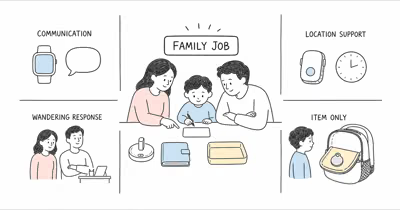
Cosmo’s current JrTrack 5 product page says the model has sold out and directs shoppers to JrTrack 5 SE. That makes the old “current flagship” buying review, fixed price, Amazon button, and winner language obsolete.
This is a current-source editorial review for existing owners and families comparing the transition. It isn’t hands-on evidence, a safety guarantee, or a recommendation to buy a marketplace unit.
- Separate the two models. JrTrack 5 and 5 SE may share hardware and some functions, but the current sales path and parent-app experience are changing.
- Location has multiple modes. Background refresh, on-demand requests, Active Tracking, and SafeZone alerts have different timing and battery consequences.
- Help paths are distinct. JrTrack SOS alerts the primary account and starts tracking; optional 911 is a separately exposed watch control.
- School fit needs permission. Focus Mode does not override a school’s device, camera, messaging, location, or privacy policy.
- Existing owners should retest, not assume. Firmware, app access, service, contact roles, charging, water care, account recovery, and offboarding all belong in the trial.
Is JrTrack 5 Still the Current Cosmo Watch?
No—the original JrTrack 5 is now an existing-owner model.
Cosmo’s current JrTrack 5 page says the model has sold out and points new buyers to JrTrack 5 SE. The 5 SE page describes the same core hardware with a rebuilt Cosmo parent platform, Routines, and School-Fi.
Cosmo also says JrTrack 5 firmware access to the newer app is rolling out. That statement doesn’t prove one watch, region, account, or firmware version has received it. Existing owners should record the exact model, firmware, parent app, service status, charger, and working functions before changing accounts or settings.
New shoppers should compare the live 5 SE offer. Don’t assume a marketplace unit is unbound, supported, or eligible for activation.
Define the Family Job Before Keeping or Replacing It
Name the communication and response job in one sentence.
For example: “During the walk home, our child can call or message two approved adults, and those adults may check a timestamped location if the child is late.” Agree on child participation, primary and backup caregivers, approved contacts, school rules, camera and message boundaries, location purpose, SOS recipient, optional 911 setting, charging owner, review date, and stop conditions.
A parent or guardian should use the system only for their own child, or with the necessary legal authority and informed participation or consent.
If the child objects, the school refuses the device, or the family needs monitored dispatch, clinical support, open phone apps, or another accessibility path, don’t force this watch to solve a different job. Compare the current kids smartwatch family systems instead.
The Gabb Watch 3e system and current and legacy Gizmo paths show two narrower alternatives.
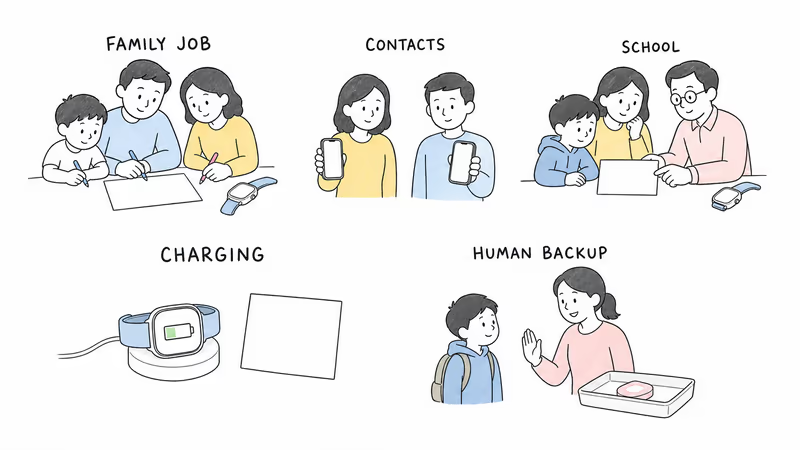
Setup, Service, App, and Caregiver Roles
The watch is only one part of the system.
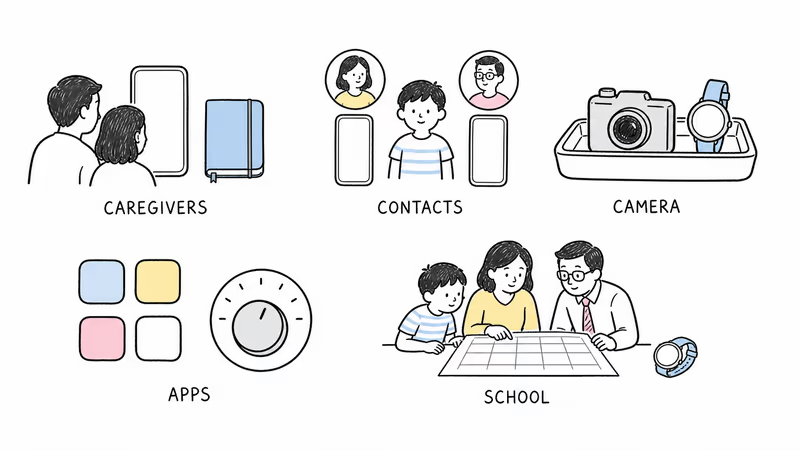
The JrTrack 5 user guide documents eSIM activation, a Cosmo plan, a child profile, watch pairing, and the Mission Control parent app. Cosmo describes the app as the place to approve contacts, view location, configure SafeZones, and manage the device.
The current JrTrack 5 setup guide separates ordinary Contacts from Guardians: Contacts can call and text, while Guardians use an invited app account and can call, message, and view location. Give each person only the access needed, test an invitation and removal, and keep an account-recovery path for the primary caregiver.
Cosmo Mobile service, an active account, coverage, battery, settings, and app delivery all affect the result. Quote current activation, plan, cancellation, warranty, and return terms rather than reusing the old fixed monthly or two-year price.
Contacts, Messages, Camera, Apps, and School
More functions create more policy and privacy decisions.
Cosmo documents approved-contact calling plus text, picture, video, and voice messaging. JrTrack 5 also has a camera and optional parent-managed apps. Confirm who may communicate, whether Guardians can view location and messages, what the child can capture, how media is retained, and how to report an unwanted interaction.
Focus Mode is a family control, not school authorization. Cosmo’s setup guide says ordinary Focus Mode limits functions to time, SOS, and Guardian messaging; its stronger Lockdown option also disables Guardian messages. Test the exact current behavior and obtain school or care-setting permission for wearing, calling, messaging, camera use, location viewing, and storage.
Don’t present a curated app catalog as uniquely safe. Availability changes, third-party accounts may be required, and time limits don’t replace supervision or age-appropriate review.
How Do JrTrack 5 Location and SafeZones Work?
A location mode is not a continuous safety guarantee.
Cosmo’s setup guide says background location defaults to a 30-minute interval and can be adjusted. It separately describes Active Tracking as on-demand updates every 5–10 seconds for 15 minutes. Those are provider descriptions, not HotAirTag measurements or promises.
SafeZone entry and exit notifications depend on the configured background refresh. Power, cellular and satellite conditions, buildings, placement, settings, app permissions, server delivery, a stale timestamp, and separation from the child can all affect what appears. Record the ordinary delay before relying on any boundary rule.
Read the timestamp and mode first, then confirm context through the agreed human channel. A point never proves safety.
Separate SOS, Caregiver Monitoring, and Optional 911
Identify who receives each action and what happens next.
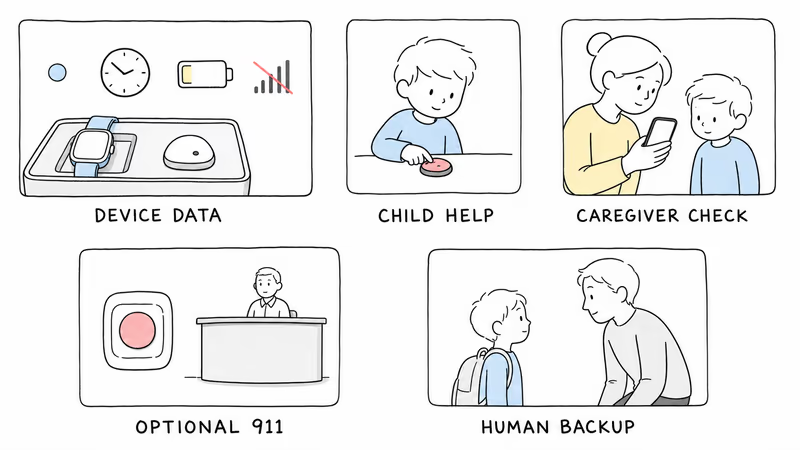
The current setup guide says a long power-button press starts SOS, alerts the primary account holder, and begins Active Tracking for a limited period. It also describes automatic call pickup during SOS with the caregiver initially muted. Families must confirm the exact current behavior, tell the child what it does, obtain any required consent or school permission, and never use audio access for covert monitoring.
Optional 911 is a separate watch setting. Cosmo documents an exposed emergency-calling choice with an additional confirmation and countdown. Confirm whether it’s enabled, teach the child when and how to use it, and avoid test calls to public emergency services.
SOS delivery, a caregiver answer, optional 911 access, public dispatch, and human arrival are not interchangeable. Name a backup caregiver and escalation rule. If a child is missing or in immediate danger, follow the applicable official local response; in the U.S., the National Center for Missing & Exploited Children says to contact local law enforcement immediately.
Battery, Charging, Fit, and Water
Provider labels don’t predict one child’s day.
Cosmo calls JrTrack 5 an all-day device. HotAirTag hasn’t independently tested that duration.
Run a normal school-and-activity day with the actual background refresh, Active Tracking, calls, messages, camera, apps, screen use, signal, temperature, software, and battery age. Record the starting charge, low-battery warning, end-of-day reserve, charging time, cable and clip condition, heat, wrist comfort, skin response, and whether the child can remove or report a problem. Don’t prescribe an unsupported midday top-up as though every unit needs one.
The JrTrack 5 page lists IP68 and water resistance, while Cosmo’s current care language also recommends avoiding swimming, bathing, and full submersion. Follow the exact current instructions and warranty rather than translating a rating into “waterproof.” Dry the watch and charging contacts as directed before charging.
Privacy, Message Review, and Data Boundaries
Approved access still needs a minimum-necessary rule.
Review child profiles, contact and Guardian roles, calls, text and media history, camera use, app activity, locations, SafeZones, Focus schedules, SOS events, device identifiers, account recovery, and any third-party app data. Decide who can see each category, why, for how long, and how the child can ask for correction, less monitoring, or removal.
The FTC recommends checking collection, access, review, and deletion. Parent visibility isn’t unlimited permission.
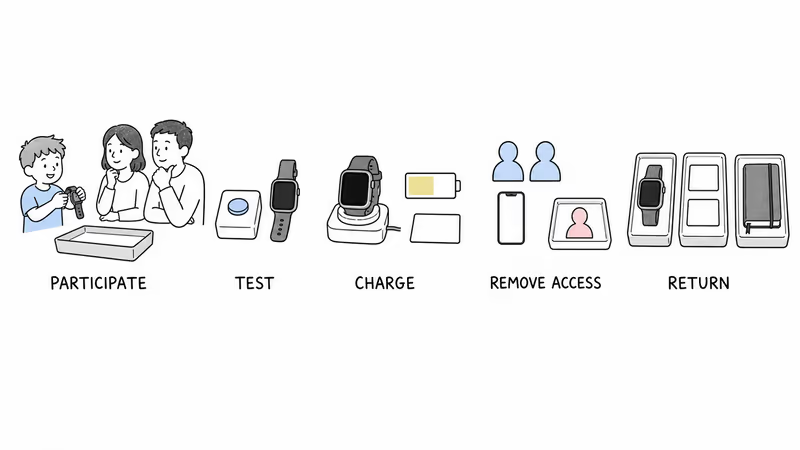
When use ends, remove former Guardians and contacts, cancel or transfer service through the current documented process, reset the exact device, and verify what happens to the profile, messages, media, locations, SafeZones, backups, and third-party accounts. Never hand over an activated family account with personal data.
Run a Reversible Existing-Owner Trial
Retest after any firmware, app, account, service, or school change.
Test an ordinary call and message, Guardian invitation and removal, Focus Mode, one current location request, a delayed SafeZone scenario, low signal, flat battery, a missed caregiver response, account recovery, and the child’s way to report discomfort or unwanted contact. Use announced non-emergency drills and never call 911 merely to test the watch.
Pause for objection, poor fit, school refusal, privacy conflict, charging failure, broken app access, unsupported service, or an unmet response job.
If replacing the device, compare the exact 5 SE offer, app state, service and return terms. Cosmo’s current returns and cancellation page should be checked at the time of action rather than relying on a remembered guarantee.
Bottom Line
JrTrack 5 may remain useful for an existing family whose actual watch, app, service, contacts, school controls, conditional location, SOS and optional 911 paths, charging, privacy, and fallback work as agreed. Its old price, app list, marketing claims, or marketplace availability can’t prove that fit.
New shoppers should verify 5 SE as a separate current offer. The broader location guide covers other system categories.
FAQ
Is Cosmo JrTrack 5 still the current model?
No. Cosmo's current JrTrack 5 page says it has sold out and directs new buyers to JrTrack 5 SE. Existing owners should confirm firmware, app access, service and support for their exact watch.
Should an existing owner replace JrTrack 5 with 5 SE?
Not automatically. Retest the current watch, app, service, contacts, school controls, location, help paths, battery, privacy and support first. Compare 5 SE only if the existing system no longer meets the family job.
How often does JrTrack 5 update location?
Cosmo's setup guide describes a configurable background interval that defaults to 30 minutes and a separate 15-minute Active Tracking session with 5–10 second updates. These are provider descriptions, and actual results depend on power, signal, settings, delivery and the watch staying with the child.
Are JrTrack 5 SafeZone alerts instant?
No guarantee is stated. Cosmo says SafeZone entry and exit notifications depend on the background location-refresh setting. Signal, power, settings, app delivery, boundary size and a stale device position can also affect timing.
What does JrTrack 5 SOS do?
Cosmo's setup guide says SOS alerts the primary account holder and starts a limited Active Tracking session. It also describes automatic call pickup during SOS. Confirm the exact current behavior, disclose it to the child, and keep a backup human response plan.
Can JrTrack 5 call 911?
Cosmo documents optional 911 calling as a separate watch setting with additional confirmation. Confirm whether it's enabled and teach appropriate use; don't confuse it with caregiver SOS or place a test call to public emergency services.
Is JrTrack 5 waterproof and how long does its battery last?
Cosmo lists IP68 water resistance and an all-day battery claim, but recommends avoiding swimming, bathing and full submersion. HotAirTag has not independently tested either claim, so follow current care instructions and trial the real daily workload.