AirTag is an item-finding accessory, not a bike alarm, immobilizer, cellular GPS service, or proof of who has a missing bike. Treat it as one limited layer around the bicycle, never as permission to track a rider or enter a location.
This guide removes hiding maps, frame-disassembly steps, alert countdowns, disabling advice, dual-tracker tactics, fixed prices, recovery promises, and product promotion.
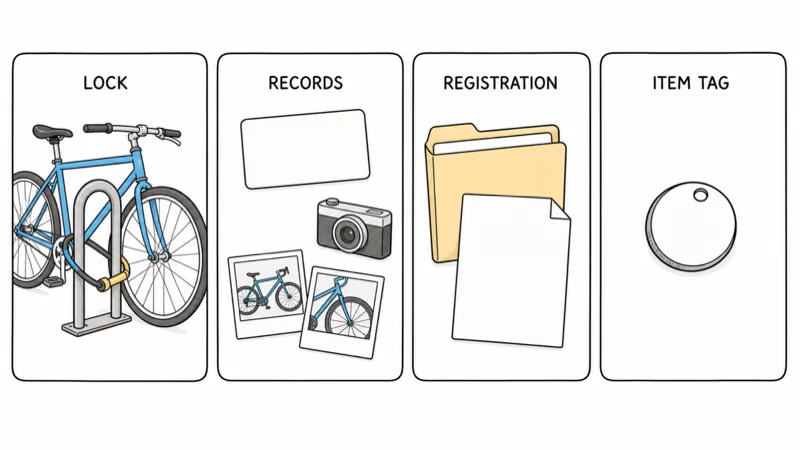
- Protect the bike first. Use a suitable lock, secure parking, identifying records, registration where available, and insurance when appropriate.
- Expect reporting gaps. A Find My point can be delayed, approximate, unavailable, or the last place the AirTag connected to the network.
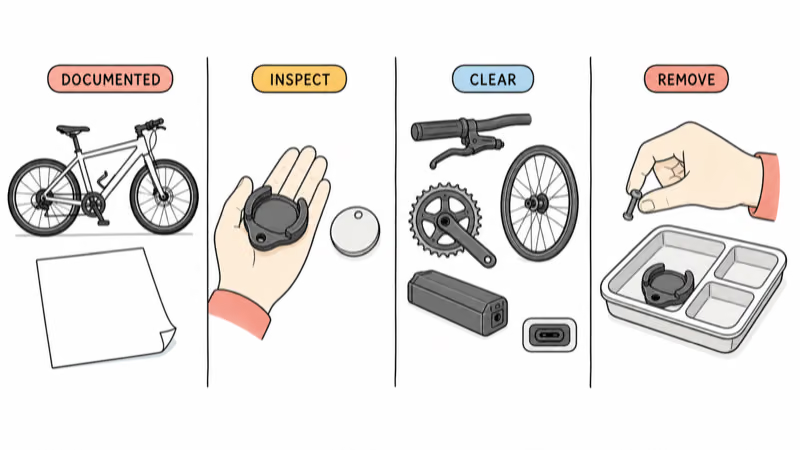
- Keep the attachment serviceable. Use documented hardware that remains inspectable, audible, replaceable, removable, and clear of bicycle controls and hazards.
- Respect every rider. Tell regular borrowers about the AirTag, its viewers, alerts, purpose, and removal plan; use supported sharing when appropriate.
- Report instead of pursuing. Preserve the timestamp and bike records, then contact the relevant venue, insurer, registration service, or police.
Can AirTag Help After a Bike Theft?
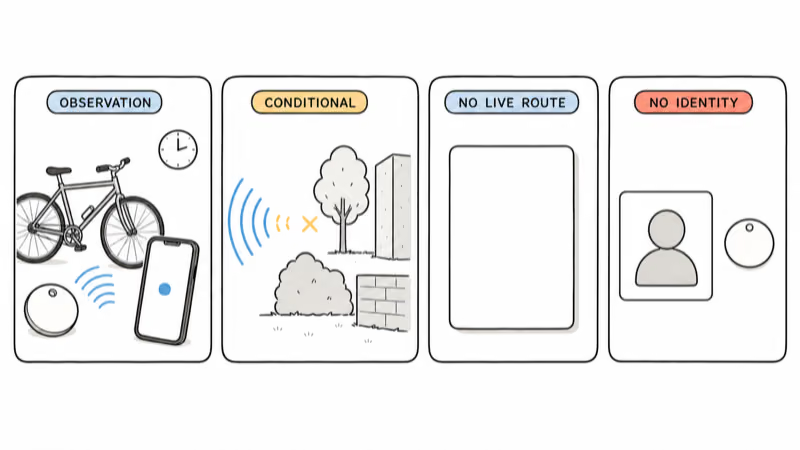
It may provide a conditional observation after an authorized bike goes missing. The outcome depends on whether the AirTag remains powered and intact, participating devices pass nearby, the network can report, the owner’s account is available, and the item remains at or near the observed point.
Apple states that Find My can show an item on a map, provide directions, play a sound, and support nearby finding when current device and environmental requirements are met. Objects between the phone and AirTag can affect nearby-finding performance.
That isn’t a continuous cellular route. Apple’s iPhone guide explains that an item location updates when it connects to the Find My network; when it can’t be located, Find My may show where and when it was last located.
Need authorized live tracking or geofences? Read the AirTag and GPS boundary guide.
Record and Protect the Bike First
Build the recovery record while the bike is in front of you. Keep it private and accessible even if the bicycle and primary phone disappear together:
- clear photographs of both sides and distinctive details;
- manufacturer, model, color, size, frame number, purchase record, and approved registration information;
- lock, parking, workplace, school, transport, insurer, and service contacts relevant to the bike;
- the AirTag serial and Apple Account that manages it; and
- a review date for the lock, attachment, battery indication, viewers, and account access.
Police.uk recommends recording the frame number and registering a bicycle with an approved database so recovered property can be traced back to its owner. Local registration and reporting systems vary, so use the ones recognized where the bicycle is stored and ridden.
Security should match the bicycle and location. A suitable lock, a secure fixed stand, sensible parking, removal of easy-to-take accessories, controlled indoor storage, and insurance may matter more than any tracker.
Understand Find My Observations
A Find My point describes where the AirTag connected to the network, not identity or a live route. It doesn’t prove that the bike remains at an address, that a named person took it, or that the owner has a complete route history.
Read the timestamp and onscreen state before sharing it. Record whether Find My appears current, delayed, unavailable, or last observed, and don’t rewrite that status as a live location.
Apple states that Lost Mode can notify the owner when an item is found and can provide contact information to someone who identifies it. Use the current controls shown on your device rather than relying on an assumed alert window or recovery timer.
The Find My observation-history guide explains why isolated points don’t become a continuous trip log.
Choose a Safe, Serviceable Attachment
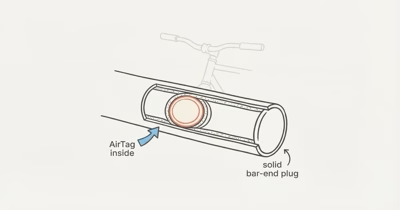
Use a bicycle or holder manufacturer’s documented attachment method. A responsible mount stays inspectable, audible, dry, replaceable, and removable without dismantling the frame or suppressing a safety feature.
Keep every component clear of steering, brake controls and lines, wheels, tires, spokes, drivetrain, suspension travel, lights, heat, charging ports, wiring, battery packs, sharp edges, and any place where it can loosen into moving parts. Check fasteners and clearances according to the exact manuals.
This article doesn’t rank hidden locations, teach tube or frame access, advise false accessories, or recommend decoy and backup trackers. If the safe boundary is unclear, ask the bicycle, e-bike, holder, or tracker manufacturer and use a qualified bike technician.
Follow Find My’s battery indication and Apple’s supported service path. Don’t improvise bicycle power modifications.
Preserve Unwanted-Tracking Protections
Unknown-tracker notifications and sounds protect people. Don’t use them as a countdown to beat, suppress them, or judge a mounting method by how long it evades discovery.
Apple states that an AirTag or compatible item separated from its owner and seen moving with someone over time can trigger a notification or sound. Google states that Android 6 and later supports unknown-tracker alerts for compatible tags.
Tell anyone who regularly borrows, transports, stores, services, or rides the bicycle. Use supported item sharing where it fits, remove viewers who no longer need access, and respond respectfully if someone receives an alert.
For unfamiliar alerts, use the unknown-tracker response guide.
What Should You Do If the Bike Is Missing?
First confirm that a family member, borrower, workplace, school, property manager, transport operator, repair shop, tow service, or other authorized person didn’t move it.
If theft is plausible, preserve useful information without escalating:
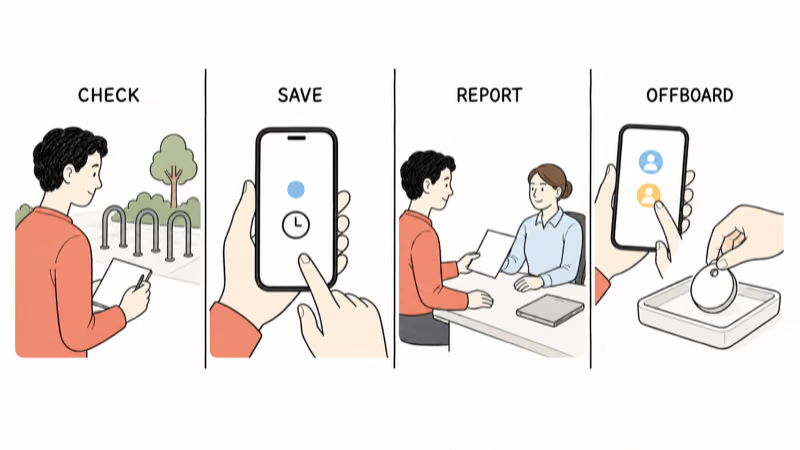
- Check the scene safely. Note the time, lock condition, parking location, witnesses, and available camera or access records without disturbing evidence.
- Save the item status. Capture the Find My point, timestamp, and whether it’s current, delayed, unavailable, or last observed.
- Use current Lost Mode controls. Follow the onscreen Apple instructions and choose contact details appropriate for the situation.
- Report through the right channel. Contact emergency services for an immediate threat; otherwise use the local police, venue, transport, registration, insurer, or property-reporting path that applies.
- Share records privately. Provide the frame number, photos, proof of ownership, case number, AirTag serial, and the exact map status to the authorized responder.
- Don’t self-recover. Don’t follow a person, confront anyone, trespass, enter a home or vehicle, or treat a map point as proof of identity.
Keep later observations with their displayed timestamps and pass them to the assigned responder. Whether police can act, what evidence they need, and how a venue handles property differ by location and incident.
Maintain and Offboard the Setup
Review attachment, sound, battery indication, item assignment, and authorized viewers on a regular schedule.
Recheck after a crash, transport, repair, wheel or brake service, e-bike battery work, or any change to the mount. Stop using the setup if it’s loose, damaged, interfering, or no longer supported by the exact hardware instructions.
When the bicycle is sold, loaned long-term, reassigned, or retired, remove the AirTag and viewers and use the supported transfer, reset, recycling, or disposal path. Delete or update registration and insurer records as required without giving a new owner access to old tracking data.
Bottom Line
AirTag can be one conditional bike-recovery signal, but physical security, ownership records, and safe reporting do the essential work.
Keep the setup serviceable and disclosed to regular riders. Preserve alerts, describe Find My points accurately, and let authorized responders handle recovery rather than relying on concealment, timers, or pursuit.
FAQ
Will AirTag prevent my bike from being stolen?
No. AirTag is an item-finding layer, not a lock, alarm, immobilizer, or theft guarantee. Use suitable physical security, private bike records, registration where available, and insurance when appropriate.
Does a Find My point show my bike's live location?
No. A point may be recent, delayed, unavailable, or the last observation made through the Find My network. Read and preserve the displayed timestamp and status instead of calling it a continuous live route.
Where should I hide an AirTag on a bike?
This guide doesn't provide hiding locations. Use a manufacturer-documented, authorized, serviceable attachment that stays clear of steering, brakes, wheels, drivetrain, heat, wiring, and battery parts.
Should I disable AirTag alerts or sounds for theft recovery?
No. Alerts and sounds are safety features for people who may be traveling with an unfamiliar tracker. Keep them working, tell regular riders, and use supported sharing where appropriate.
What should I share in a stolen-bike report?
Share the frame number, photos, proof of ownership, parking and lock details, case number, AirTag serial, and a private screenshot showing the Find My timestamp and exact status.
Should I go to the location shown in Find My?
Don't follow, confront, trespass, or enter a location based only on a map point. Give the observation and ownership records to the appropriate police, venue, transport, insurer, or property responder.
Can I leave the AirTag when I sell or reassign the bike?
No. Remove the AirTag and old viewers, update registration and insurer records, and follow the supported unpair, transfer, reset, recycling, or disposal path before the bike changes hands.